This course syllabus is designed to help you understand the full structure of WPZTH106: WordPress Zero to Hero – Specialized WordPress Platforms.
This course focuses on using WordPress to build different types of real-world platforms, not only simple websites or blogs. You will explore how WordPress can be used to create eCommerce stores, LMS platforms, membership websites, booking systems, directories, marketplaces, multilingual websites, and other business-specific solutions.
The goal of this syllabus is to give you a clear view of what you will learn, how the modules are organized, and how this course connects to the full WordPress Zero to Hero program.Course Overview
WordPress Zero to Hero – Specialized WordPress Platforms is the sixth course in the WordPress Zero to Hero program.
After learning WordPress fundamentals, theme development, plugin development, and modern WordPress integrations, this course helps you understand how WordPress can be used to build specialized platforms for real business needs.
You will learn how different types of WordPress platforms work, what features they usually need, which plugins and tools are commonly used, how to plan platform structure, and how to think professionally before building or customizing a specialized WordPress solution.
This course is not only about installing plugins. It is about understanding the platform model, business requirements, user roles, workflows, content structure, payment flow, access control, scalability needs, and delivery considerations for each platform type.
By the end of this course, you will be able to analyze different WordPress platform requirements and plan practical solutions for eCommerce, learning, membership, booking, directory, marketplace, community, and multilingual projects.
Course Level
Intermediate to advanced
This course is suitable for you if you already understand WordPress basics, themes, plugins, custom functionality, and modern WordPress concepts.
You do not need to be an expert in every platform type before starting, but you should already be comfortable working with WordPress, plugins, themes, dashboard settings, custom post types, custom fields, and basic site structure.
Course Goal
The main goal of this course is to help you understand how to use WordPress as a foundation for building specialized business platforms.
You will learn how to think beyond normal websites and understand WordPress as a flexible platform for different business models, including online stores, learning platforms, membership portals, booking websites, directories, marketplaces, communities, and multilingual business websites.
This course prepares you to work on real client projects where the website is not only a set of pages, but a complete system with users, workflows, permissions, content types, transactions, and business rules.
What You Will Learn
By the end of this course, you will understand:
● What specialized WordPress platforms are ● The difference between a normal website and a platform ● How WooCommerce websites work ● How to plan eCommerce store structure ● How products, payments, shipping, taxes, and orders connect together ● How LMS platforms work in WordPress ● How courses, lessons, quizzes, learners, instructors, and certificates are structured ● How membership websites work ● How to manage access control, subscriptions, protected content, and user roles ● How booking and appointment platforms work ● How directory and listing websites are structured ● How marketplace websites work and why they are more complex than normal stores ● How multilingual WordPress websites are planned ● How community and portal websites work ● How to choose plugins carefully for specialized platforms ● How to plan workflows before implementation ● How to avoid plugin overload and poor architecture ● How to prepare platform documentation for real projects ● How to build a specialized WordPress platform as a practical final project
Course Requirements
You should complete or understand the topics from the previous courses before starting this course.
Recommended requirements:
● Basic understanding of WordPress dashboard ● Understanding of themes and plugins ● Basic understanding of PHP and WordPress hooks ● Familiarity with custom post types and custom fields ● Basic understanding of forms and integrations ● Ability to install, configure, and test WordPress plugins ● Ability to work with local, staging, and live environments ● Willingness to analyze business requirements before building
You do not need to master WooCommerce, LMS, membership, or marketplace systems before starting. This course introduces these specialized platform types in a structured and practical way.
Target Learner
This course is for you if:
● You want to build more than simple WordPress websites ● You want to understand WordPress as a business platform ● You want to build online stores, LMS websites, membership portals, directories, or booking systems ● You want to work on real client projects with complex requirements ● You want to understand which platform type fits each business case ● You want to avoid depending only on random plugins without planning ● You want to become more professional in WordPress solution design ● You want to prepare yourself for performance, scalability, maintenance, and professional project deliveryPractical Activities
Throughout the course, you will practice:
● Analyzing specialized WordPress project requirements ● Planning user roles and workflows ● Creating platform structure documents ● Setting up WooCommerce basics ● Organizing product categories and attributes ● Planning LMS course structures ● Planning membership access rules ● Planning booking workflows ● Structuring directory listings ● Understanding marketplace complexity ● Planning multilingual website structures ● Testing forms and workflows ● Evaluating plugins before using them ● Creating a platform data map ● Preparing a platform testing checklist ● Building a specialized platform prototype ● Writing project documentation
Final Learning Outcomes
After completing WordPress Zero to Hero – Specialized WordPress Platforms, you will be able to:
● Explain the difference between a normal WordPress website and a specialized platform ● Analyze business requirements for platform-based projects ● Plan user roles, permissions, workflows, and content structures ● Understand WooCommerce store structure and eCommerce workflows ● Understand LMS platform structure and learning workflows ● Understand membership and subscription platform models ● Understand booking and appointment platform requirements ● Understand directory and listing website structure ● Understand marketplace platform complexity ● Understand community and private portal use cases ● Plan multilingual WordPress platforms ● Use forms and workflows as part of business platforms ● Choose plugins carefully for specialized projects ● Plan platform data structure ● Test specialized platforms before delivery ● Build and present a specialized WordPress platform prototype ● Prepare for the next course: Performance & Scalability
Course Completion Result
By the end of this course, you will not only know how to create a basic WordPress website. You will understand how WordPress can be used to build specialized platforms for real business needs.
You will be able to look at a client request and think professionally about the platform type, required features, user roles, workflows, content structure, plugin choices, integrations, risks, and project delivery.
This course helps you move from building simple WordPress websites to planning and building business-focused WordPress platforms.
Next Course
WPZTH107: WordPress Zero to Hero – Performance & Scalability
In the next course, you will learn how to improve WordPress website speed, stability, hosting quality, caching, database performance, media optimization, CDN usage, scalability planning, and performance testing.
This next stage is important because specialized platforms usually need stronger performance, better hosting, careful plugin management, and more reliable technical structure.
Disclaimer
WordPressMakers is an independent educational brand. This course is not affiliated with, endorsed by, sponsored by, or certified by the WordPress Foundation, Automattic, WordPress.com, or WordPress.org.Module 1: Introduction to Specialized WordPress Platforms
Description
This module introduces the idea of specialized WordPress platforms and explains how they are different from normal websites.
You will understand why many businesses use WordPress not only for blogs or company websites, but also for stores, learning platforms, memberships, booking systems, directories, communities, and marketplaces.
Lessons
- What is a specialized WordPress platform?
- Website vs platform
- WordPress as a flexible business system
- Common specialized WordPress platform types
- When WordPress is a good platform choice
- When WordPress may not be the best choice
- Understanding platform users, roles, and workflows
- The danger of building with plugins without planning
- Overview of the Specialized WordPress Platforms course
- How this course connects to the full WordPress Zero to Hero journey
Learning Outcomes
By the end of this module, you will understand what specialized WordPress platforms are, why businesses need them, and how to start thinking about WordPress as a complete platform instead of only a website builder.
Module 2: Platform Planning and Requirement Analysis
Description
Before building any specialized platform, you need to understand the business model, user types, features, workflows, content structure, and technical requirements.
This module teaches you how to analyze a platform before choosing plugins or starting implementation.
Lessons
- Understanding the business goal
- Identifying platform users
- Defining user roles and permissions
- Mapping the user journey
- Understanding platform workflows
- Defining required features
- Separating must-have features from nice-to-have features
- Planning content types and data structure
- Planning integrations and third-party services
- Writing a simple platform requirement document
Learning Outcomes
By the end of this module, you will be able to analyze a specialized WordPress project, identify its requirements, and prepare a clear plan before implementation.
Module 3: WooCommerce Platform Fundamentals
Description
WooCommerce is one of the most important specialized WordPress platforms. This module introduces how WooCommerce transforms WordPress into an eCommerce system.
You will learn the main building blocks of an online store, including products, categories, carts, checkout, payments, shipping, taxes, coupons, and orders.
Lessons
- What is WooCommerce?
- WooCommerce as an eCommerce platform
- Store structure overview
- Product types overview
- Simple products
- Variable products
- Digital and downloadable products
- Product categories, tags, and attributes
- Cart and checkout flow
- Orders and order statuses
- Payment gateways overview
- Shipping methods overview
- Taxes and coupons overview
- WooCommerce settings overview
- Common WooCommerce project mistakes
Learning Outcomes
By the end of this module, you will understand how WooCommerce works and how the main parts of an online store connect together inside WordPress.
Module 4: Building and Structuring WooCommerce Stores
Description
This module focuses on planning and structuring real WooCommerce stores. You will learn how to organize products, design product pages, configure checkout, and prepare the store for practical business use.
The goal is not only to create a store, but to understand how to build one with clear structure, better user experience, and professional setup.
Lessons
- Planning store categories
- Planning product attributes
- Product page structure
- Shop page structure
- Cart page essentials
- Checkout page essentials
- Account page essentials
- Store navigation and filters
- Product images and media
- Basic store policies
- Payment and delivery planning
- Essential WooCommerce plugins
- Avoiding WooCommerce plugin overload
- Testing the customer buying journey
- Preparing a basic WooCommerce store checklist
Learning Outcomes
By the end of this module, you will be able to plan, organize, and configure a WooCommerce store in a professional way.
Module 5: LMS Platforms with WordPress
Description
Learning Management Systems are used to create and sell courses online. This module explains how WordPress can be used to build LMS platforms for training businesses, instructors, schools, and educational brands.
You will understand courses, lessons, quizzes, learners, instructors, certificates, course access, and learning progress.
Lessons
- What is an LMS?
- WordPress as a learning platform
- LMS platform users
- Courses, modules, lessons, and topics
- Quizzes and assignments
- Learner progress tracking
- Certificates and completion rules
- Free courses vs paid courses
- Course access and enrollment
- Instructor and learner roles
- LMS plugins overview
- LMS and WooCommerce integration
- Designing a course page
- Designing a learner dashboard
- Common LMS project mistakes
Learning Outcomes
By the end of this module, you will understand how LMS platforms work in WordPress and how to plan an online learning website with courses, learners, access rules, and learning workflows.
Module 6: Membership and Subscription Platforms
Description
Membership websites allow users to access protected content, private areas, subscriptions, premium resources, communities, or paid services.
This module teaches you how membership platforms work and how WordPress handles access control, user levels, subscription plans, and protected content.
Lessons
- What is a membership website?
- Membership vs subscription
- Membership platform users
- Public content vs protected content
- Free members vs paid members
- Membership levels and plans
- User registration and login flow
- Access control basics
- Recurring payments overview
- Drip content overview
- Member dashboard structure
- Membership plugins overview
- Membership with WooCommerce
- Membership with LMS
- Common membership project mistakes
Learning Outcomes
By the end of this module, you will understand how to plan a membership website and manage user access, protected content, subscriptions, and member experiences.
Module 7: Booking and Appointment Platforms
Description
Booking platforms are used by service businesses such as clinics, consultants, trainers, salons, agencies, events, and rental services.
This module explains how booking systems work and how to plan appointments, calendars, availability, time slots, payments, confirmations, and notifications.
Lessons
- What is a booking platform?
- Appointment booking vs event booking
- Service-based booking websites
- Calendar and availability concepts
- Time slots and schedules
- Booking forms
- Booking confirmation flow
- Email notifications
- Payment before booking vs payment after booking
- Staff and service providers
- Location-based bookings
- Booking plugins overview
- Booking cancellation and rescheduling
- Testing the booking journey
- Common booking project mistakes
Learning Outcomes
By the end of this module, you will understand how booking and appointment systems work and how to plan a WordPress booking platform for real service businesses.
Module 8: Directory and Listing Platforms
Description
Directory websites organize listings such as businesses, services, properties, jobs, places, professionals, products, or resources.
This module teaches you how directory platforms are structured using listings, categories, filters, search, maps, claim listings, reviews, and submission forms.
Lessons
- What is a directory website?
- Directory vs blog vs marketplace
- Listing content structure
- Listing categories and tags
- Custom fields for listings
- Search and filtering
- Location and map features
- Front-end listing submission
- Claim listing feature
- Reviews and ratings
- Paid listings overview
- Featured listings overview
- Directory plugins overview
- Directory user experience
- Common directory project mistakes
Learning Outcomes
By the end of this module, you will understand how to plan and structure a directory or listing platform using WordPress.
Module 9: Marketplace Platforms
Description
Marketplace platforms allow multiple sellers, vendors, instructors, service providers, or businesses to offer products or services through one platform.
This module explains why marketplaces are more complex than normal websites or stores. You will learn about vendors, commissions, dashboards, product submissions, payments, orders, reviews, and platform management.
Lessons
- What is a marketplace?
- Marketplace vs normal WooCommerce store
- Marketplace users and roles
- Vendor registration
- Vendor dashboard
- Product submission flow
- Platform owner role
- Commission models
- Order management
- Vendor payouts overview
- Reviews and ratings
- Marketplace policies
- Marketplace plugins overview
- Marketplace risks and complexity
- When WordPress is suitable for a marketplace
Learning Outcomes
By the end of this module, you will understand how marketplace platforms work and how to evaluate whether WordPress is suitable for a specific marketplace project.
Module 10: Community, Portal, and Private Platform Websites
Description
Some WordPress websites are built around communities, private portals, internal areas, user dashboards, member communication, or business-specific private access.
This module introduces community and portal platforms and explains how to think about profiles, roles, permissions, groups, activity, private content, and user dashboards.
Lessons
- What is a community platform?
- What is a private portal?
- Public website vs private platform
- User profiles
- Groups and communities
- Activity feeds overview
- Private content areas
- Internal dashboards
- User permissions
- Messaging and notifications overview
- Community plugins overview
- Portal use cases
- Client portals
- Learning communities
- Common community and portal mistakes
Learning Outcomes
By the end of this module, you will understand how community and portal websites work and how to plan user-centered private WordPress platforms.
Module 11: Multilingual and Multi-Region WordPress Platforms
Description
Many businesses need websites in more than one language or for more than one region. This module explains how multilingual WordPress platforms work and what you need to consider before building them.
You will learn about language structure, translation workflows, URLs, SEO, content duplication, currency, regional settings, and plugin choices.
Lessons
- What is a multilingual website?
- Multilingual vs multi-region
- Language switchers
- URL structure for languages
- Translating pages and posts
- Translating menus and widgets
- Translating products and platform content
- Multilingual SEO basics
- Currency and regional settings overview
- RTL language considerations
- Translation workflow planning
- Multilingual plugins overview
- Common multilingual mistakes
- Performance considerations
- Planning a multilingual WordPress project
Learning Outcomes
By the end of this module, you will understand how multilingual WordPress platforms are planned and what technical and content decisions affect multilingual projects.
Module 12: Forms, Workflows, and Business Process Platforms
Description
Many specialized platforms depend on forms and workflows. These may include applications, quotations, support requests, lead generation, registration forms, surveys, approvals, and business process automation.
This module explains how forms can become part of a larger WordPress platform.
Lessons
- Forms as platform entry points
- Contact forms vs business forms
- Registration forms
- Application forms
- Quote request forms
- Support request forms
- Multi-step forms
- Conditional logic
- File uploads
- Notifications and confirmations
- Form submissions and data storage
- Approval workflows overview
- Form plugin selection
- Integrating forms with email and CRM tools
- Common form and workflow mistakes
Learning Outcomes
By the end of this module, you will understand how to use forms and workflows as part of specialized WordPress platform solutions.
Module 13: Choosing Plugins for Specialized Platforms
Description
Specialized platforms often depend on plugins, but choosing the wrong plugins can create performance, security, maintenance, and scalability problems.
This module teaches you how to evaluate plugins professionally before using them in serious projects.
Lessons
- Why plugin choice matters
- Free plugins vs premium plugins
- Checking plugin reputation
- Checking update history
- Checking support quality
- Checking compatibility
- Understanding plugin lock-in
- Plugin overlap and conflicts
- Avoiding too many plugins
- Security risks of poor plugins
- Performance risks of heavy plugins
- Testing plugins safely
- Documentation and support checks
- Building a plugin decision checklist
- When to use custom development instead of plugins
Learning Outcomes
By the end of this module, you will be able to evaluate WordPress plugins more professionally and choose tools that fit the project instead of installing plugins randomly.
Module 14: Specialized Platform Architecture and Data Planning
Description
Every specialized WordPress platform has data: users, content, products, orders, bookings, courses, listings, submissions, payments, and settings.
This module explains how to think about platform data structure before implementation.
Lessons
- Understanding platform data
- Content types and custom post types
- Custom fields and metadata
- Taxonomies and categories
- Users and roles
- Relationships between data
- Orders, bookings, enrollments, and submissions
- Files and media structure
- Platform settings
- Data ownership and export
- Data privacy considerations
- Reporting requirements
- Search and filtering requirements
- Scaling data structure carefully
- Creating a simple data map
Learning Outcomes
By the end of this module, you will understand how to plan the data structure of a specialized WordPress platform before building it.
Module 15: Testing Specialized WordPress Platforms
Description
Specialized platforms need serious testing because they include workflows, users, payments, access rules, forms, bookings, orders, and integrations.
This module teaches you how to test a platform from the user’s perspective and from the project owner’s perspective.
Lessons
- Why specialized platforms need testing
- Testing user registration
- Testing login and account pages
- Testing access permissions
- Testing forms and submissions
- Testing checkout and payments
- Testing orders and emails
- Testing bookings and confirmations
- Testing course access and progress
- Testing membership restrictions
- Testing mobile responsiveness
- Testing performance basics
- Testing plugin conflicts
- Preparing a platform testing checklist
- Documenting issues and fixes
Learning Outcomes
By the end of this module, you will be able to test specialized WordPress platforms more carefully and prepare them for real users.
Module 16: Specialized WordPress Platform Final Project
Description
In the final module, you will apply what you learned by planning and building a specialized WordPress platform prototype.
You will choose one platform type and prepare a practical project that demonstrates your understanding of platform structure, user roles, features, workflows, plugin selection, and documentation.
Lessons
- Build one specialized WordPress platform prototype from one of the following options:
- WooCommerce store
- LMS course website
- Membership website
- Booking platform
- Directory or listing website
- Marketplace prototype
- Community or private portal
- Multilingual business website
- Your project should include:
- Clear platform goal
- Defined target users
- User roles and permissions
- Main pages
- Platform workflow
- Required plugins
- Basic design structure
- Content structure
- Forms or user interactions
- Testing checklist
- Basic documentation
- Final project presentation
Learning Outcomes
By the end of this module, you will have a specialized WordPress platform prototype and a clear understanding of how to plan, build, test, and present platform-based WordPress projects.
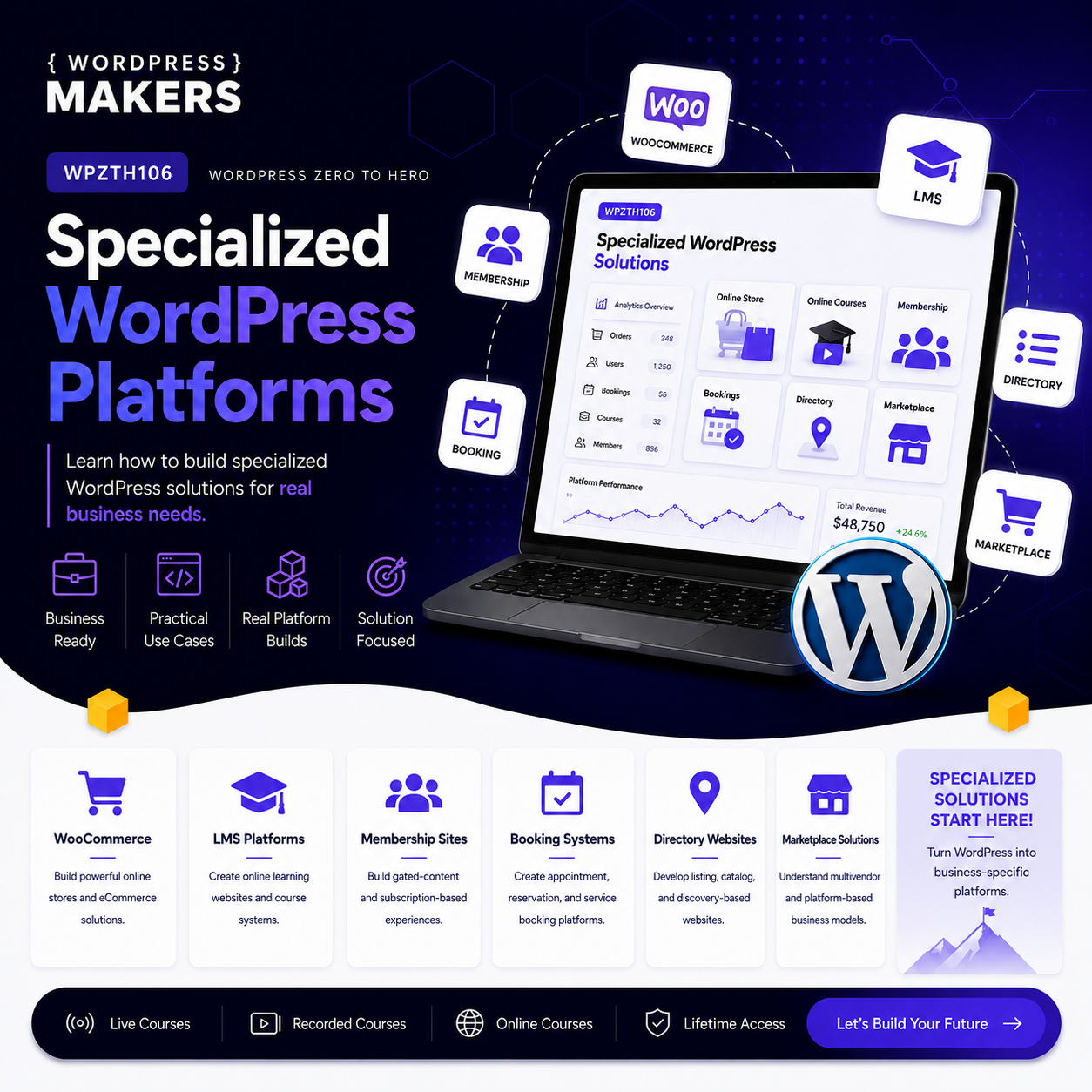
Learn how WordPress is used to build specialized platforms such as online stores, learning platforms, membership sites, and content systems.
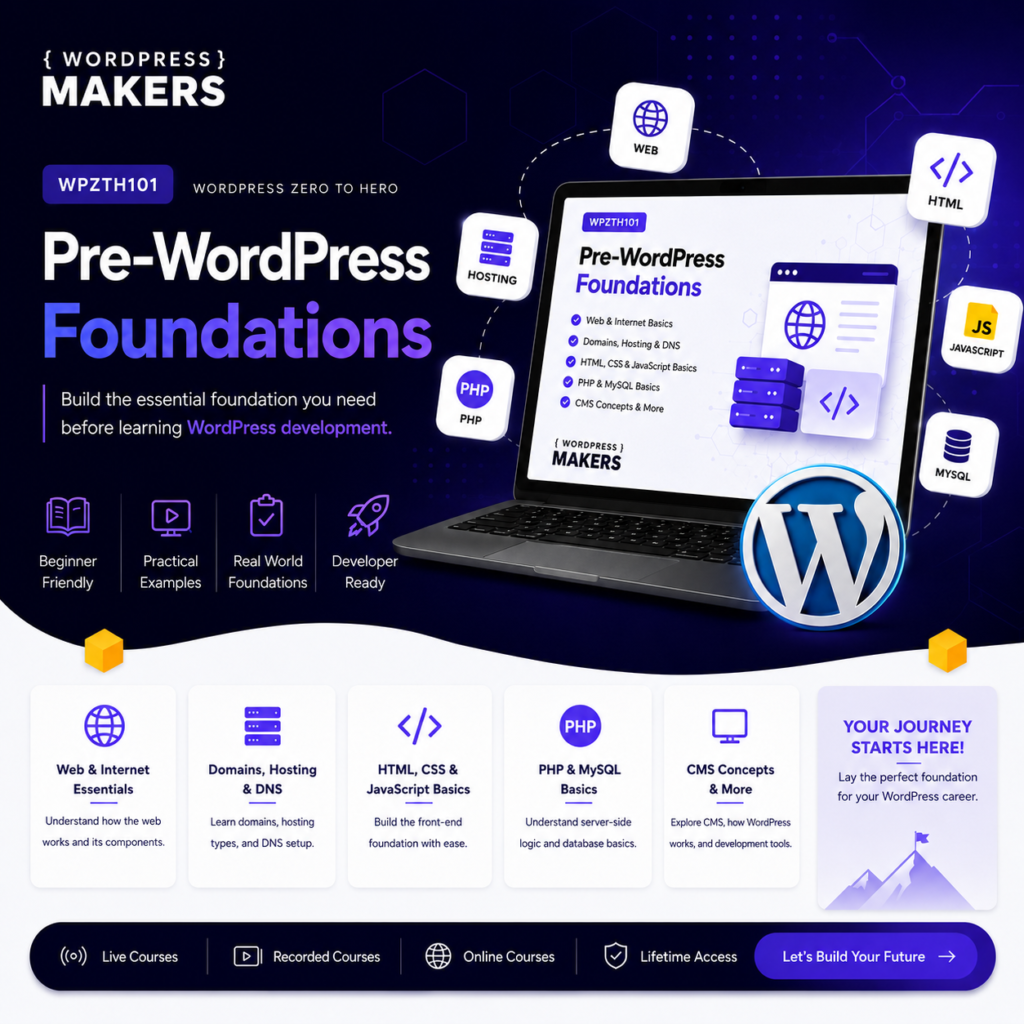
WPZTH101: WordPress Zero to Hero – Pre-WordPress Foundations
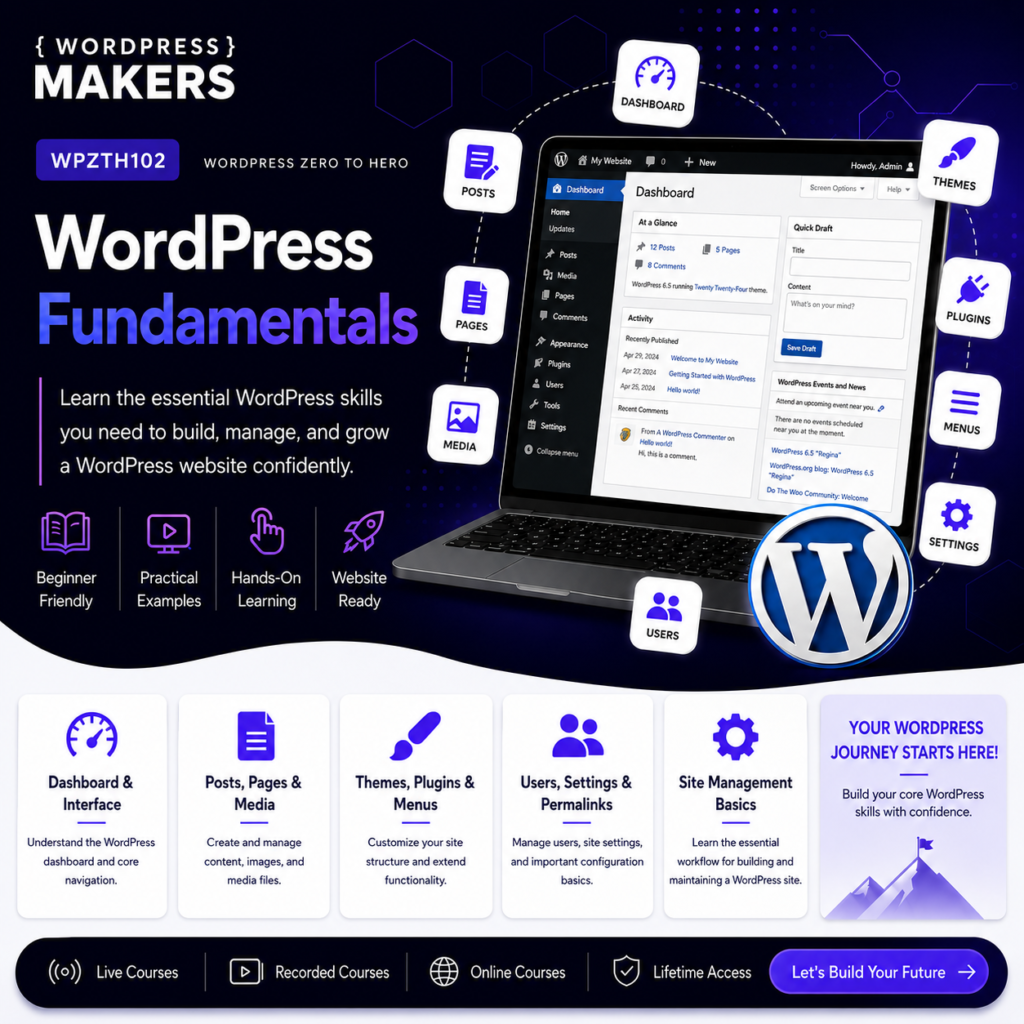
WPZTH102: WordPress Zero to Hero – WordPress Fundamentals
WPZTH103: WordPress Zero to Hero – Theme & Front-end Development
WPZTH104: WordPress Zero to Hero – Plugin & Custom Development
WPZTH105: WordPress Zero to Hero – Modern WordPress & Integrations
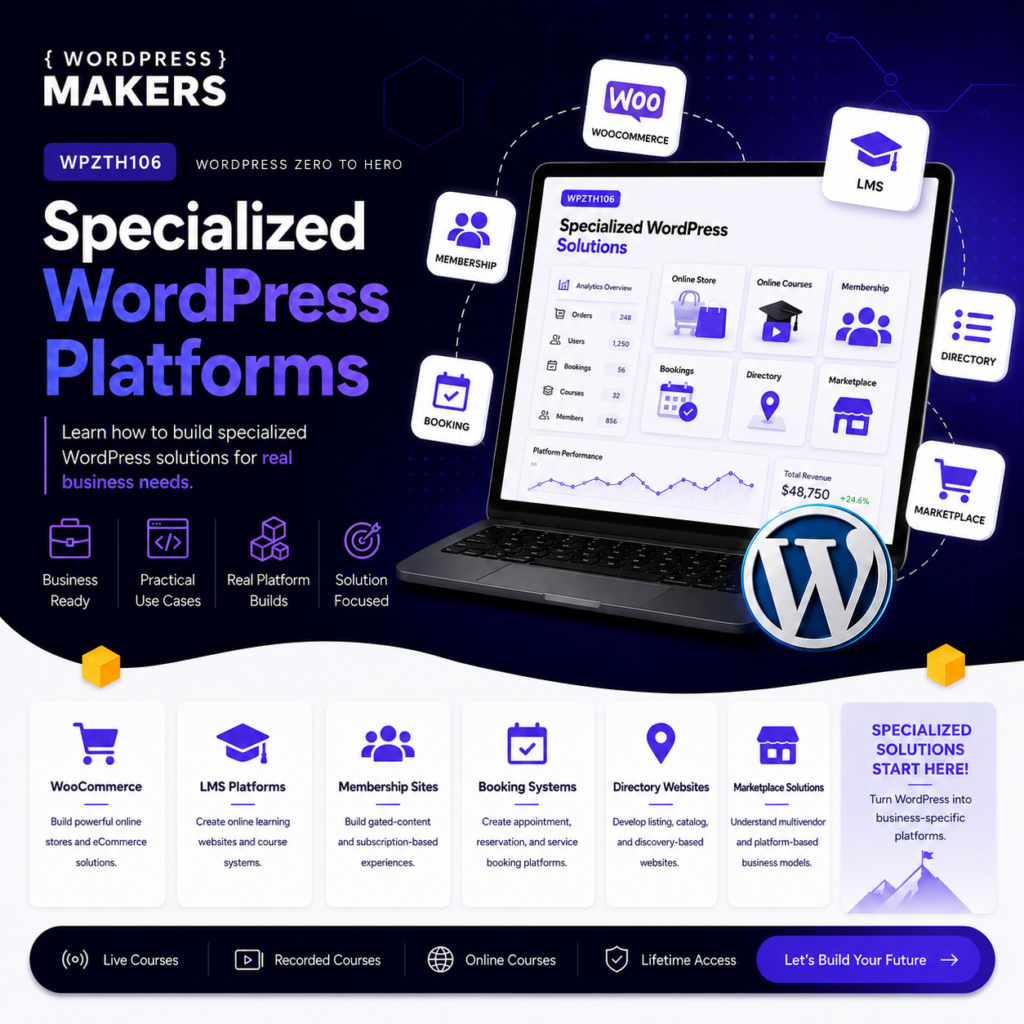
WPZTH106: WordPress Zero to Hero – Specialized WordPress Platforms
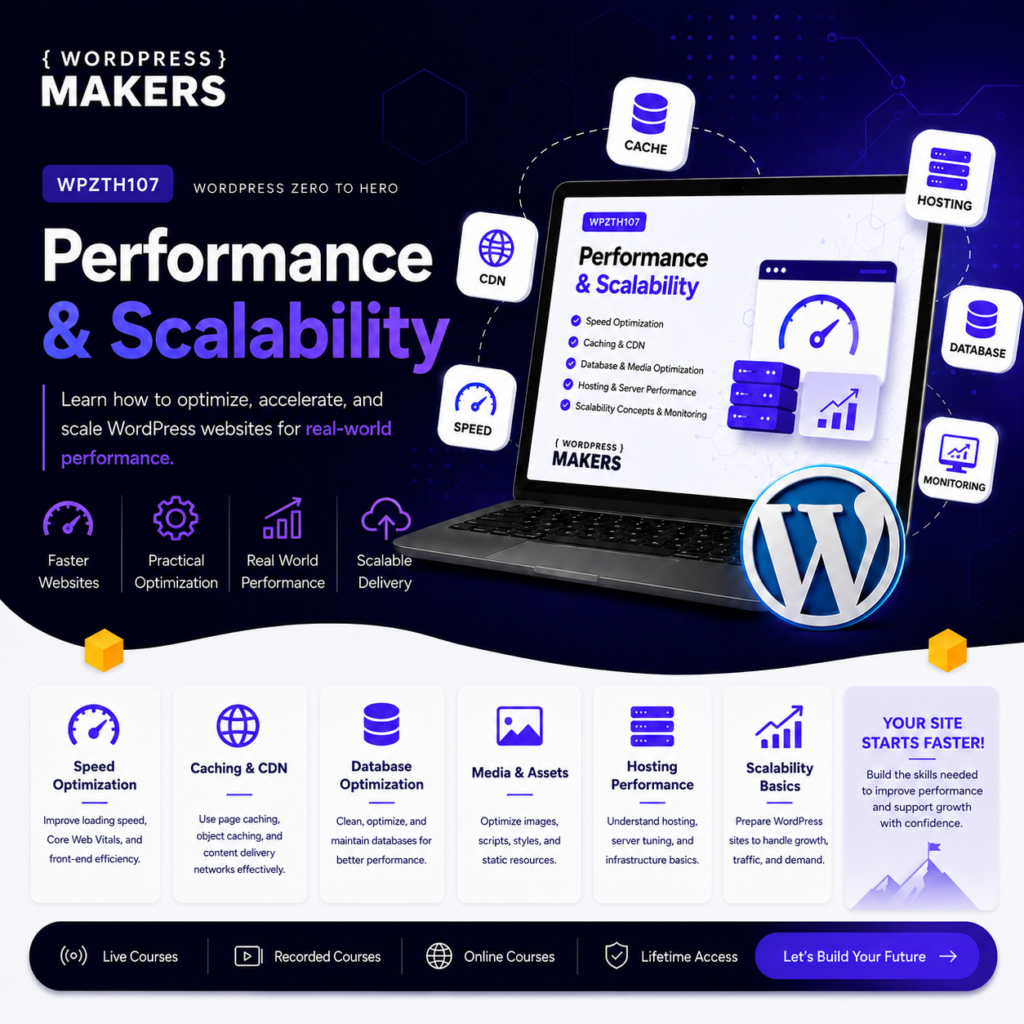
WPZTH107: WordPress Zero to Hero – Performance & Scalability
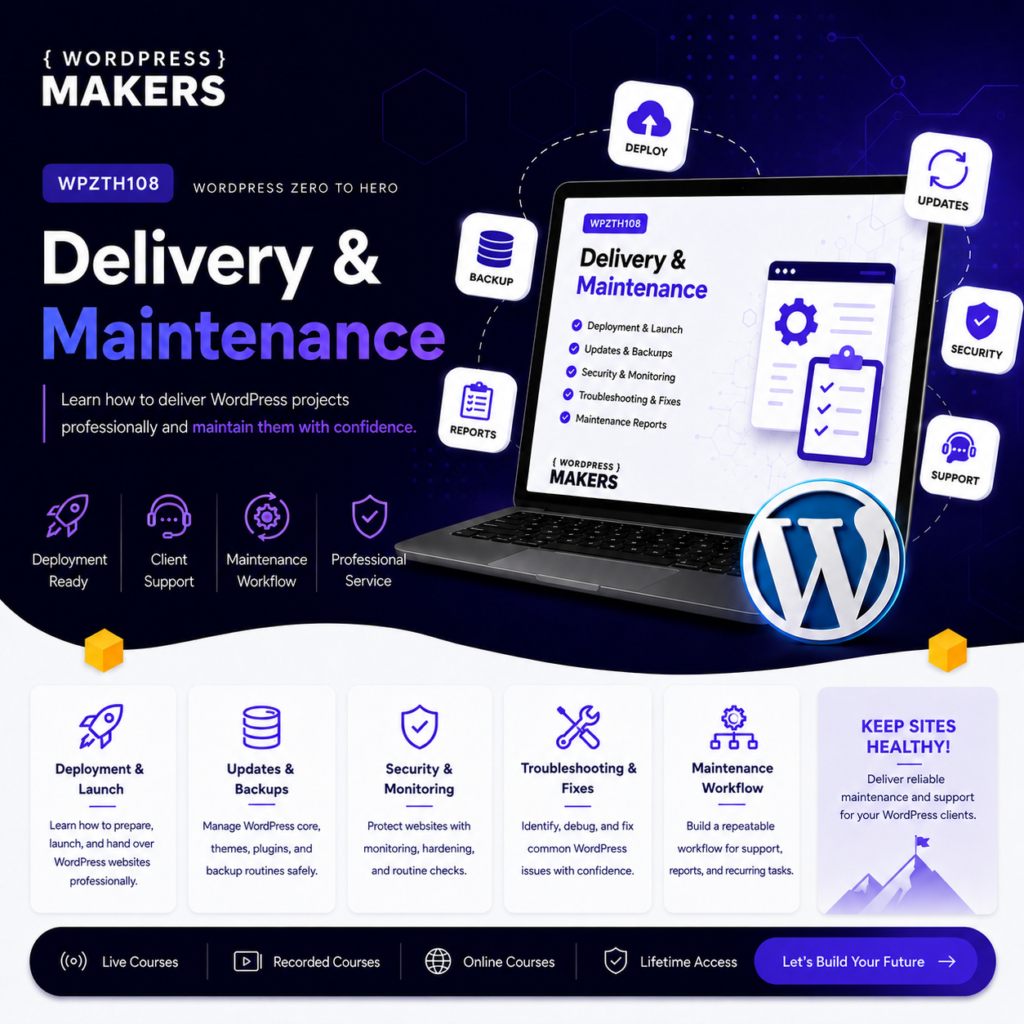
WPZTH108: WordPress Zero to Hero – Delivery & Maintenance
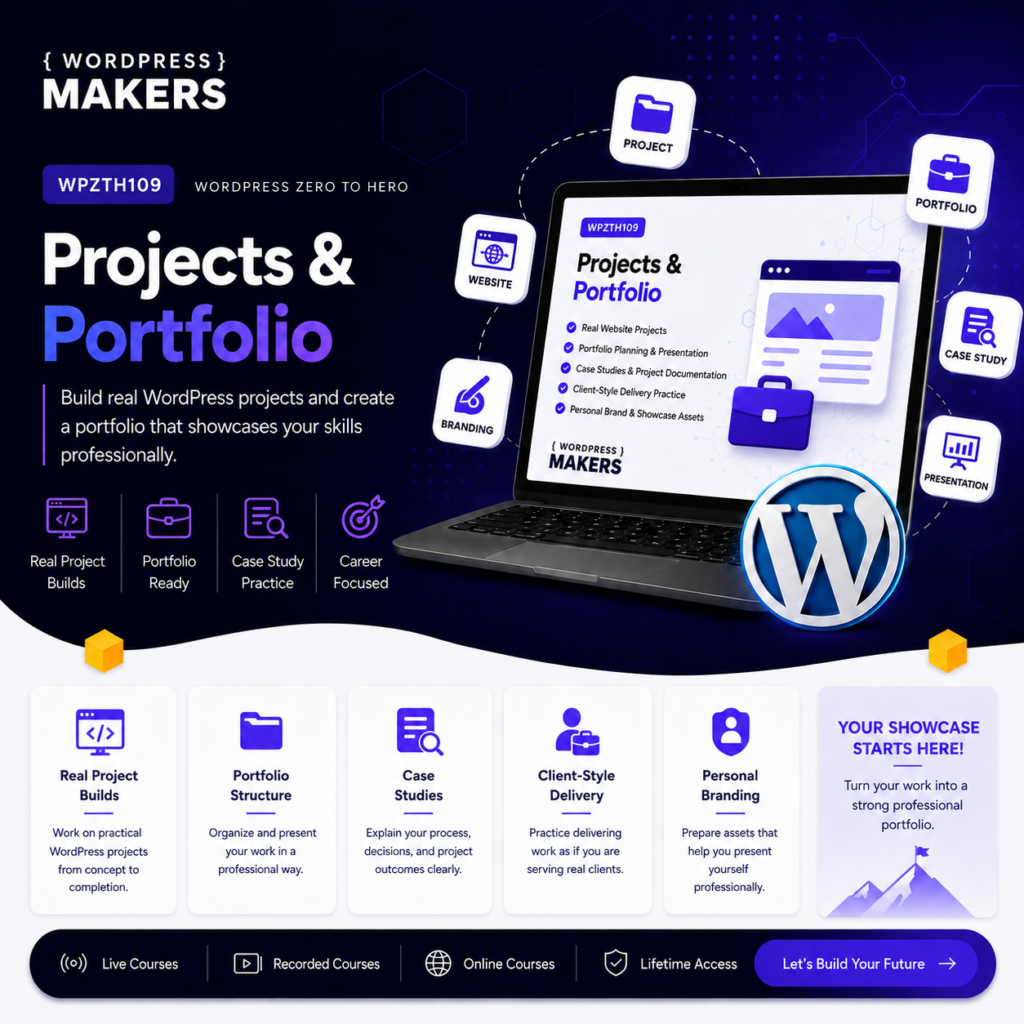
Reviews
There are no reviews yet.