
Course Overview
WPZTH101: WordPress Zero to Hero – Pre-WordPress Foundations is the first course in the WordPress Zero to Hero program. Before learning WordPress itself, you need to understand the world around WordPress. WordPress websites do not work alone. They depend on the internet, the web, browsers, servers, domains, DNS, hosting, web pages, programming concepts, databases, files, tools, and development environments. This course gives you the essential foundation you need before entering the WordPress dashboard, themes, plugins, WooCommerce, performance, maintenance, and real projects. The goal of this course is not to make you a full developer yet. The goal is to help you understand the basic building blocks behind websites so that when you start learning WordPress, you do not feel lost. By the end of this course, you will understand how websites work, how the internet and web connect, how domains and hosting work, how web pages are built, why programming matters, how databases store data, and what tools you need before starting WordPress professionally.Course Level
Beginner This course is suitable for you if you are completely new to website development, new to WordPress, or you have used websites before but do not understand what happens behind the scenes. No previous WordPress development experience is required.Course Goal
The main goal of this course is to prepare you before learning WordPress. You will build a strong understanding of the technologies, concepts, and tools that every WordPress learner should know before entering the WordPress platform itself. After this course, you should be able to understand the environment around WordPress instead of only memorizing steps.What You Will Learn
By the end of this course, you will understand:- What the WordPress Zero to Hero journey is
- How to think like a beginner developer
- The difference between the internet and the web
- How browsers, servers, requests, and responses work
- What domains, DNS, hosting, HTTP, HTTPS, and SSL mean
- The role of HTML, CSS, and JavaScript in web pages
- The difference between front-end and back-end
- Basic programming concepts such as variables, conditions, loops, functions, arrays, and objects
- Why PHP is important for WordPress
- What databases are and why websites need them
- The difference between website files and database data
- What CMS means and why WordPress is a CMS
- The tools you need before starting WordPress
- How local, staging, and live environments are different
- Basic file and folder concepts
- Basic Git and GitHub concepts
- How to use browser developer tools for inspection and basic debugging
- How this course prepares you for WordPress Fundamentals
Course Requirements
You do not need advanced technical experience before starting this course. However, you should have:- Basic computer skills
- Ability to use a browser
- Ability to install software
- Interest in websites and WordPress
- Willingness to practice and test
- Willingness to search, read, and solve problems gradually
Target Learner
This course is for you if:- You want to learn WordPress from zero
- You want to understand websites before using WordPress
- You do not want to depend only on random tutorials
- You want to become a WordPress developer in a structured way
- You want to understand the technologies behind WordPress
- You feel confused by words like hosting, DNS, server, database, PHP, or CMS
- You want a strong foundation before learning the WordPress dashboard
- You want to prepare yourself for real WordPress projects
Practical Activities
Throughout the course, you will practice:- Explaining how websites work
- Comparing internet and web concepts
- Reading domain, DNS, and hosting settings
- Building a simple HTML page
- Styling a page with CSS
- Adding simple JavaScript interaction
- Understanding basic PHP examples
- Understanding simple database examples
- Organizing files and folders
- Using browser developer tools
- Creating a basic GitHub repository
- Writing simple project documentation
- Preparing a final foundation project
Final Learning Outcomes
After completing WPZTH101: WordPress Zero to Hero – Pre-WordPress Foundations, you will be able to:- Explain how websites work from browser to server
- Understand the difference between the internet and the web
- Understand domains, hosting, DNS, HTTP, HTTPS, and SSL
- Explain the role of HTML, CSS, and JavaScript
- Understand the difference between front-end and back-end
- Understand basic programming concepts
- Understand why PHP matters for WordPress
- Understand what databases are and why websites need them
- Explain what a CMS is
- Understand the basic tools needed before WordPress
- Understand local, staging, and live environments
- Organize basic website files and folders
- Understand basic Git and GitHub concepts
- Use browser developer tools for basic inspection
- Complete a simple pre-WordPress foundation project
- Prepare for the next course: WordPress Fundamentals
Course Completion Result
By the end of this course, you will not start WordPress blindly. You will understand the environment around WordPress and the basic technologies that make websites work. You will be ready to move into WordPress Fundamentals with confidence because you will already understand the web, hosting, domains, DNS, web pages, programming basics, PHP, databases, tools, and development environments. This course gives you the base you need before touching WordPress deeply.Next Course
WPZTH102: WordPress Zero to Hero – WordPress Fundamentals
In the next course, you will start learning WordPress itself. You will explore the WordPress dashboard, posts, pages, media, menus, themes, plugins, users, roles, settings, permalinks, and basic website management. You will move from understanding the environment around WordPress to using WordPress professionally from the inside.Disclaimer
WordPressMakers is an independent educational brand. This course is not affiliated with, endorsed by, sponsored by, or certified by the WordPress Foundation, Automattic, WordPress.com, or WordPress.org.Module 1: Introduction to the WordPress Zero to Hero
Description
This module introduces the complete WordPress Zero to Hero program and explains where Pre-WordPress Foundations fits inside the full learning path. You will understand why this course comes before WordPress Fundamentals and why learning the basics of the web is important before using WordPress professionally.
Lessons
- Welcome to WordPress Zero to Hero
- What does “Zero to Hero” mean?
- Overview of the full WordPress Zero to Hero program
- Why this course comes before WordPress Fundamentals
- The difference between using WordPress and understanding WordPress
- How this course prepares you for the next stages
- How to study and practice during this course
Learning Outcomes
By the end of this module, you will understand the purpose of the course, the full learning roadmap, and how Pre-WordPress Foundations prepares you for the rest of the program.
Module 2: Thinking Like a Developer
Description
Before learning tools and technologies, you need to understand how developers think. This module introduces problem-solving, logical thinking, structured learning, debugging mindset, and how to avoid depending only on copy-paste learning.
Lessons
- What does a developer actually do?
- Problem-solving basics
- Breaking big problems into small parts
- Learning by testing and experimenting
- Searching and reading documentation
- Trial, error, and debugging mindset
- Why memorizing steps is not enough
- How to learn technical topics effectively
Learning Outcomes
By the end of this module, you will understand how to approach technical problems in a structured way and how to build the mindset needed for WordPress development.
Module 3: Internet and Web Fundamentals
Description
This module explains the basic concepts behind the internet and the web. You will understand what happens when someone opens a website and how browsers communicate with servers.
Lessons
- What is the internet?
- What is the web?
- Internet vs Web
- What is a browser?
- What is a server?
- What is a client?
- What happens when you type a website URL?
- Request and response explained simply
- Introduction to HTTP and HTTPS
- Common website loading problems
Learning Outcomes
By the end of this module, you will understand the relationship between the browser, server, website files, and the request-response cycle.
Module 4: Domains, DNS, Hosting, and SSL
Description
This module explains how websites become accessible online. You will learn what domains, DNS, hosting, servers, IP addresses, nameservers, and SSL certificates mean in practical website projects.
Lessons
- What is a domain name?
- What is hosting?
- What is a server?
- What is an IP address?
- What is DNS?
- Nameservers explained simply
- A Record, CNAME, MX, and TXT records
- Connecting a domain to hosting
- What is SSL?
- HTTP vs HTTPS
- Shared hosting vs VPS vs cloud hosting
- Common domain and hosting mistakes
Learning Outcomes
By the end of this module, you will understand how domains, hosting, DNS, and SSL work together to make a website available online.
Module 5: Web Page Building Fundamentals
Description
This module introduces the core technologies used to build web pages: HTML, CSS, and JavaScript. You will understand the role of each technology and how they work together to create the structure, design, and behavior of a web page.
Lessons
- What is a web page?
- What is HTML?
- HTML structure and common elements
- What is CSS?
- Styling text, colors, spacing, and layout
- What is JavaScript?
- Basic interaction with JavaScript
- Static websites vs dynamic websites
- Responsive design basics
- How websites display on different devices
Learning Outcomes
By the end of this module, you will understand how web pages are built and how HTML, CSS, and JavaScript work together.
Module 6: Front-End, Back-End, and Full Website Flow
Description
This module helps you understand the difference between what users see and what happens behind the scenes. You will learn the difference between front-end, back-end, server-side code, client-side code, and full website flow.
Lessons
- What is front-end?
- What is back-end?
- Client-side vs server-side
- Static websites vs dynamic websites
- How a dynamic website works
- How forms send data
- How pages are generated
- How WordPress uses front-end and back-end concepts
Learning Outcomes
By the end of this module, you will understand the basic flow of a website from user action to server response.
Module 7: Basic Programming Concepts
Description
This module introduces the programming ideas you need before learning WordPress development. You will learn the meaning of variables, conditions, loops, functions, arrays, and objects in a simple and practical way.
Lessons
- What is programming?
- Variables and values
- Data types
- Conditions
- Loops
- Functions
- Arrays
- Objects
- Reusing code
- Reading simple errors
- Applying programming logic in website examples
Learning Outcomes
By the end of this module, you will understand the basic logic used in programming and be ready to connect these concepts to PHP and WordPress later.
Module 8: PHP Foundations Before WordPress
Description
WordPress is built mainly with PHP. This module introduces PHP at a simple foundation level. The goal is not to master PHP yet, but to understand why PHP matters and how it helps websites generate dynamic pages.
Lessons
- What is PHP?
- Why PHP is important for WordPress
- PHP files and server-side execution
- Variables in PHP
- Conditions in PHP
- Loops in PHP
- Functions in PHP
- Arrays in PHP
- Including files
- How PHP generates HTML
- How PHP connects to WordPress later
Learning Outcomes
By the end of this module, you will understand how PHP works at a basic level and why it is important before learning WordPress themes and plugins.
Module 9: Database Fundamentals
Description
Most real websites need databases. A database stores content, users, settings, products, comments, and other important information. This module explains databases in a simple way and prepares you to understand how WordPress stores data later.
Lessons
- What is a database?
- Tables, rows, columns, and records
- What is a query?
- Introduction to MySQL
- Why websites need databases
- Files vs database
- What type of data can websites store?
- Why backups must include files and database
- Common database-related website problems
- How WordPress uses a database later
Learning Outcomes
By the end of this module, you will understand how databases store website data and why databases are a critical part of dynamic websites.
Module 10: CMS Concepts Before WordPress
Description
Before learning WordPress, you need to understand what a Content Management System is. This module explains why CMS platforms exist and how they help users manage websites without building everything from scratch.
Lessons
- What is a CMS?
- Why content management systems exist
- Static website vs CMS website
- Website builder vs CMS
- CMS users and roles
- Content, design, and functionality
- Themes and templates concept
- Plugins and extensions concept
- CMS strengths and limitations
- Why WordPress is a CMS
Learning Outcomes
By the end of this module, you will understand the concept of a CMS and why WordPress is part of a larger category of content management systems.
Module 11: Essential Tools Before WordPress
Description
This module introduces the basic tools you need before starting WordPress professionally. You will learn about browsers, code editors, local development tools, FTP/SFTP tools, hosting panels, and basic productivity tools.
Lessons
- Choosing a browser for development
- Browser Developer Tools overview
- Code editors and why they matter
- Visual Studio Code overview
- Local development tools overview
- LocalWP, XAMPP, and Laragon overview
- Hosting control panels overview
- FTP and SFTP concept
- File compression and extraction
- Basic project organization on your computer
Learning Outcomes
By the end of this module, you will understand the main tools used in website and WordPress work and why each tool matters.
Module 12: Local, Staging, and Live Environments
Description
Professional website work should not happen directly on a live website without understanding environments. This module explains the difference between local, staging, and live websites and when to use each environment.
Lessons
- What is a local environment?
- What is a staging environment?
- What is a live environment?
- Why you should not test directly on live websites
- Moving from local to live concept
- Moving from live to local concept
- Backups before changes
- Testing safely
- Common environment mistakes
- How this prepares you for WordPress projects
Learning Outcomes
By the end of this module, you will understand how website environments work and why safe testing is important.
Module 13: Files, Folders, and Website Structure
Description
This module explains how website files and folders are organized. You will learn the difference between files, folders, assets, configuration files, uploads, and database data.
Lessons
- What are website files?
- What are folders and directories?
- File extensions explained simply
- HTML, CSS, JS, PHP, and image files
- Assets folder concept
- Configuration files concept
- Uploads and media files
- Website files vs database
- What not to edit without understanding
- Safe file management practices
Learning Outcomes
By the end of this module, you will understand how website files are organized and how this prepares you to understand WordPress file structure later.
Module 14: Git and GitHub Basics
Description
Professional developers use version control to track changes and manage code. This module introduces Git and GitHub in a simple way so you can understand why they matter before building real projects.
Lessons
- What is version control?
- What is Git?
- What is GitHub?
- Repository basics
- Commit basics
- Tracking changes
- Branches overview
- Pushing code to GitHub
- Writing a simple README file
- How GitHub supports your portfolio
Learning Outcomes
By the end of this module, you will understand the basics of Git and GitHub and be ready to use them in future WordPress projects.
Module 15: Browser Developer Tools and Basic Debugging
Description
A developer needs to inspect, test, and debug websites. This module introduces browser developer tools and shows you how to inspect HTML and CSS, check console errors, and understand basic network requests.
Lessons
- What are browser developer tools?
- Inspecting HTML elements
- Editing CSS temporarily
- Testing responsive design
- Console overview
- Understanding JavaScript errors
- Network tab basics
- Checking loaded files
- Debugging layout problems
- Debugging mindset before WordPress
Learning Outcomes
By the end of this module, you will be able to use browser developer tools to inspect and troubleshoot basic website problems.
Module 16: Pre-WordPress Foundations Final Project
Description
In the final module, you will apply what you learned by creating a simple pre-WordPress foundation project. This project is not a full WordPress website yet. It is a practical foundation project that proves you understand the web environment before entering WordPress.
Final Project
Create a simple foundation project that includes:
- A basic HTML page
- Basic CSS styling
- Simple JavaScript interaction
- Explanation of how the page loads in the browser
- A short note explaining domain, hosting, and DNS
- A short note explaining front-end and back-end
- A short note explaining PHP and database concepts
- Organized project files and folders
- A GitHub repository
- A simple README file
- Basic inspection using browser developer tools
Learning Outcomes
By the end of this module, you will have a simple practical project that connects the main foundation topics together and prepares you for WordPress Fundamentals.
Learn the essential concepts, structure, and workflow of WordPress before moving into advanced development.
WPZTH101: WordPress Zero to Hero – Pre-WordPress Foundations
WPZTH102: WordPress Zero to Hero – WordPress Fundamentals
WPZTH103: WordPress Zero to Hero – Theme & Front-end Development
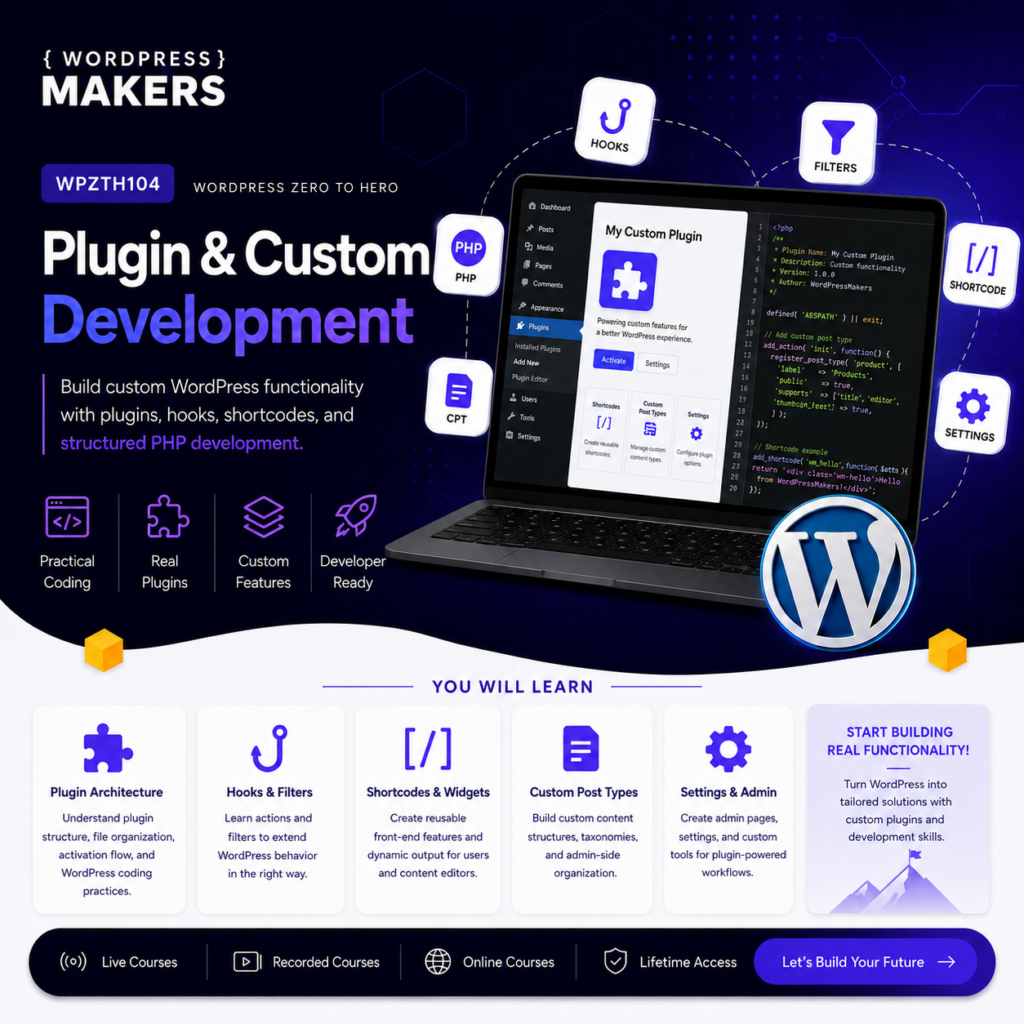
WPZTH104: WordPress Zero to Hero – Plugin & Custom Development
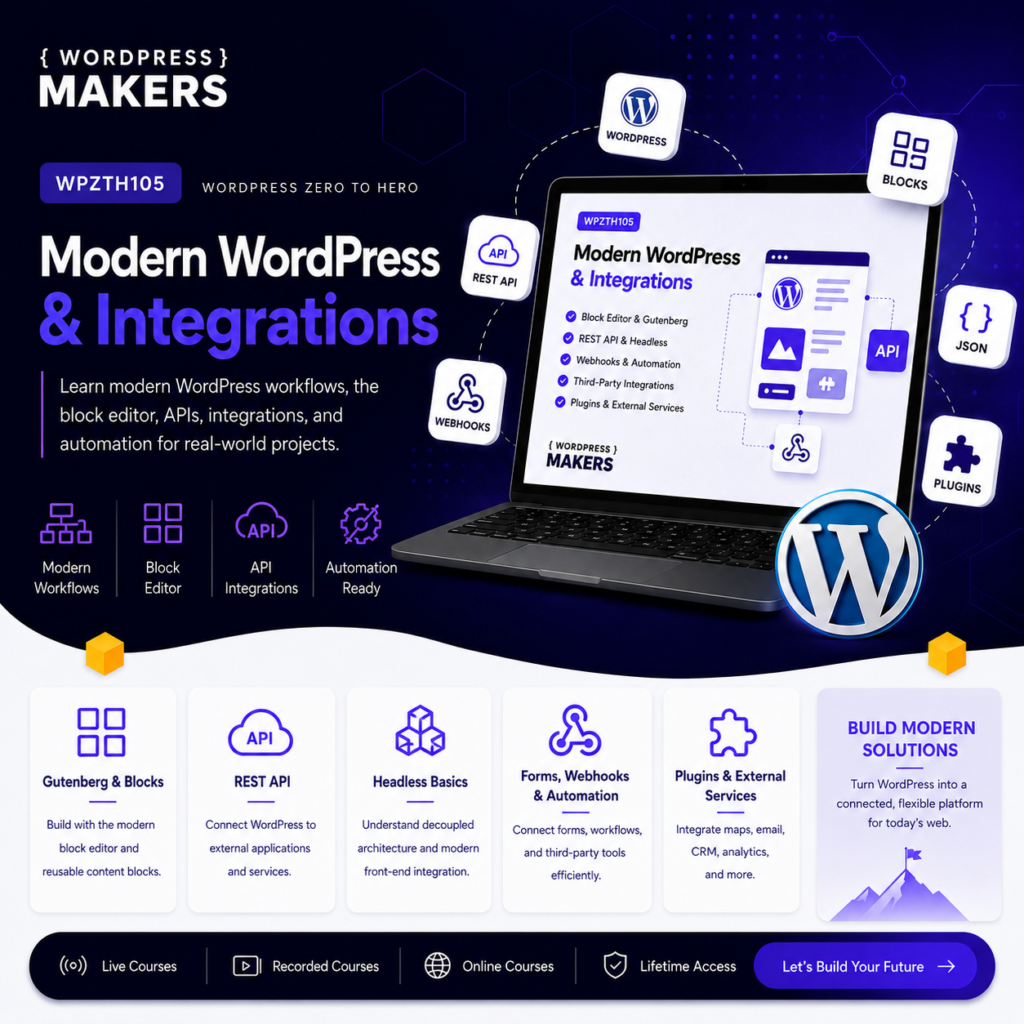
WPZTH105: WordPress Zero to Hero – Modern WordPress & Integrations
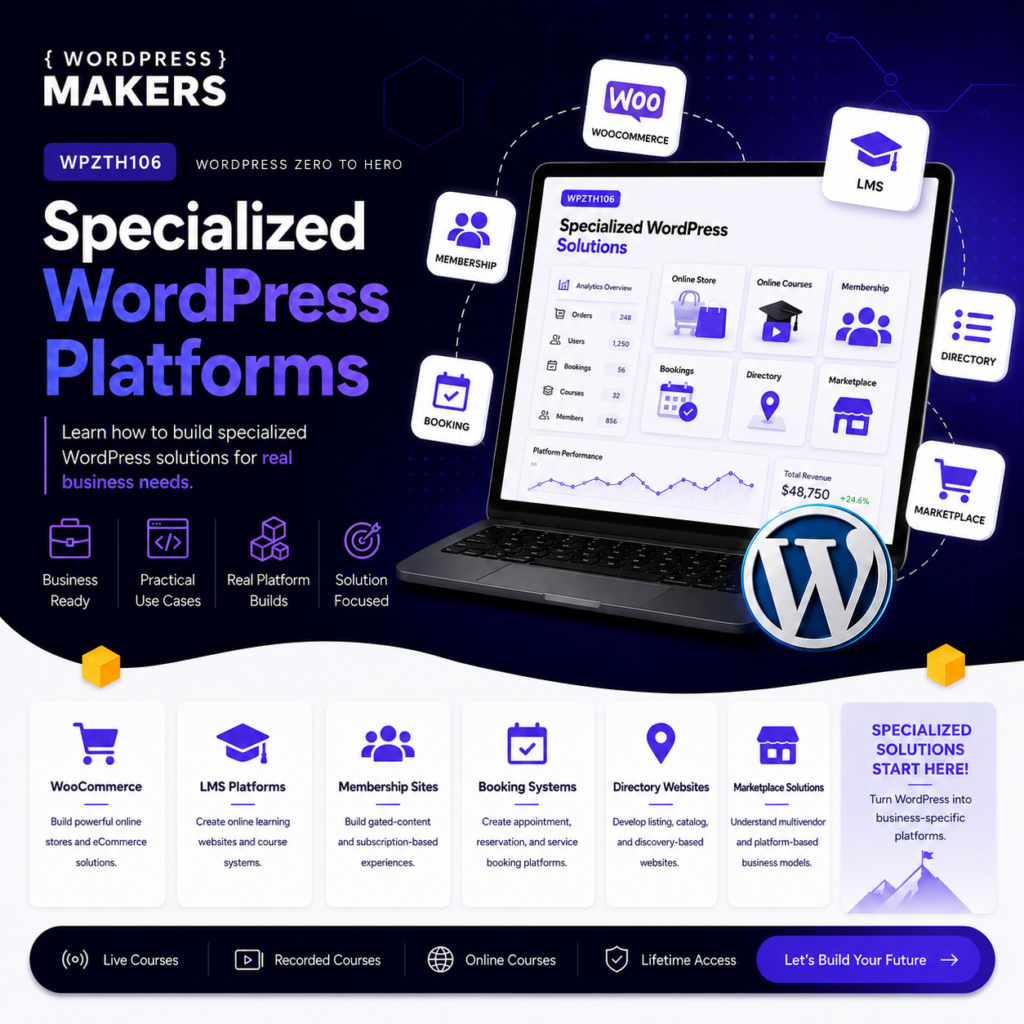
WPZTH106: WordPress Zero to Hero – Specialized WordPress Platforms
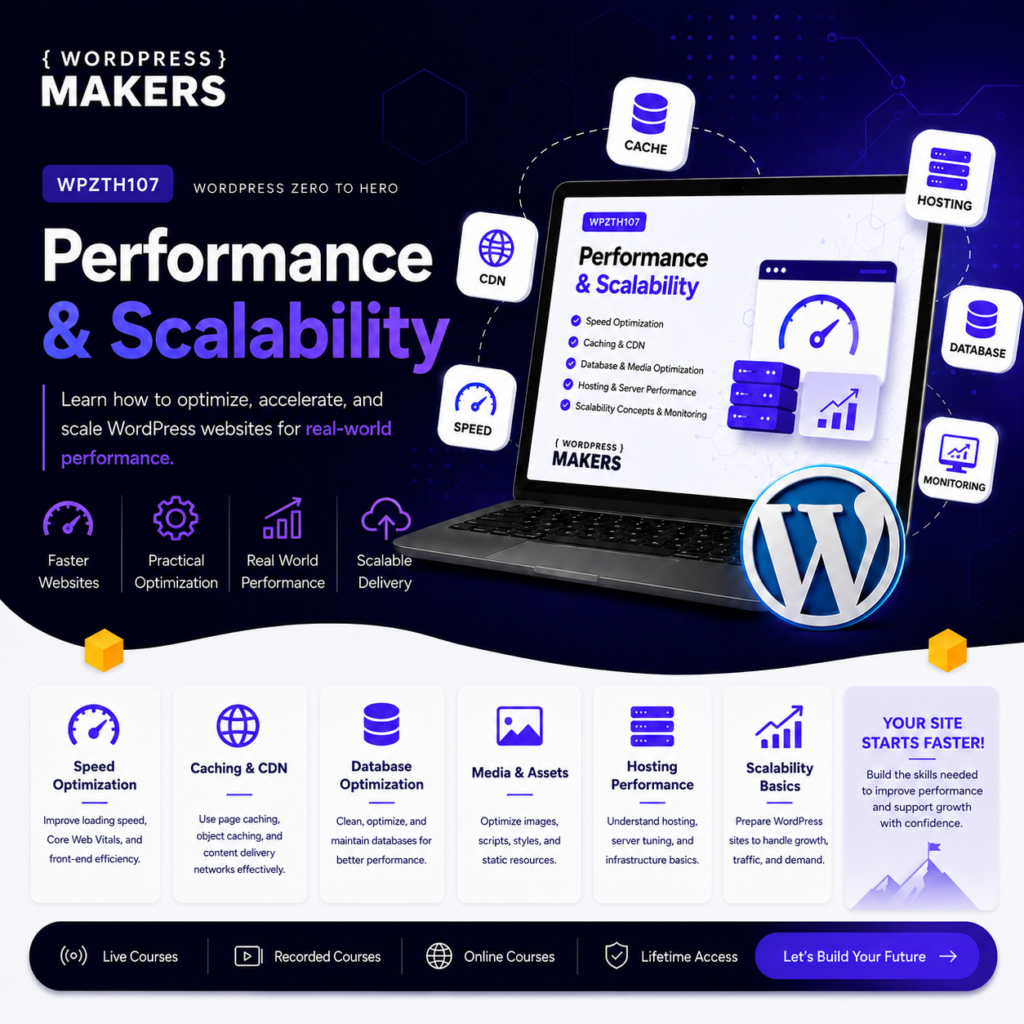
WPZTH107: WordPress Zero to Hero – Performance & Scalability
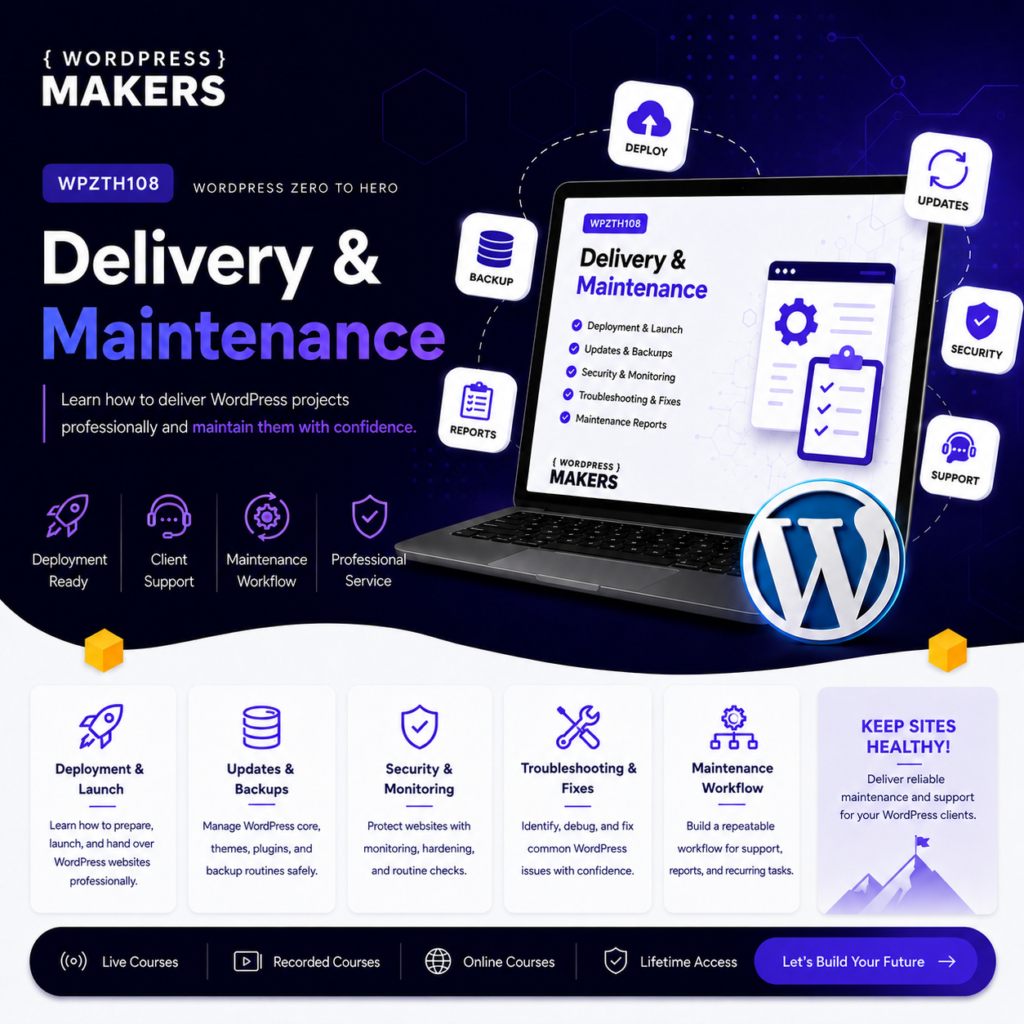
WPZTH108: WordPress Zero to Hero – Delivery & Maintenance
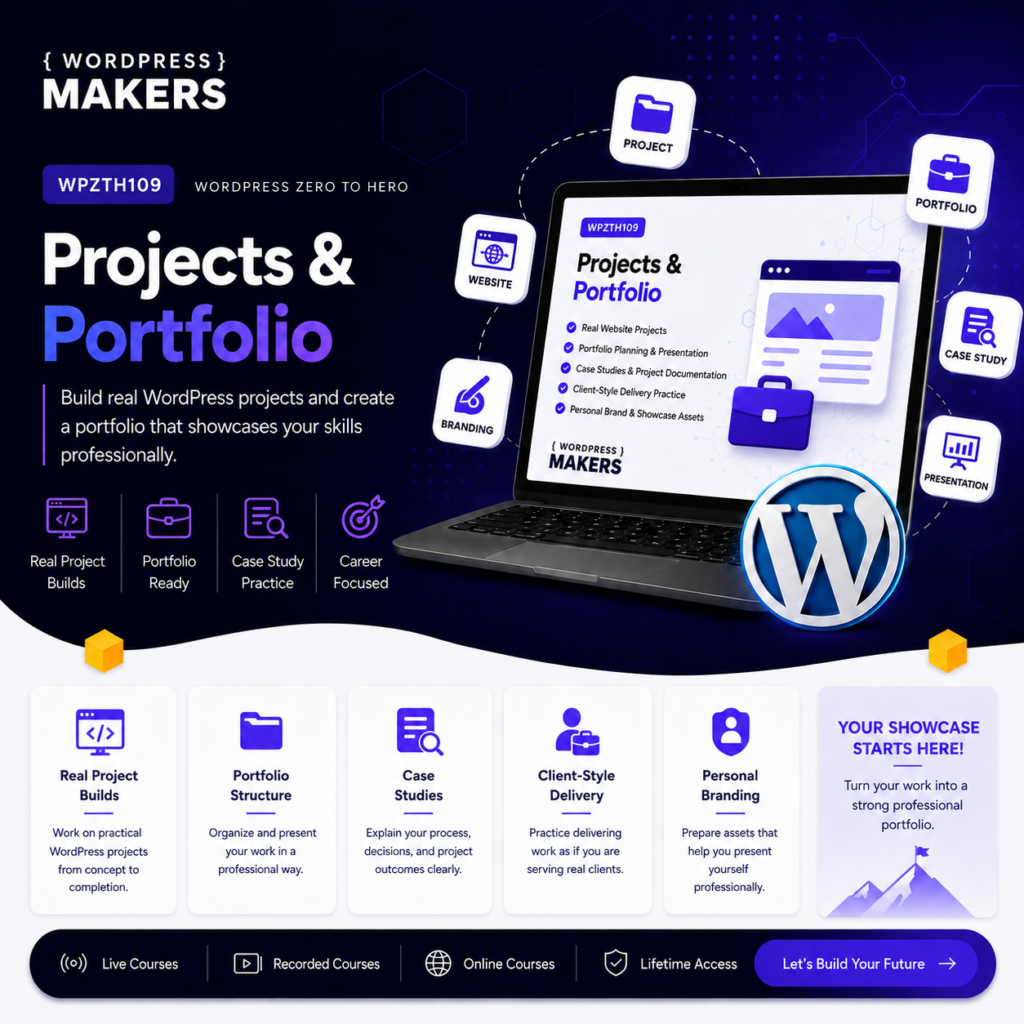
Reviews
There are no reviews yet.