
Course Overview
WordPress Zero to Hero – Modern WordPress & Integrations is the fifth course in the WordPress Zero to Hero program.
This course moves you from traditional WordPress development into the modern WordPress ecosystem. You will learn how WordPress is evolving through the block editor, full site editing, block themes, reusable patterns, REST API, external integrations, automation tools, webhooks, forms, emails, third-party services, and headless WordPress concepts.
The goal of this course is not only to teach you modern features as separate tools. The goal is to help you understand how modern WordPress projects are planned, built, extended, connected, and integrated with external systems.
By the end of this course, you will understand how to work with modern WordPress tools and how to connect WordPress with other platforms, services, APIs, and business workflows.
Course Level
Intermediate
This course is suitable for you if you already understand WordPress fundamentals, theme structure, front-end development, PHP basics, hooks, custom post types, custom fields, and plugin development basics.
Course Goal
The main goal of this course is to help you understand modern WordPress development and integrations.
You will learn how WordPress is used today beyond traditional pages, posts, themes, and plugins. You will explore Gutenberg, blocks, block themes, full site editing, REST API, webhooks, external APIs, automation workflows, forms, emails, third-party tools, and headless WordPress concepts.
This course prepares you to build more flexible, modern, and connected WordPress websites that can work with external platforms and business systems.
What You Will Learn
By the end of this course, you will understand:
- What modern WordPress means
- How WordPress has evolved from classic editing to block-based editing
- The role of Gutenberg in modern WordPress
- How the block editor changes content creation and website building
- How reusable blocks, patterns, and templates improve workflow
- How full site editing works
- The difference between classic themes and block themes
- The role of theme.json in modern WordPress
- How blocks are structured conceptually
- When to use native blocks, custom blocks, patterns, or page builders
- How the WordPress REST API works
- How to read and send data using APIs
- How WordPress connects with external services
- How webhooks support automation and integrations
- How forms, email systems, CRMs, payment tools, and marketing platforms integrate with WordPress
- How authentication, API keys, tokens, and permissions affect integrations
- What headless WordPress means
- When headless WordPress is useful and when it is not
- How to plan modern WordPress projects professionally
Course Requirements
You do not need to be an advanced WordPress engineer before starting this course.
However, you should already understand:
- WordPress dashboard basics
- Posts, pages, media, categories, tags, users, themes, and plugins
- HTML, CSS, and JavaScript basics
- PHP basics
- WordPress theme structure
- WordPress template hierarchy
- Hooks and filters basics
- Custom post types and custom fields basics
- Basic plugin development concepts
- Browser developer tools
- Local WordPress development environment
- Basic Git and GitHub usage
Recommended previous courses:
- WPZTH101: WordPress Zero to Hero – Pre-WordPress Foundations
- WPZTH102: WordPress Zero to Hero – WordPress Fundamentals
- WPZTH103: WordPress Zero to Hero – Theme & Front-End Development
- WPZTH104: WordPress Zero to Hero – Plugin & Custom Development
Target Learner
This course is for you if:
- You want to understand modern WordPress beyond classic themes and plugins
- You want to use Gutenberg and the block editor professionally
- You want to understand block themes and full site editing
- You want to connect WordPress with external services and APIs
- You want to build websites that work with forms, CRMs, email tools, payment tools, automation tools, and third-party platforms
- You want to understand REST API and headless WordPress concepts
- You want to prepare yourself for modern WordPress client projects
- You want to move from traditional WordPress development to connected WordPress solutions
Practical Activities
Throughout the course, you will practice:
- Exploring the block editor professionally
- Building pages using blocks
- Creating reusable sections and patterns
- Editing templates and template parts
- Exploring full site editing
- Understanding block themes
- Reviewing theme.json settings
- Testing REST API endpoints
- Reading JSON API responses
- Mapping external API workflows
- Planning webhook automation
- Connecting form workflows conceptually
- Planning CRM and email marketing integrations
- Reviewing integration security risks
- Comparing traditional and headless WordPress approaches
- Creating a modern WordPress project plan
- Documenting integrations clearly
Final Learning Outcomes
After completing WordPress Zero to Hero – Modern WordPress & Integrations, you will be able to:
- Explain what modern WordPress means
- Understand the role of Gutenberg and the block editor
- Use blocks, patterns, and reusable layouts professionally
- Understand full site editing and block themes
- Explain the role of theme.json
- Understand the purpose of custom blocks
- Use the WordPress REST API conceptually
- Understand how WordPress connects with external APIs
- Explain how webhooks and automation workflows work
- Plan form, email, CRM, and marketing integrations
- Understand payment, membership, LMS, and business tool integrations
- Apply basic integration security concepts
- Explain headless WordPress and when it is useful
- Plan modern WordPress projects with clear workflows
- Build and document a modern WordPress integration-based final project
- Prepare for the next course: Specialized WordPress Platforms
Course Completion Result
By the end of this course, you will not see WordPress only as a dashboard, theme, or plugin system.
You will understand WordPress as a modern platform that can manage content, create flexible layouts, expose data through APIs, connect with external services, automate workflows, and support advanced business needs.
This course gives you the modern WordPress mindset you need before moving into specialized platforms such as WooCommerce, LMS websites, membership platforms, booking systems, directories, marketplaces, and other business-specific WordPress solutions.
Next Course
WPZTH106: WordPress Zero to Hero – Specialized WordPress Platforms
In the next course, you will learn how to use WordPress to build specialized platforms such as online stores, learning platforms, membership websites, booking systems, directories, and other business-focused solutions.
Disclaimer
WordPressMakers is an independent educational brand. This course is not affiliated with, endorsed by, sponsored by, or certified by the WordPress Foundation, Automattic, WordPress.com, or WordPress.org.Module 1: Introduction to Modern WordPress
Description
This module introduces the idea of modern WordPress and explains how WordPress has evolved from a traditional CMS into a flexible platform for content, blocks, APIs, integrations, and business workflows.
You will understand where this course fits inside the WordPress Zero to Hero roadmap and why modern WordPress knowledge is important for professional development.
Lessons
- Welcome to Modern WordPress & Integrations
- What does “modern WordPress” mean?
- Classic WordPress vs modern WordPress
- From pages and posts to blocks and patterns
- From themes and plugins to connected systems
- Why integrations matter in real projects
- Where this course fits in the WordPress Zero to Hero program
- How to study and practice during this course
Learning Outcomes
By the end of this module, you will understand the purpose of the course, the meaning of modern WordPress, and how this stage connects traditional WordPress development with advanced platforms, integrations, and professional project delivery.
Module 2: WordPress Evolution and the Modern Editing Experience
Description
This module explains how WordPress editing has changed over time. You will understand the difference between the classic editor, the block editor, page builders, full site editing, and modern content workflows.
The goal is to help you understand the direction of WordPress instead of treating every tool as a separate feature.
Lessons
- WordPress before Gutenberg
- The classic editor experience
- Why Gutenberg was introduced
- The block editor concept
- Blocks vs shortcodes vs page builders
- Reusable content and structured editing
- Content editing vs site editing
- How modern editing affects developers
- Common misconceptions about Gutenberg
- When to use classic tools and when to use modern tools
Learning Outcomes
By the end of this module, you will understand how WordPress editing evolved and how the block editor changed the way content, layouts, and website structures are created.
Module 3: Gutenberg and the Block Editor
Description
This module focuses on Gutenberg and the block editor. You will learn how blocks work from a practical user and developer perspective.
You will understand how to use blocks, organize content, create reusable sections, and think about content as structured components.
Lessons
- What is Gutenberg?
- Understanding the block editor interface
- Core blocks overview
- Text, media, layout, and design blocks
- Block settings and advanced options
- Group, columns, cover, and layout blocks
- Reusable blocks and synced patterns
- Block locking and editing control
- Using blocks professionally in real websites
- Common block editor mistakes
Learning Outcomes
By the end of this module, you will be able to use the block editor professionally and understand how blocks help create flexible and structured WordPress content.
Module 4: Patterns, Templates, and Reusable Layouts
Description
This module explains how patterns and templates help you build consistent website layouts. You will learn how reusable design sections improve speed, consistency, and project quality.
You will also understand the difference between a block, a pattern, a template part, and a full template.
Lessons
- What are WordPress patterns?
- Patterns vs reusable blocks
- Synced vs non-synced patterns
- Creating reusable sections
- Using patterns for landing pages
- Understanding templates
- Template parts explained
- Header, footer, archive, and single templates
- Building consistent layouts
- Creating a pattern-based workflow
Learning Outcomes
By the end of this module, you will understand how to use patterns and templates to build consistent, reusable, and professional WordPress layouts.
Module 5: Full Site Editing and Block Themes
Description
This module introduces full site editing and block themes. You will learn how modern WordPress allows you to edit headers, footers, templates, and global styles using blocks.
You will understand how block themes differ from classic themes and when each approach is suitable.
Lessons
- What is full site editing?
- Classic themes vs block themes
- The Site Editor overview
- Editing headers and footers
- Editing templates with blocks
- Understanding global styles
- Block theme structure overview
- Template parts in block themes
- Benefits and limitations of full site editing
- When to use block themes in real projects
Learning Outcomes
By the end of this module, you will understand the full site editing experience and how block themes change the way WordPress websites are designed and managed.
Module 6: theme.json and Global Design Control
Description
This module introduces theme.json as one of the most important files in modern WordPress theme development.
You will learn how theme.json controls colors, typography, spacing, layout, block settings, and global styles.
Lessons
- What is theme.json?
- Why theme.json exists
- Global settings vs global styles
- Colors and palettes
- Typography settings
- Spacing and layout settings
- Block-level settings
- Customizing editor experience
- theme.json in classic themes vs block themes
- Best practices for theme.json
Learning Outcomes
By the end of this module, you will understand the role of theme.json and how it helps control design consistency across modern WordPress websites.
Module 7: Introduction to Custom Blocks
Description
This module introduces the idea of custom blocks. You will not need to master advanced React development in this course, but you will understand what custom blocks are, why they exist, and when they are needed.
You will learn the basic structure and decision-making process behind custom block development.
Lessons
- What is a custom block?
- Core blocks vs custom blocks
- Custom blocks vs shortcodes
- Custom blocks vs custom fields
- Static blocks vs dynamic blocks
- Block attributes explained simply
- Block editing experience
- Block output on the front end
- Tools used in block development
- When custom blocks are worth building
Learning Outcomes
By the end of this module, you will understand the purpose of custom blocks and how they fit into modern WordPress development.
Module 8: WordPress REST API Fundamentals
Description
This module introduces the WordPress REST API. You will learn how WordPress exposes data through API endpoints and how other applications can read or send data to WordPress.
This is one of the most important modules for understanding modern WordPress integrations.
Lessons
- What is an API?
- What is REST?
- What is the WordPress REST API?
- Understanding endpoints
- Reading posts through the REST API
- Reading pages, categories, users, and media
- JSON response basics
- API requests and responses
- Public vs protected data
- Common REST API use cases
Learning Outcomes
By the end of this module, you will understand how the WordPress REST API works and how WordPress can communicate with other systems.
Module 9: Working with External APIs
Description
This module explains how WordPress can connect with external APIs. You will learn how websites use APIs to send, receive, and display data from third-party platforms.
You will understand the basic workflow behind integrations with services such as payment systems, email marketing tools, CRMs, maps, analytics, and automation platforms.
Lessons
- What is an external API?
- Why websites use third-party APIs
- API documentation basics
- Request methods: GET, POST, PUT, PATCH, DELETE
- Headers, parameters, and request body
- Understanding API responses
- API keys and tokens
- Handling errors from external APIs
- Saving API data in WordPress
- Real examples of WordPress API integrations
Learning Outcomes
By the end of this module, you will understand how WordPress can connect with external services and how to read API documentation at a basic practical level.
Module 10: Webhooks and Automation Workflows
Description
This module explains webhooks and automation workflows. You will learn how WordPress can trigger actions in other platforms and how other platforms can send data back to WordPress.
You will understand how automation can reduce manual work and connect WordPress to business processes.
Lessons
- What is a webhook?
- Webhook vs API request
- Incoming webhooks vs outgoing webhooks
- Common webhook use cases
- Form submission to external platform
- Order created to external system
- User registration to email list
- Automation tools overview
- Zapier, Make, and similar platforms
- Planning safe automation workflows
Learning Outcomes
By the end of this module, you will understand how webhooks work and how they support automation between WordPress and external platforms.
Module 11: Forms, Emails, CRM, and Marketing Integrations
Description
This module focuses on common business integrations used in WordPress websites. You will learn how forms connect with email systems, CRMs, newsletters, lead management tools, and marketing workflows.
You will understand what happens after a user submits a form and how to plan practical integrations for real clients.
Lessons
- Why forms are important in business websites
- Contact forms, lead forms, booking forms, and survey forms
- Form notifications and confirmations
- SMTP and email deliverability basics
- Connecting forms to email marketing tools
- Connecting forms to CRM systems
- Lead capture workflow
- Tags, lists, segments, and automation
- Spam protection and validation
- Testing form integrations professionally
Learning Outcomes
By the end of this module, you will be able to plan and understand common form, email, CRM, and marketing integrations in WordPress projects.
Module 12: Payment, Membership, and Business Tool Integrations
Description
This module introduces integrations used in business websites, including payment systems, membership tools, booking tools, LMS platforms, and business management systems.
The goal is not to master every platform, but to understand how WordPress becomes part of a larger business workflow.
Lessons
- Payment integration concepts
- Payment gateway basics
- Checkout and payment flow overview
- Membership integration concepts
- LMS and course platform integrations
- Booking and appointment integrations
- Invoice and accounting integrations
- Notifications after payment or registration
- Integration risks and testing
- Choosing the right plugin or custom integration
Learning Outcomes
By the end of this module, you will understand how WordPress connects with business tools and how to think about integration decisions in professional projects.
Module 13: Authentication, Permissions, and Integration Security
Description
This module explains the security side of integrations. You will learn why authentication, permissions, API keys, tokens, nonces, user roles, and data validation matter.
Modern integrations can be powerful, but they can also create security risks if they are not planned carefully.
Lessons
- Why integration security matters
- Public data vs private data
- API keys explained simply
- Tokens explained simply
- Authentication vs authorization
- WordPress users, roles, and capabilities
- Nonces in WordPress
- Data validation and sanitization overview
- Protecting forms and API endpoints
- Common integration security mistakes
Learning Outcomes
By the end of this module, you will understand the basic security concepts needed when connecting WordPress with other systems.
Module 14: Headless WordPress Concepts
Description
This module introduces headless WordPress. You will learn what it means to use WordPress as a content backend while another front-end technology displays the website or application.
You will understand the benefits, limitations, and decision-making process behind headless WordPress.
Lessons
- What is headless WordPress?
- Traditional WordPress vs headless WordPress
- WordPress as a backend CMS
- Front-end applications and WordPress content
- REST API and headless architecture
- When headless WordPress is useful
- When headless WordPress is not a good choice
- SEO and performance considerations
- Content editing experience in headless projects
- Headless WordPress project examples
Learning Outcomes
By the end of this module, you will understand headless WordPress concepts and when this approach makes sense in real projects.
Module 15: Modern WordPress Project Planning
Description
This module helps you plan modern WordPress projects professionally. You will learn how to choose between native WordPress features, plugins, custom development, APIs, automation, and headless approaches.
The goal is to help you think like a solution builder, not only as someone who installs tools.
Lessons
- Understanding project requirements
- Choosing between plugin, custom code, API, and automation
- Mapping user journeys
- Mapping data flow
- Planning integrations before implementation
- Avoiding plugin overload
- Documentation for integrations
- Testing modern WordPress workflows
- Maintenance and future updates
- Creating a modern WordPress project plan
Learning Outcomes
By the end of this module, you will be able to plan a modern WordPress project and choose the right approach for blocks, APIs, integrations, and automation workflows.
Module 16: Modern WordPress & Integrations Final Project
Description
In the final module, you will apply what you learned by planning and building a modern WordPress integration-based project.
This project brings together blocks, patterns, modern editing, REST API concepts, forms, automation, external services, and professional documentation.
Lessons
- Build a modern WordPress website or demo project that includes:
- A modern block-based page structure
- Reusable patterns or reusable sections
- Global design consistency
- A professional form workflow
- Email or CRM-style integration plan
- API or external service integration concept
- Webhook or automation workflow concept
- Clear user journey
- Integration security considerations
- Testing checklist
- Simple project documentation
- Final presentation of the project workflow
Learning Outcomes
By the end of this module, you will have a modern WordPress project concept that demonstrates how WordPress can work as a connected platform, not only as a traditional website builder.
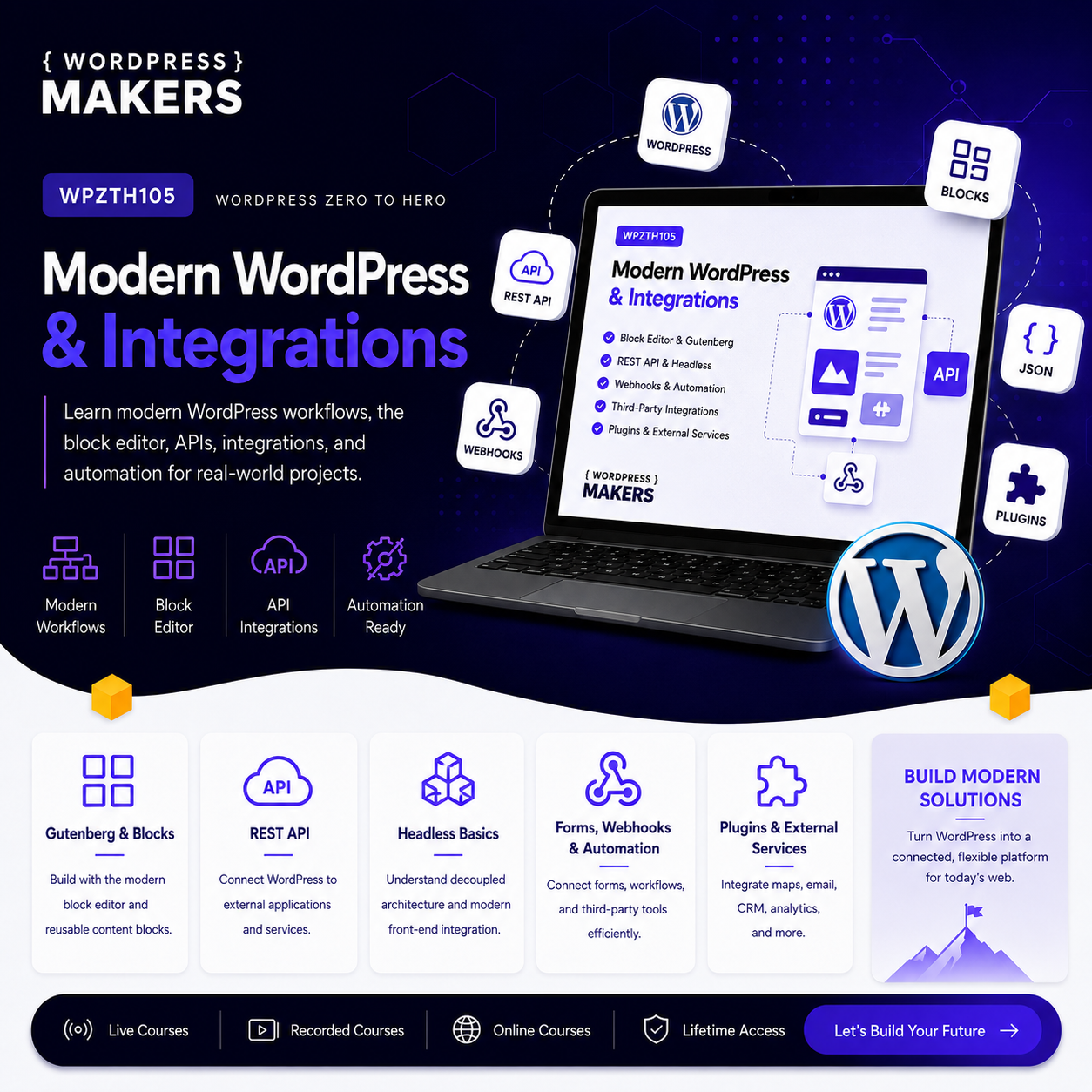
Explore modern WordPress development, including the block editor, REST API, external integrations, and modern development workflows.
WPZTH101: WordPress Zero to Hero – Pre-WordPress Foundations
WPZTH102: WordPress Zero to Hero – WordPress Fundamentals
WPZTH103: WordPress Zero to Hero – Theme & Front-end Development
WPZTH104: WordPress Zero to Hero – Plugin & Custom Development
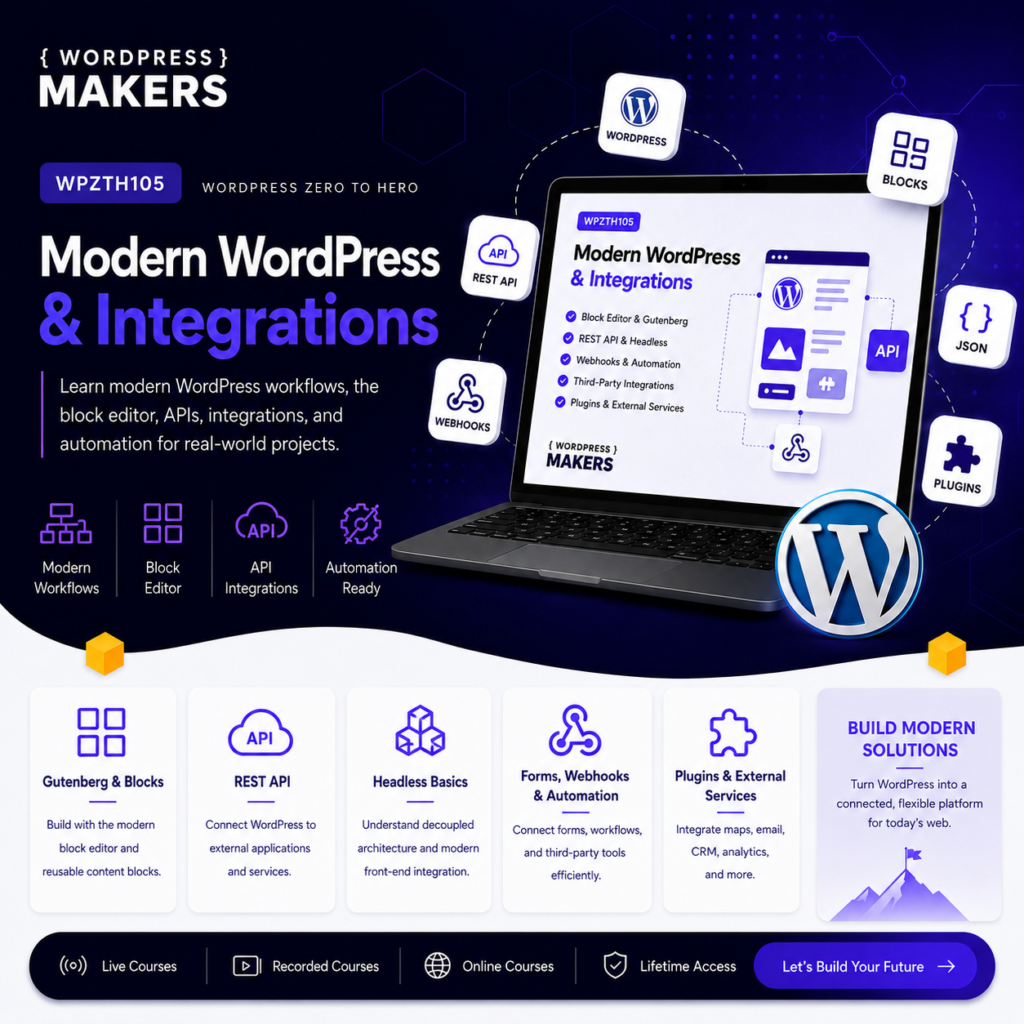
WPZTH105: WordPress Zero to Hero – Modern WordPress & Integrations
WPZTH106: WordPress Zero to Hero – Specialized WordPress Platforms
WPZTH107: WordPress Zero to Hero – Performance & Scalability
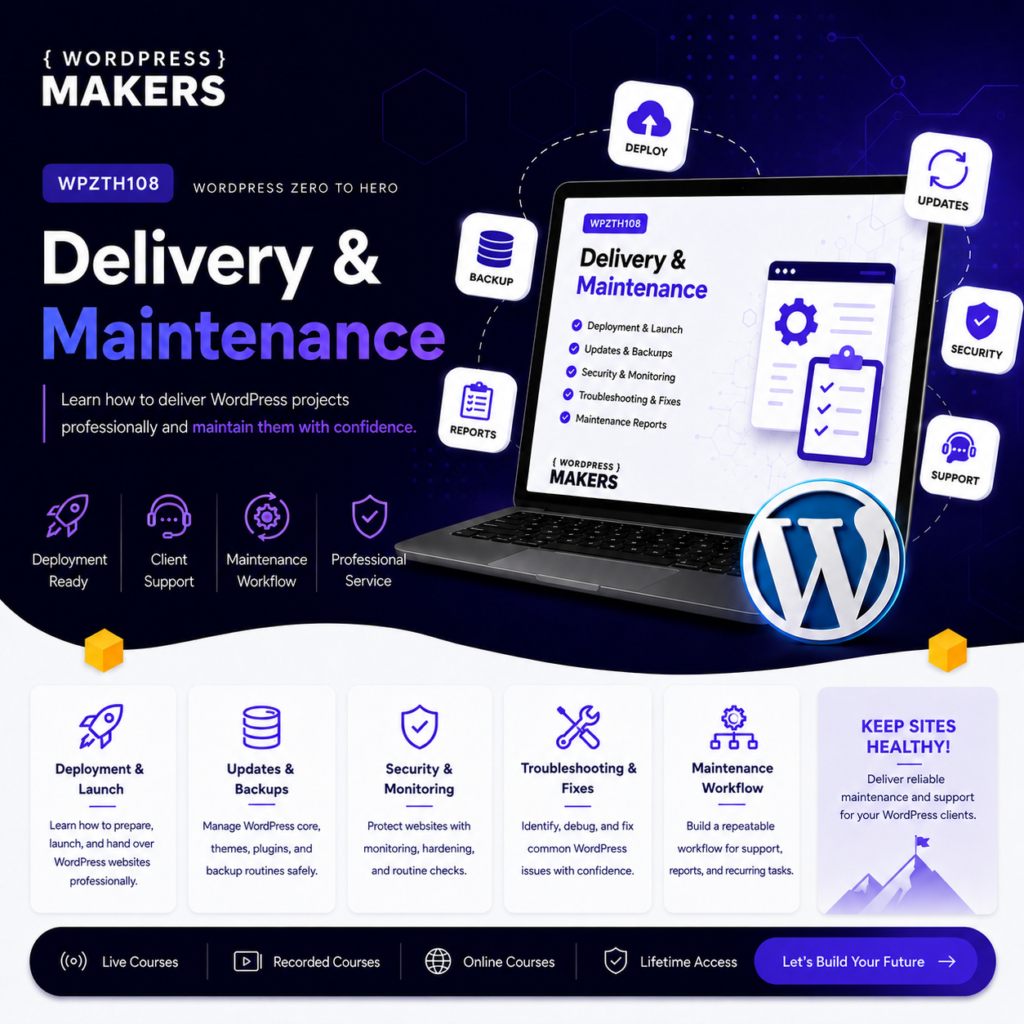
WPZTH108: WordPress Zero to Hero – Delivery & Maintenance
Reviews
There are no reviews yet.