
Course Overview
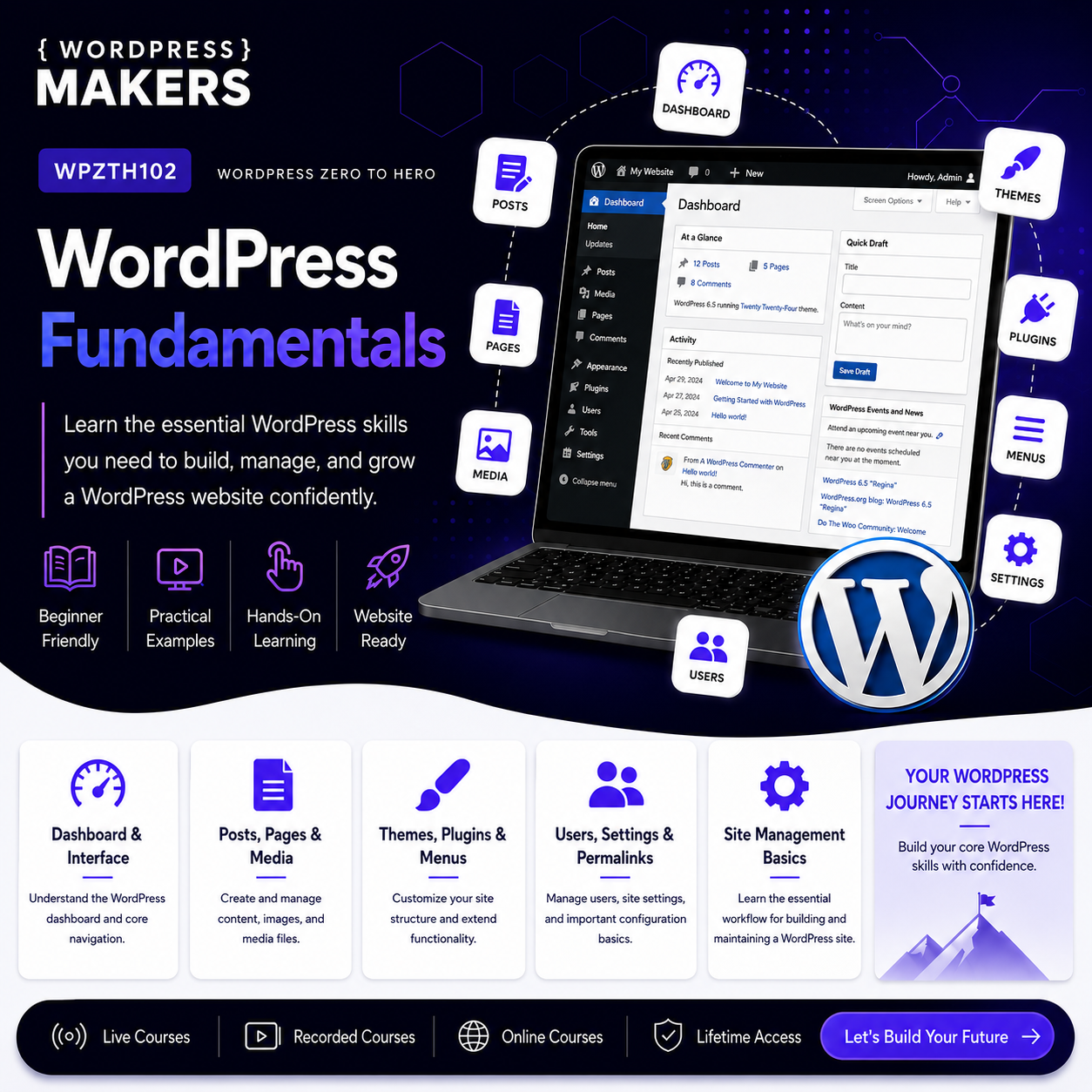
WPZTH102: WordPress Zero to Hero – WordPress Fundamentals is the second course in the WordPress Zero to Hero program. After learning the pre-WordPress foundations such as the web, hosting, domains, DNS, HTML, CSS, JavaScript basics, PHP basics, MySQL, CMS concepts, and development tools, this course focuses directly on WordPress itself. In this course, you will learn how WordPress works from the dashboard, how content is created and organized, how themes and plugins are managed, how users and settings work, and how to build a complete basic WordPress website professionally without writing custom code yet. The goal is to help you become comfortable with WordPress as a platform before moving into theme development, front-end customization, plugin development, modern WordPress, performance, scalability, and professional project delivery. By the end of this course, you will understand the main parts of WordPress and how they work together to create real websites.Course Level
Beginner to early intermediate This course is suitable for you if you already understand the basic web concepts from the previous course and now want to learn WordPress itself in a structured, practical, and professional way.Course Goal
The main goal of this course is to help you understand and use WordPress professionally from the dashboard. You will learn how to install WordPress, manage content, organize pages and posts, use categories and tags, manage media, work with themes and plugins, configure settings, create menus, manage users, understand comments, and prepare a complete basic WordPress website. This course helps you move from simply “using WordPress” to understanding how WordPress websites are structured and managed.What You Will Learn
By the end of this course, you will understand:- What WordPress is and how it works as a CMS.
- The difference between WordPress.org and WordPress.com.
- How to install and access WordPress.
- How to use the WordPress dashboard professionally.
- How to create and manage posts and pages.
- How to organize content using categories and tags.
- How to manage images, files, and the media library.
- How themes control the design of a WordPress website.
- How plugins extend website functionality.
- How to create menus and basic navigation.
- How users, roles, and permissions work.
- How to configure important WordPress settings.
- How comments work and how to manage them.
- How to use widgets and basic site structure tools.
- How to create a complete basic WordPress website.
- How to prepare yourself for the next course: Theme & Front-End Development.
Course Requirements
You do not need advanced programming experience before starting this course. However, you should have:- Basic computer skills.
- Ability to use a browser.
- Basic understanding of websites.
- Basic understanding of domains, hosting, and CMS concepts.
- Interest in WordPress website creation.
- Willingness to practice inside the WordPress dashboard.
- Completion of WPZTH101: Pre-WordPress Foundations is recommended.
Target Learner
This course is for you if:- You want to learn WordPress in a structured way.
- You already understand basic website concepts and want to start using WordPress.
- You use WordPress but feel confused about how everything connects.
- You want to build websites using WordPress before learning code customization.
- You want to prepare yourself for WordPress theme development.
- You want to understand WordPress before working with clients.
- You want to move from beginner WordPress user to professional WordPress learner.
- You want a strong practical base before learning advanced WordPress development.
Module 1: Introduction to WordPress Fundamentals
Description
This module introduces the purpose of the WordPress Fundamentals course and explains where it fits inside the full WordPress Zero to Hero journey. You will understand why learning the dashboard, content structure, themes, plugins, users, and settings is important before moving into theme and plugin development.
Lessons
- Welcome to WordPress Fundamentals
- Where this course fits in the WordPress Zero to Hero roadmap
- Review of Pre-WordPress Foundations
- What you need to know before using WordPress
- WordPress user vs WordPress developer
- Why fundamentals matter before development
- How to study and practice during this course
Learning Outcomes
By the end of this module, you will understand the purpose of the course, what you will learn, and how WordPress Fundamentals prepares you for the next stages of the program.
Module 2: Understanding WordPress as a CMS
Description
This module explains WordPress as a content management system. You will understand what WordPress is, what it is used for, and why it became one of the most widely used platforms for websites. You will also understand the difference between content, design, functionality, and settings inside WordPress.
Lessons
- What is WordPress?
- What is a CMS?
- WordPress as a content management system
- WordPress.org vs WordPress.com
- What types of websites can WordPress build?
- Content vs design vs functionality
- Themes vs plugins vs WordPress core
- WordPress strengths and limitations
- Common misconceptions about WordPress
- WordPress ecosystem overview
Learning Outcomes
By the end of this module, you will understand what WordPress is, how it works as a CMS, and how its main parts connect together.
Module 3: WordPress Installation and First Setup
Description
This module teaches you how to install WordPress and prepare your first website for learning and practice. You will understand the difference between local, staging, and live websites, and how to start working safely without affecting real client websites.
Lessons
- WordPress installation overview
- Local WordPress installation
- Hosting-based WordPress installation
- Accessing the WordPress admin dashboard
- Understanding the login page
- First look at the website front-end
- First look at the dashboard
- Basic site identity setup
- Site title, tagline, and language
- Cleaning the default WordPress installation
Learning Outcomes
By the end of this module, you will be able to install WordPress, access the dashboard, and prepare a clean WordPress website for learning.
Module 4: WordPress Dashboard Essentials
Description
This module gives you a complete overview of the WordPress dashboard and its main sections. You will learn how to move around the dashboard confidently and understand the purpose of each major menu item.
Lessons
- Dashboard overview
- Admin toolbar
- Dashboard widgets
- Posts section
- Pages section
- Media section
- Comments section
- Appearance section
- Plugins section
- Users section
- Tools section
- Settings section
- Screen options
- Dashboard navigation best practices
Learning Outcomes
By the end of this module, you will be able to navigate the WordPress dashboard and understand the role of each main section.
Module 5: Posts, Pages, and Content Types
Description
This module explains how WordPress handles content. You will learn the difference between posts and pages and when to use each one. You will also understand how WordPress organizes content for blogs, business websites, landing pages, and simple platforms.
Lessons
- What is content in WordPress?
- Posts vs pages
- When to use posts
- When to use pages
- Creating a new post
- Creating a new page
- Draft, publish, pending review, and private content
- Featured images
- Excerpts
- Revisions
- Trash and restore
- Basic content structure planning
Learning Outcomes
By the end of this module, you will understand how to create, edit, publish, organize, and manage posts and pages in WordPress.
Module 6: Categories, Tags, and Content Organization
Description
This module focuses on organizing content properly inside WordPress. You will learn how categories and tags work, how they affect site structure, and how to avoid common content organization mistakes.
Lessons
- Why content organization matters
- What are categories?
- What are tags?
- Categories vs tags
- Parent and child categories
- Creating and managing categories
- Creating and managing tags
- Assigning posts to categories and tags
- Category archive pages
- Tag archive pages
- Common category and tag mistakes
- Planning a clean content structure
Learning Outcomes
By the end of this module, you will be able to organize WordPress content using categories and tags in a clean and professional way.
Module 7: Media Library and File Management
Description
This module teaches you how to manage images, documents, videos, and other media files inside WordPress. You will learn how to upload media, edit image details, improve accessibility, and understand why media optimization matters.
Lessons
- Introduction to the media library
- Uploading images and files
- Image title, caption, alt text, and description
- Using images inside posts and pages
- Featured images
- Image sizes in WordPress
- Basic image optimization
- Organizing media files
- Replacing and deleting media
- Common media mistakes
- Media and website performance
- Media usage best practices
Learning Outcomes
By the end of this module, you will be able to manage WordPress media professionally and understand how media affects usability, accessibility, and performance.
Module 8: Themes and Website Design Basics
Description
This module explains the role of themes in WordPress. You will understand how themes control the design and layout of a website, how to install and activate themes, and how to customize basic design options without writing code.
Lessons
- What is a WordPress theme?
- How themes control website design
- Free themes vs premium themes
- Installing a theme
- Activating a theme
- Theme customization overview
- Site identity and logo
- Colors and typography basics
- Header and footer basics
- Layout options
- Theme settings
- Choosing a good theme
- Common theme mistakes
- Why theme development comes later
Learning Outcomes
By the end of this module, you will understand how WordPress themes work from a user perspective and how to make basic design changes safely.
Module 9: Plugins and Website Functionality
Description
This module explains the role of plugins in WordPress. You will learn how plugins extend functionality, how to install and manage them, and how to choose plugins carefully without harming website performance or security.
Lessons
- What is a WordPress plugin?
- Why plugins exist
- Theme vs plugin responsibility
- Installing plugins
- Activating and deactivating plugins
- Updating plugins
- Deleting plugins safely
- Free plugins vs premium plugins
- How to choose trusted plugins
- Plugin conflicts
- Plugin overload problem
- Essential plugin categories
- Common plugin mistakes
- Preparing for custom plugin development later
Learning Outcomes
By the end of this module, you will understand how plugins work, how to manage them, and how to use them carefully in real WordPress websites.
Module 10: Menus, Navigation, and Website Structure
Description
This module focuses on website navigation and structure. You will learn how to create menus, organize navigation items, build a clear website structure, and help visitors move through your website easily.
Lessons
- Why navigation matters
- Understanding website structure
- Creating menus
- Adding pages to menus
- Adding posts, categories, and custom links
- Parent and child menu items
- Dropdown menus
- Header navigation
- Footer navigation
- Mobile navigation basics
- Menu locations
- Common navigation mistakes
- Planning a simple website structure
Learning Outcomes
By the end of this module, you will be able to create and manage menus and build a clear navigation structure for a WordPress website.
Module 11: Widgets, Sidebars, and Basic Layout Areas
Description
This module explains widgets, sidebars, and basic layout areas in WordPress. You will understand where widgets appear, how they are used, and how they help you manage repeated content areas such as sidebars and footers.
Lessons
- What are widgets?
- What are sidebars?
- Widget areas explained
- Footer widgets
- Sidebar widgets
- Adding and removing widgets
- Common widget types
- Search widget
- Recent posts widget
- Categories widget
- Custom HTML widget
- Widgets in classic themes
- Widgets in block-based themes
- Common widget mistakes
Learning Outcomes
By the end of this module, you will understand how widgets and layout areas work and how to use them to manage repeated website sections.
Module 12: Users, Roles, and Permissions
Description
This module explains how WordPress handles users and access control. You will learn the difference between user roles and understand how to assign the correct permissions safely.
Lessons
- Why user management matters
- Creating users
- Editing user profiles
- Administrator role
- Editor role
- Author role
- Contributor role
- Subscriber role
- Choosing the correct role
- Password security
- User profile settings
- Common user permission mistakes
- Managing users safely
Learning Outcomes
By the end of this module, you will understand WordPress user roles and how to manage access in a safer and more professional way.
Module 13: Comments and Community Interaction
Description
This module explains how comments work in WordPress and how to manage visitor interaction. You will learn how to approve, moderate, reply to, and control comments based on the type of website you are building.
Lessons
- What are WordPress comments?
- When comments are useful
- Enabling and disabling comments
- Comment moderation
- Approving comments
- Replying to comments
- Spam comments
- Discussion settings
- Comments on posts vs pages
- Comment management best practices
- Common comment problems
Learning Outcomes
By the end of this module, you will be able to manage WordPress comments and configure discussion settings based on the needs of the website.
Module 14: WordPress Settings Essentials
Description
This module explains the most important WordPress settings. You will learn how each settings page affects your website and how to configure the basic settings correctly before publishing a website.
Lessons
- General settings
- Site title and tagline
- WordPress address and site address
- Administration email
- Language and timezone
- Date and time format
- Writing settings
- Reading settings
- Homepage display settings
- Discussion settings
- Media settings
- Permalink settings
- Privacy settings
- Common settings mistakes
Learning Outcomes
By the end of this module, you will be able to configure essential WordPress settings and understand how these settings affect the website.
Module 15: WordPress Blocks and Basic Content Editing
Description
This module introduces the WordPress block editor. You will learn how to create content using blocks, add common content elements, arrange sections, and prepare yourself for modern WordPress editing.
Lessons
- What is the WordPress block editor?
- Blocks vs classic editing
- Paragraph block
- Heading block
- Image block
- Gallery block
- List block
- Button block
- Columns block
- Group block
- Spacer and separator blocks
- Reusable patterns overview
- Basic page layout using blocks
- Common block editor mistakes
Learning Outcomes
By the end of this module, you will be able to create and edit WordPress content using the block editor and understand the basic idea of modern WordPress editing.
Module 16: Building a Basic WordPress Website
Description
This module brings together everything you learned in the course by guiding you through the process of building a complete basic WordPress website. You will plan the website structure, create pages, organize content, configure menus, use a theme, install essential plugins, and prepare the website for review.
Lessons
- Planning the website
- Choosing the website type
- Creating the homepage
- Creating the about page
- Creating the services or topics page
- Creating the blog section
- Creating the contact page
- Adding media
- Creating navigation menus
- Selecting and customizing a theme
- Installing essential plugins
- Configuring settings
- Reviewing the website structure
- Preparing the website for improvement
Learning Outcomes
By the end of this module, you will be able to build a complete basic WordPress website using the dashboard and core WordPress features.
Module 17: WordPress Fundamentals Final Project
Description
In the final module, you will apply the full course by creating a complete WordPress website from start to finish. This project is designed to help you practice WordPress fundamentals in a real-world structure before moving into theme and front-end development.
Lessons
- Build a basic WordPress website that includes:
- Homepage
- About page
- Services or topics page
- Blog section
- Contact page
- Organized categories
- Sample blog posts
- Media library usage
- Featured images
- Main navigation menu
- Footer navigation or footer content
- Selected theme
- Basic theme customization
- Essential plugins
- Correct permalink settings
- Basic user setup
- Basic comment configuration
- Clean content structure
- Final website review
Learning Outcomes
By the end of this module, you will have a complete WordPress website that demonstrates your understanding of WordPress fundamentals.
WPZTH101: WordPress Zero to Hero – Pre-WordPress Foundations
WPZTH102: WordPress Zero to Hero – WordPress Fundamentals
WPZTH103: WordPress Zero to Hero – Theme & Front-end Development
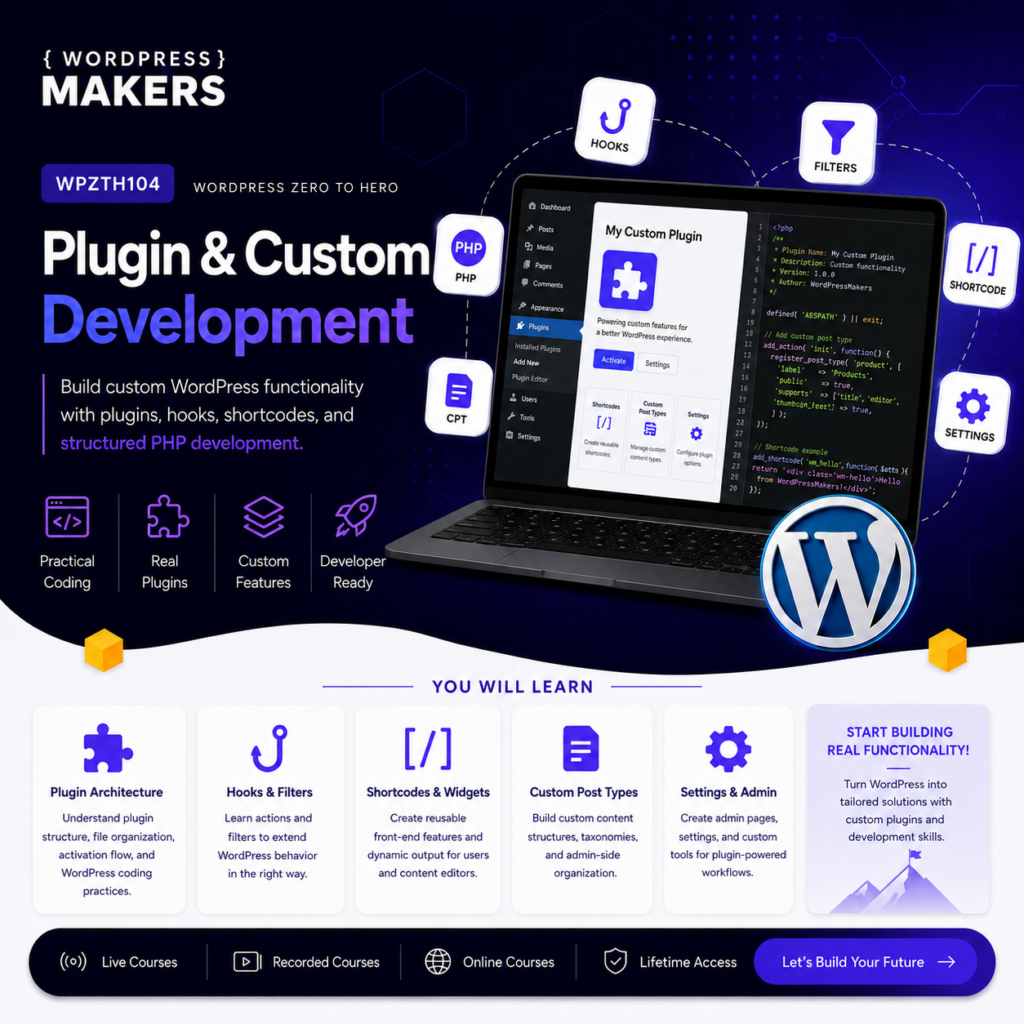
WPZTH104: WordPress Zero to Hero – Plugin & Custom Development
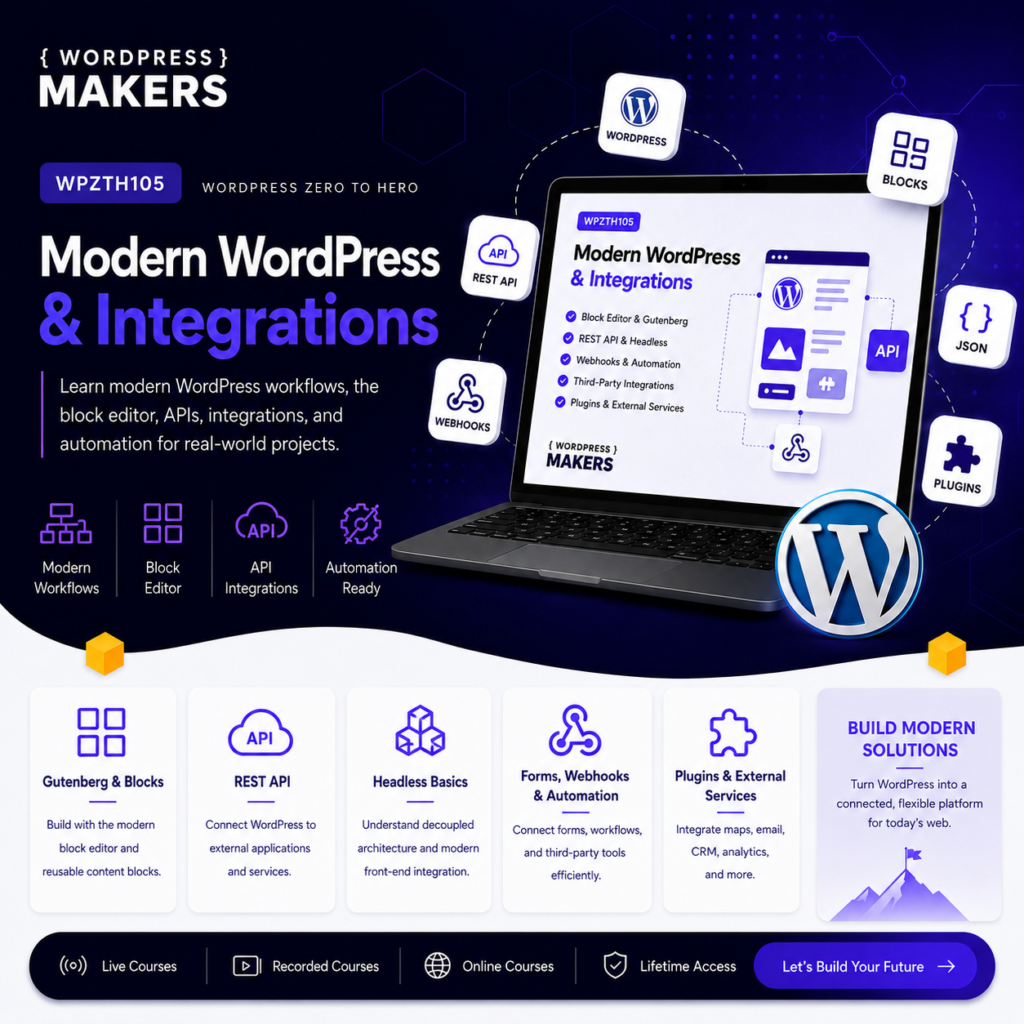
WPZTH105: WordPress Zero to Hero – Modern WordPress & Integrations
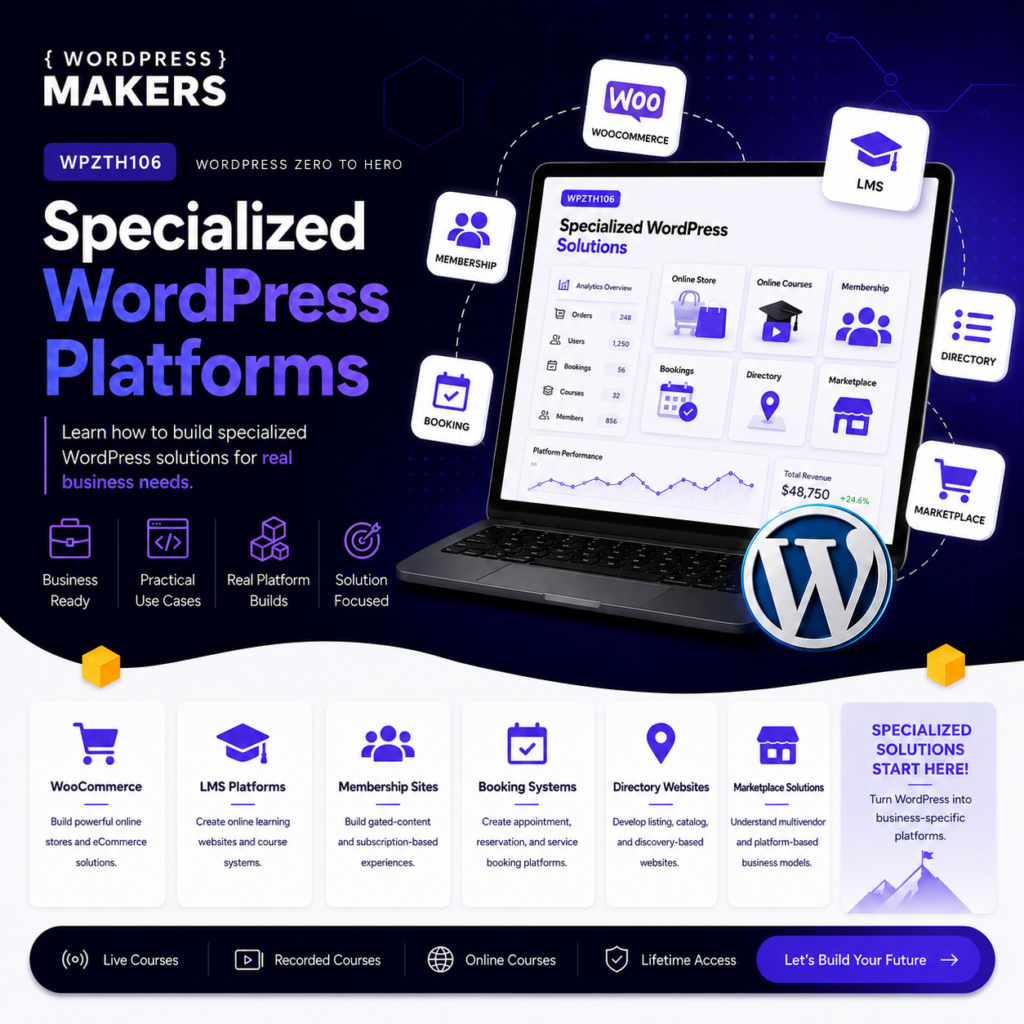
WPZTH106: WordPress Zero to Hero – Specialized WordPress Platforms
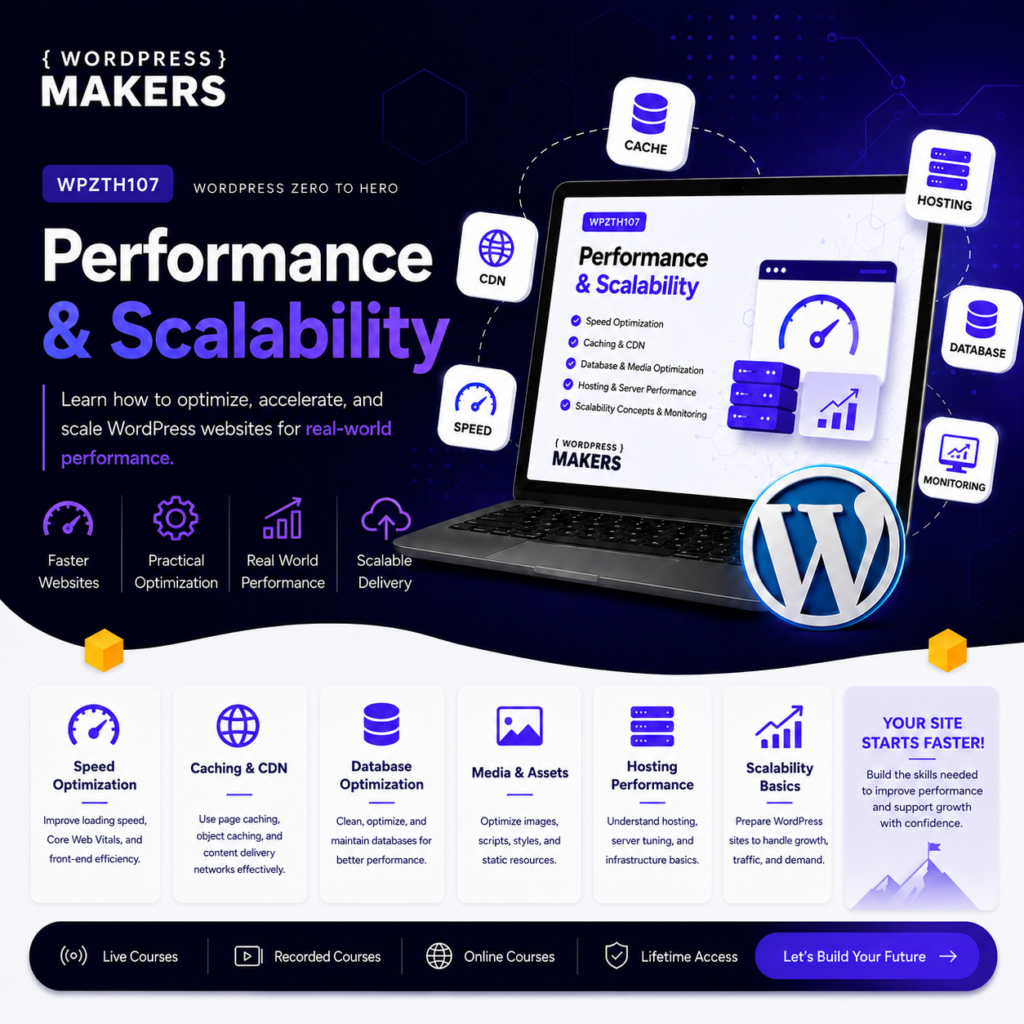
WPZTH107: WordPress Zero to Hero – Performance & Scalability
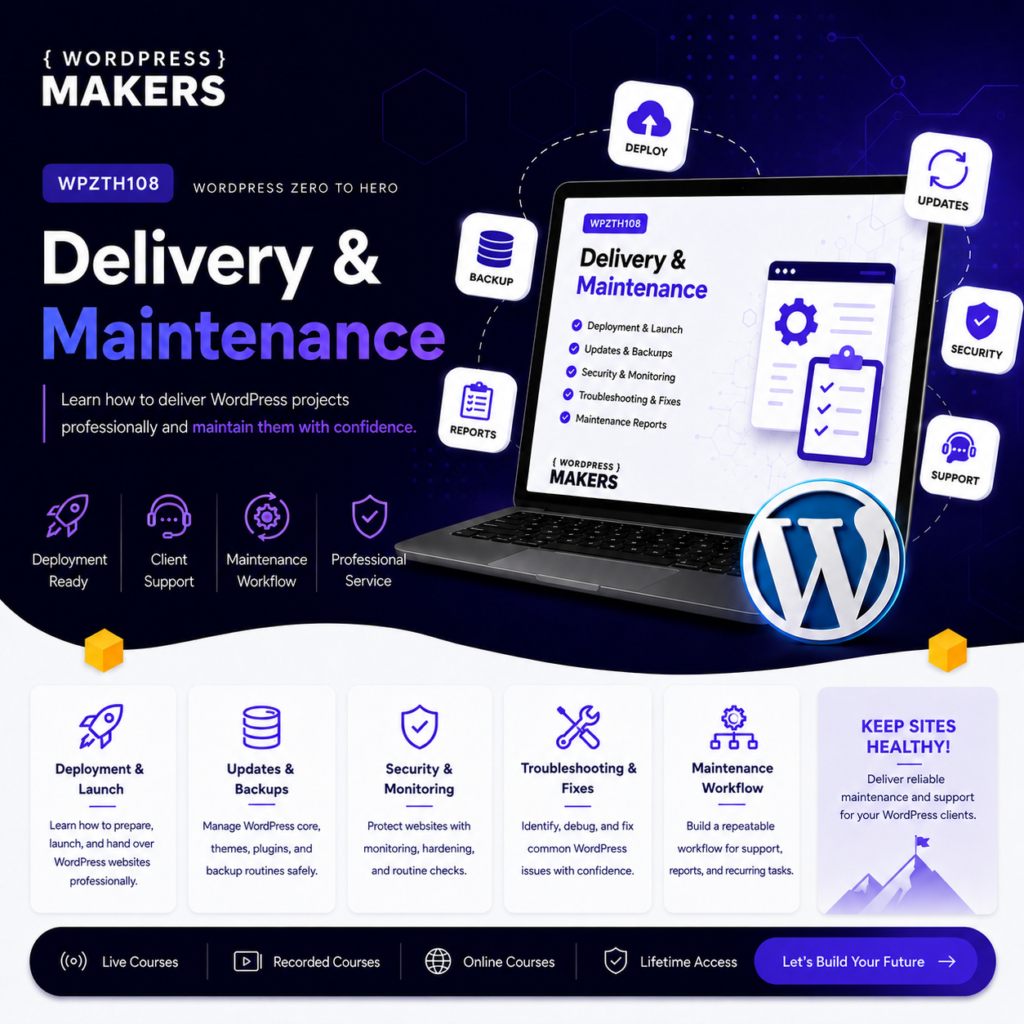
WPZTH108: WordPress Zero to Hero – Delivery & Maintenance
Reviews
There are no reviews yet.