
This syllabus is designed to help you clearly understand the full structure of WPZTH109: WordPress Zero to Hero – Projects & Portfolio and how it fits into the larger WordPress Zero to Hero program.
Course Overview
WordPress Zero to Hero – Projects & Portfolio is the final practical course in the WordPress Zero to Hero program. After learning foundations, WordPress fundamentals, theme development, plugin development, modern WordPress, specialized platforms, performance, scalability, delivery, and maintenance, this course helps you turn your knowledge into real portfolio-ready projects.
The goal of this course is not only to build projects, but to help you think, plan, document, present, and package your work professionally. You will learn how to choose project ideas, define project scope, build complete WordPress solutions, document your process, prepare case studies, organize your GitHub repositories, and present your work in a way that supports freelancing, job applications, client trust, and professional growth.
By the end of this course, you will have a practical WordPress portfolio that shows what you can actually build, not only what you have learned.
Course Level
Intermediate to professional practice level
This course is suitable for you if you already understand the main WordPress development topics and want to convert your skills into real projects, portfolio assets, case studies, and professional presentation materials.
Course Goal
The main goal of this course is to help you build a professional WordPress portfolio using real project examples.
You will learn how to move from learning topics separately to building complete WordPress solutions. You will practice project planning, website structure, content organization, theme usage, custom functionality, performance basics, documentation, delivery preparation, GitHub presentation, and portfolio publishing.
This course helps you become more confident when showing your skills to clients, companies, recruiters, or your own audience.
What You Will Learn
By the end of this course, you will understand:
- How to choose portfolio projects that reflect real market needs.
- How to plan a WordPress project before building it.
- How to define project goals, pages, features, content, and technical scope.
- How to build different types of WordPress projects for your portfolio.
- How to document your work clearly.
- How to create case studies for your projects.
- How to organize your project files and GitHub repositories.
- How to explain your technical decisions professionally.
- How to present your projects on your own portfolio website.
- How to prepare project screenshots, descriptions, links, and summaries.
- How to make your portfolio useful for freelancing, job applications, and client trust.
- How to avoid weak, random, or incomplete portfolio projects.
- How to package your WordPress Zero to Hero journey into a professional showcase.
Course Requirements
You should already have basic experience with:
- WordPress dashboard usage.
- WordPress themes and plugins.
- Pages, posts, menus, media, settings, and users.
- Basic HTML, CSS, JavaScript, PHP, and MySQL concepts.
- Local WordPress development.
- Basic Git and GitHub usage.
- WordPress project delivery basics.
- Basic performance, security, backup, and maintenance concepts.
You do not need to be perfect in all advanced topics before starting this course, but you should be ready to practice, build, test, improve, and document your work.
Target Learner
This course is for you if:
- You completed the previous WordPress Zero to Hero courses.
- You know WordPress but do not have strong portfolio projects yet.
- You want to build real projects instead of only watching tutorials.
- You want to prepare yourself for freelancing or client work.
- You want to apply for WordPress jobs with better proof of skill.
- You want to create professional case studies.
- You want to organize your WordPress work in a clear portfolio.
- You want to show your skills with confidence.
- You want to move from learning to professional presentation.
Practical Activities
Throughout the course, you will practice:
- Choosing portfolio project ideas.
- Planning project scope.
- Building business website projects.
- Building content website projects.
- Building WooCommerce or specialized platform projects.
- Creating custom theme or front-end showcases.
- Creating custom plugin or functionality showcases.
- Creating performance or maintenance case studies.
- Writing project documentation.
- Creating project case studies.
- Organizing GitHub repositories.
- Writing README files.
- Preparing screenshots and project assets.
- Building your own portfolio website.
- Presenting your projects professionally.
- Reviewing and improving your portfolio.
Final Learning Outcomes
After completing WPZTH109: WordPress Zero to Hero – Projects & Portfolio, you will be able to:
- Build real WordPress projects for your portfolio.
- Choose project types that support your career direction.
- Plan WordPress projects before development.
- Create business website portfolio projects.
- Create content-based WordPress projects.
- Create WooCommerce or specialized platform projects.
- Create custom theme or front-end showcase projects.
- Create custom plugin or functionality showcase projects.
- Create performance, security, or maintenance case studies.
- Document your work clearly.
- Write professional case studies.
- Organize GitHub repositories.
- Present your projects on a portfolio website.
- Explain your work confidently to clients or employers.
- Use your portfolio as proof of your WordPress skills.
- Complete the WordPress Zero to Hero program with practical project evidence.
Course Completion Result
By the end of this course, you will not only have learned WordPress topics. You will have visible projects that show your ability to plan, build, improve, document, and present WordPress work professionally.
You will complete the WordPress Zero to Hero journey with a practical portfolio that can support freelancing, job applications, client discussions, service presentation, and future professional growth.
This course helps you move from learning WordPress to proving your WordPress skills through real work.
Program Completion
This is the final course in the WordPress Zero to Hero program.
After completing this course, you will have completed the full journey:
- WordPress Zero to Hero – Pre-WordPress Foundations
- WordPress Zero to Hero – WordPress Fundamentals
- WordPress Zero to Hero – Theme & Front-End Development
- WordPress Zero to Hero – Plugin & Custom Development
- WordPress Zero to Hero – Modern WordPress & Integrations
- WordPress Zero to Hero – Specialized WordPress Platforms
- WordPress Zero to Hero – Performance & Scalability
- WordPress Zero to Hero – Professional Delivery & Maintenance
- WordPress Zero to Hero – Projects & Portfolio
Next Step
After completing the full program, your next step is to continue improving your portfolio, build more real projects, publish case studies, apply for opportunities, offer WordPress services, and keep developing your skills through continuous practice.
You should also continue learning advanced topics based on your direction, such as WooCommerce development, custom plugin architecture, Gutenberg block development, headless WordPress, performance engineering, cloud hosting, DevOps, security, and professional client delivery.
Disclaimer
WordPressMakers is an independent educational brand. This course is not affiliated with, endorsed by, sponsored by, or certified by the WordPress Foundation, Automattic, WordPress.com, or WordPress.org.Module 1: Introduction to Projects & Portfolio
Description
This module introduces the purpose of the Projects & Portfolio course and explains why portfolio work is important in your WordPress career.
You will understand the difference between learning, practicing, building, documenting, and presenting. You will also learn why a portfolio is not just a gallery of screenshots, but a professional proof of your thinking, process, and ability to deliver.
Lessons
- Welcome to Projects & Portfolio.
- Why this course comes at the end of the program.
- Learning vs building vs presenting.
- What makes a strong WordPress portfolio.
- Portfolio projects vs client projects.
- Why screenshots alone are not enough.
- How a portfolio supports freelancing and job opportunities.
- Overview of the final portfolio journey.
Learning Outcomes
By the end of this module, you will understand the role of portfolio projects in your professional WordPress journey and how this course will help you turn your knowledge into visible proof of skill.
Module 2: Understanding Portfolio Strategy
Description
Before building projects, you need a clear strategy. This module helps you understand what your portfolio should communicate and how to choose the right type of projects.
You will learn how to avoid random projects and instead build a portfolio that reflects your target direction, whether you want freelancing, employment, agency work, maintenance services, WooCommerce projects, custom development, or specialized WordPress platforms.
Lessons
- What is a portfolio strategy?
- Choosing your target direction.
- Portfolio for freelancing.
- Portfolio for job applications.
- Portfolio for client trust.
- Portfolio for WordPress services.
- Choosing quality over quantity.
- Avoiding weak portfolio examples.
- Defining your professional message.
- Creating a portfolio project plan.
Learning Outcomes
By the end of this module, you will be able to define the purpose of your portfolio and choose project types that support your career or business goals.
Module 3: Project Planning Fundamentals
Description
Professional projects start with planning. This module teaches you how to plan a WordPress project before opening the dashboard or writing code.
You will learn how to define the project idea, target audience, pages, features, content needs, design direction, technical requirements, tools, timeline, and final deliverables.
Lessons
- Why project planning matters.
- Defining the project idea.
- Understanding the target audience.
- Defining project goals.
- Listing required pages.
- Listing required features.
- Choosing WordPress tools carefully.
- Planning content and media.
- Planning design direction.
- Preparing a simple project scope document.
Learning Outcomes
By the end of this module, you will be able to create a clear plan for a WordPress portfolio project before starting development.
Module 4: Portfolio Project Types
Description
This module introduces different types of WordPress projects you can build for your portfolio.
You will understand how each project type demonstrates different skills. A business website shows structure and presentation. A blog shows content management. A WooCommerce store shows eCommerce skills. A membership or LMS project shows specialized platform knowledge. A custom theme or plugin project shows development ability.
Lessons
- Business website project.
- Personal brand website project.
- Blog or content website project.
- WooCommerce store project.
- LMS or course website project.
- Membership website project.
- Booking or appointment website project.
- Directory or listing website project.
- Custom theme project.
- Custom plugin or feature project.
- Maintenance and optimization case study.
- Choosing the right mix of projects.
Learning Outcomes
By the end of this module, you will understand different portfolio project types and know how to select projects that demonstrate your WordPress skills clearly.
Module 5: Building a Business Website Project
Description
In this module, you will build a complete business website project that can be used as a strong portfolio example.
You will focus on structure, pages, navigation, service presentation, contact flow, responsive design, basic SEO awareness, and professional user experience.
Lessons
- Business website project overview.
- Defining the business idea.
- Planning the website structure.
- Creating homepage sections.
- Creating about and services pages.
- Creating contact and call-to-action sections.
- Building navigation and footer structure.
- Choosing theme and plugins carefully.
- Basic responsive testing.
- Preparing project screenshots and summary.
Learning Outcomes
By the end of this module, you will have a complete business website project that demonstrates your ability to build professional WordPress websites for real business needs.
Module 6: Building a Blog or Content Platform Project
Description
This module focuses on building a content-based WordPress project such as a blog, magazine, knowledge base, or educational content website.
You will practice content structure, categories, tags, post templates, navigation, search experience, sidebar usage, media management, and readability.
Lessons
- Content website project overview.
- Choosing the content niche.
- Planning categories and tags.
- Creating sample posts.
- Organizing blog navigation.
- Designing article readability.
- Managing media and featured images.
- Creating archive and single post experience.
- Basic SEO and internal linking.
- Preparing the content platform case study.
Learning Outcomes
By the end of this module, you will be able to build and present a WordPress content website that shows your ability to organize and manage structured content.
Module 7: Building a WooCommerce Portfolio Project
Description
This module helps you build a WooCommerce project for your portfolio.
You will create a sample online store, configure products, categories, cart, checkout, payment concepts, shipping concepts, store pages, and customer flow. The focus is not only on setup, but also on showing that you understand eCommerce structure.
Lessons
- WooCommerce project overview.
- Planning the store idea.
- Installing and configuring WooCommerce.
- Creating product categories.
- Creating simple and variable products.
- Setting up cart and checkout pages.
- Understanding payment and shipping concepts.
- Improving product page presentation.
- Testing the customer journey.
- Preparing the WooCommerce case study.
Learning Outcomes
By the end of this module, you will have a WooCommerce portfolio project that demonstrates your ability to build and organize an eCommerce website using WordPress.
Module 8: Building a Specialized WordPress Platform Project
Description
This module focuses on building a specialized WordPress platform such as an LMS, membership website, booking website, directory, or service platform.
You will learn how to choose a platform idea, plan user roles, define core features, configure plugins, and present the project as a real solution instead of a simple demo.
Lessons
- Specialized platform project overview.
- Choosing a platform type.
- Planning user roles and flows.
- Defining core features.
- Choosing suitable plugins.
- Building main pages and user journeys.
- Testing registration, access, or booking flows.
- Understanding limitations and plugin dependency.
- Documenting platform decisions.
- Preparing the platform case study.
Learning Outcomes
By the end of this module, you will be able to build and present a specialized WordPress platform project that demonstrates your ability to solve business-specific needs.
Module 9: Custom Theme or Front-End Showcase Project
Description
This module helps you create a project that demonstrates your theme and front-end development skills.
You will focus on layout structure, responsive design, template understanding, styling decisions, reusable components, and clean presentation. This project can be simple, but it should clearly show that you understand how the front-end side of WordPress works.
Lessons
- Theme showcase project overview.
- Choosing the design direction.
- Planning layout sections.
- Creating reusable front-end sections.
- Working with templates and theme structure.
- Styling key pages.
- Responsive design testing.
- Browser developer tools review.
- Preparing before-and-after screenshots.
- Writing the theme project explanation.
Learning Outcomes
By the end of this module, you will have a theme or front-end showcase project that demonstrates your ability to control the visual and structural side of a WordPress website.
Module 10: Custom Plugin or Functionality Showcase Project
Description
This module focuses on presenting custom functionality in your portfolio.
You will build or demonstrate a simple custom plugin, shortcode, custom post type, custom fields structure, form handling concept, dashboard feature, or site-specific functionality. The goal is to show that you can extend WordPress beyond normal dashboard usage.
Lessons
- Custom functionality project overview.
- Choosing a simple but useful feature.
- Planning the feature behavior.
- Creating a basic plugin structure.
- Using hooks and filters where needed.
- Creating a shortcode or custom output.
- Working with custom post types or custom fields.
- Testing the feature safely.
- Writing technical documentation.
- Preparing the functionality case study.
Learning Outcomes
By the end of this module, you will be able to present a custom WordPress functionality project that shows your ability to extend WordPress professionally.
Module 11: Performance, Security, and Maintenance Case Study
Description
Not every portfolio project has to be a new website. A strong portfolio can also include improvement work.
This module teaches you how to create a case study around website performance, security, backup, updates, maintenance, or troubleshooting. You will learn how to document the problem, actions taken, tools used, and final result.
Lessons
- Why improvement case studies matter.
- Choosing a maintenance or optimization scenario.
- Creating a baseline checklist.
- Performance improvement examples.
- Security improvement examples.
- Backup and update workflow examples.
- Troubleshooting and fixing issues.
- Documenting before and after.
- Explaining results without exaggeration.
- Preparing the improvement case study.
Learning Outcomes
By the end of this module, you will be able to create a professional case study that shows your ability to improve, maintain, and support WordPress websites.
Module 12: Documentation and Case Study Writing
Description
A strong portfolio project needs clear documentation. This module teaches you how to explain your project in a professional way.
You will learn how to write project descriptions, goals, challenges, tools used, features, process, screenshots, technical notes, and final outcomes. You will also learn how to write in a way that clients and recruiters can understand.
Lessons
- Why documentation matters.
- Project title and short description.
- Project goals and target audience.
- Tools and technologies used.
- Features and functionality list.
- Challenges and solutions.
- Design and development process.
- Screenshots and visual proof.
- Results and final outcome.
- Writing a clear case study format.
- Avoiding fake or exaggerated claims.
Learning Outcomes
By the end of this module, you will be able to write clear project documentation and case studies that explain your WordPress work professionally.
Module 13: GitHub and Code Portfolio Organization
Description
GitHub can support your portfolio when used correctly. This module teaches you how to organize your repositories and present your code professionally.
You will learn how to create repository names, write README files, structure folders, add screenshots, explain setup steps, use commits properly, and avoid exposing sensitive information.
Lessons
- Why GitHub matters for developers.
- Creating clean repository names.
- Organizing project files.
- Writing a professional README file.
- Adding screenshots and project links.
- Explaining installation or setup steps.
- Using commits clearly.
- Avoiding sensitive data in repositories.
- Public vs private repositories.
- Linking GitHub to your portfolio website.
Learning Outcomes
By the end of this module, you will be able to organize your WordPress project repositories and use GitHub as part of your professional portfolio.
Module 14: Building Your Portfolio Website
Description
This module helps you build your own portfolio website to present your projects.
You will plan and create pages such as Home, About, Services, Projects, Case Studies, Contact, and possibly Blog. You will learn how to present yourself professionally without overcomplicating the website.
Lessons
- Portfolio website overview.
- Planning your personal brand message.
- Creating the homepage.
- Creating the about section.
- Creating the services section.
- Creating the projects page.
- Creating individual case study pages.
- Creating contact and call-to-action sections.
- Adding testimonials or proof when available.
- Making the website simple, clear, and professional.
- Testing the portfolio website.
Learning Outcomes
By the end of this module, you will have a portfolio website structure that presents your skills, services, projects, and professional direction clearly.
Module 15: Project Presentation and Professional Positioning
Description
Building projects is important, but explaining them professionally is also important. This module teaches you how to present your projects during interviews, client discussions, proposals, social posts, and portfolio reviews.
You will learn how to talk about your work clearly, explain your decisions, describe your role, and connect the project to business value.
Lessons
- How to present your project professionally.
- Explaining the problem and solution.
- Explaining your role in the project.
- Explaining tools and technical decisions.
- Talking about challenges and improvements.
- Presenting projects to clients.
- Presenting projects in job interviews.
- Writing short project summaries.
- Creating social media project posts.
- Building confidence through preparation.
Learning Outcomes
By the end of this module, you will be able to present your WordPress projects clearly and confidently in professional situations.
Module 16: Final Portfolio Project
Description
In the final module, you will bring everything together by preparing your complete WordPress portfolio.
You will select your best projects, organize them, document them, prepare case studies, upload or organize code where appropriate, create your portfolio website, and prepare a final presentation of your work.
Lessons
- Prepare a professional WordPress portfolio that includes:
- Personal or brand introduction.
- Clear professional direction.
- Portfolio website.
- At least three strong WordPress projects.
- At least one business website project.
- At least one specialized or eCommerce project.
- At least one custom development, improvement, or case study project.
- Project screenshots.
- Project descriptions.
- Tools and technologies used.
- Challenges and solutions.
- Final outcomes.
- GitHub links where suitable.
- Contact or call-to-action section.
- Simple project documentation.
- Professional portfolio review checklist.
Learning Outcomes
By the end of this module, you will have a complete portfolio package that presents your WordPress skills in a professional, organized, and practical way.
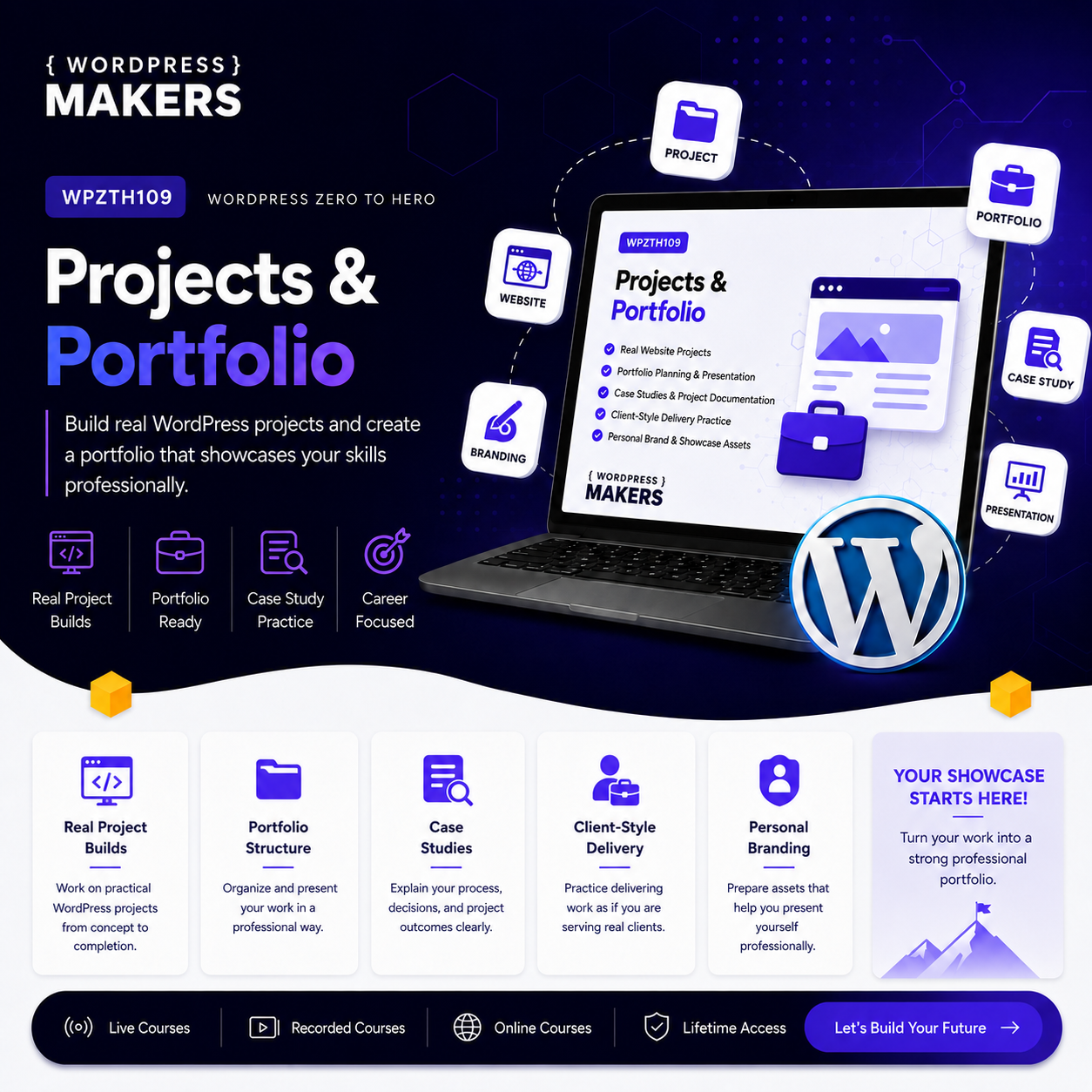
Apply everything you learned by building real WordPress projects and preparing a professional portfolio.
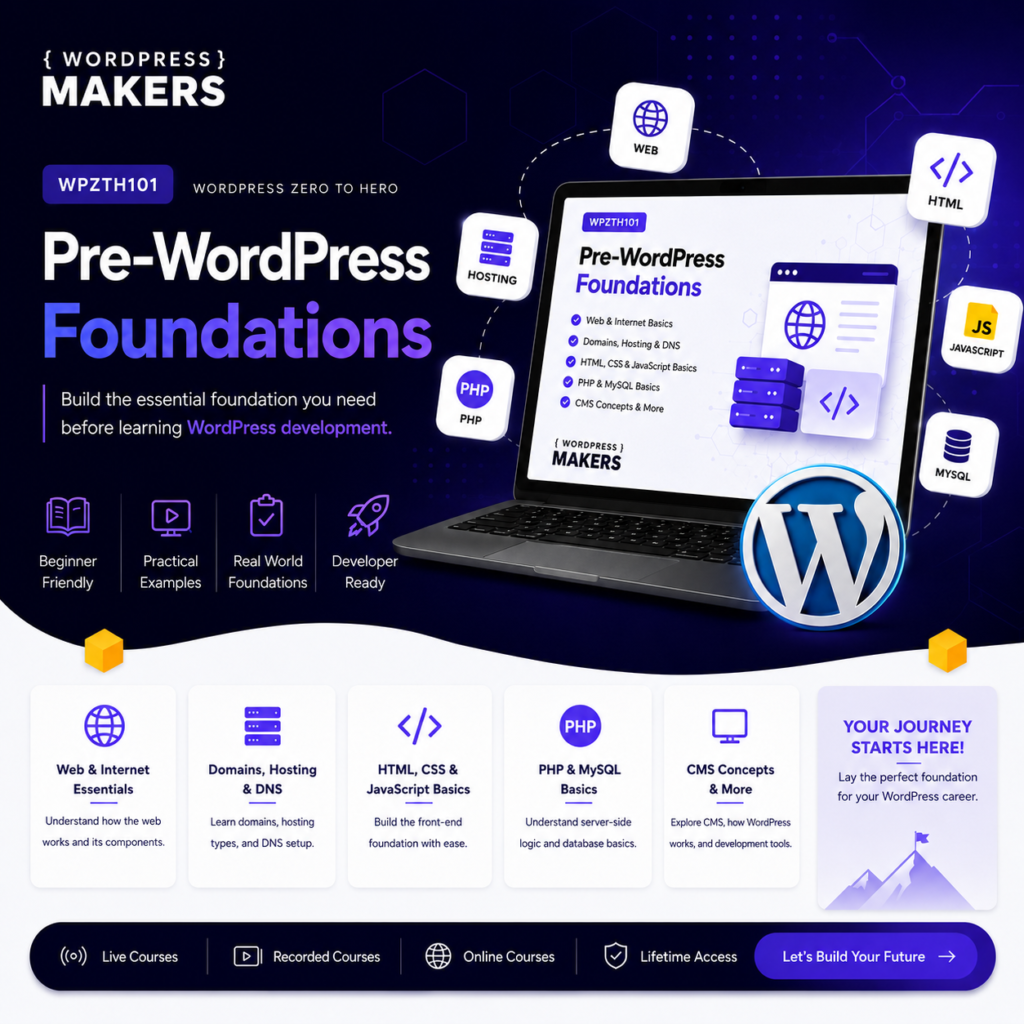
WPZTH101: WordPress Zero to Hero – Pre-WordPress Foundations
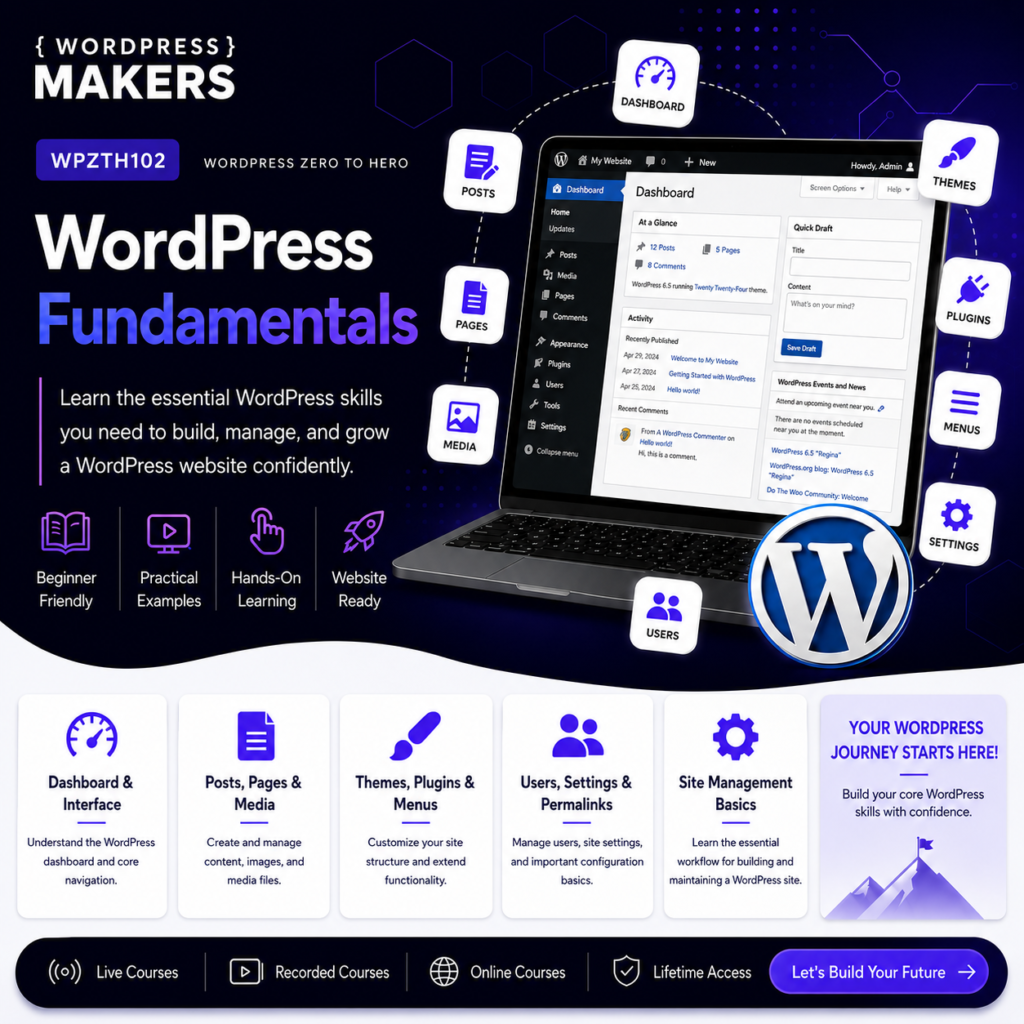
WPZTH102: WordPress Zero to Hero – WordPress Fundamentals
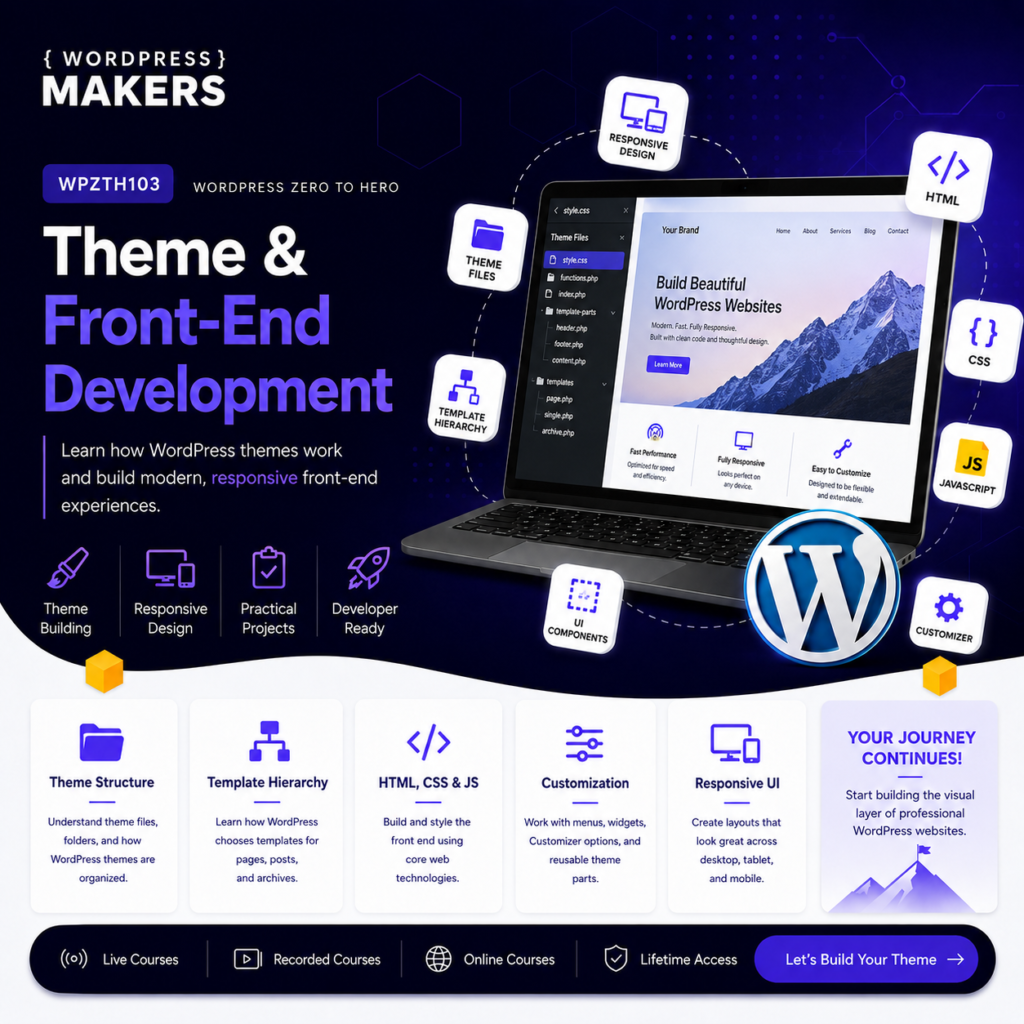
WPZTH103: WordPress Zero to Hero – Theme & Front-end Development
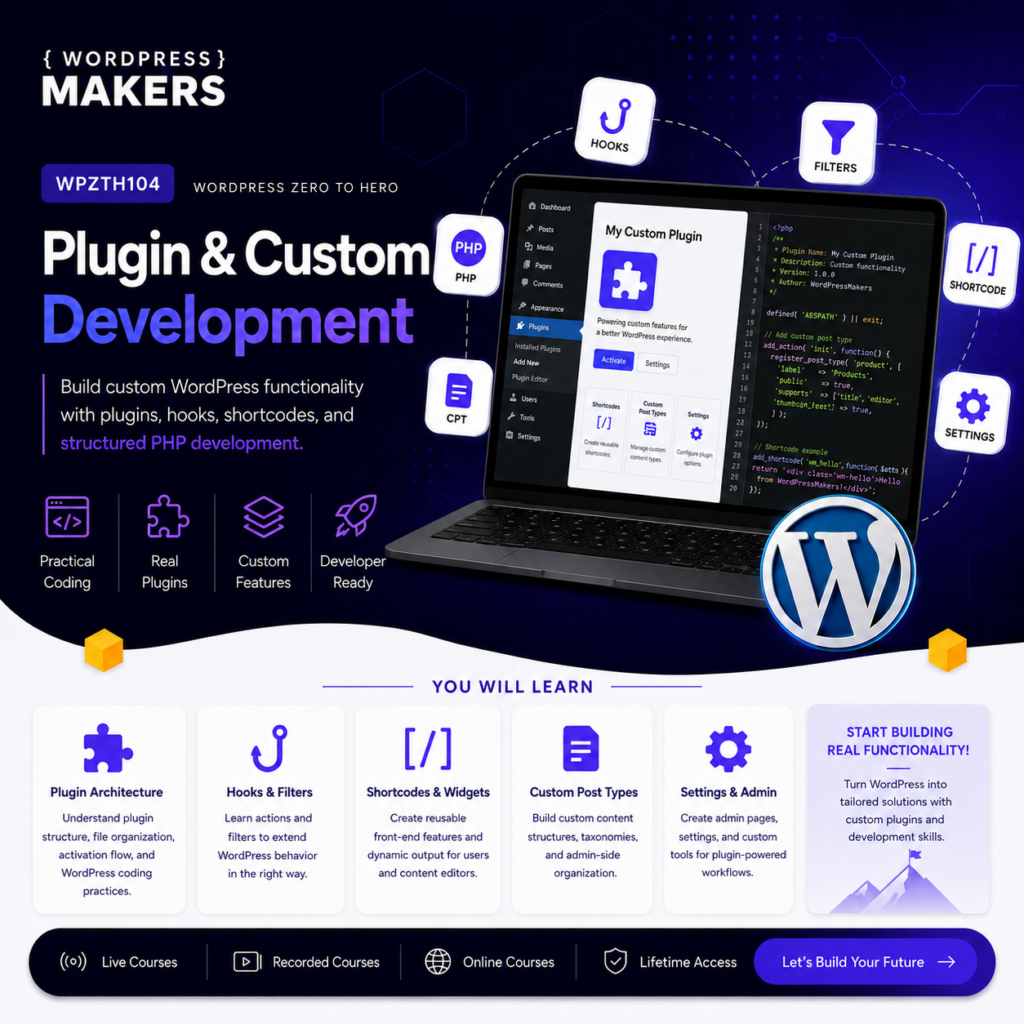
WPZTH104: WordPress Zero to Hero – Plugin & Custom Development
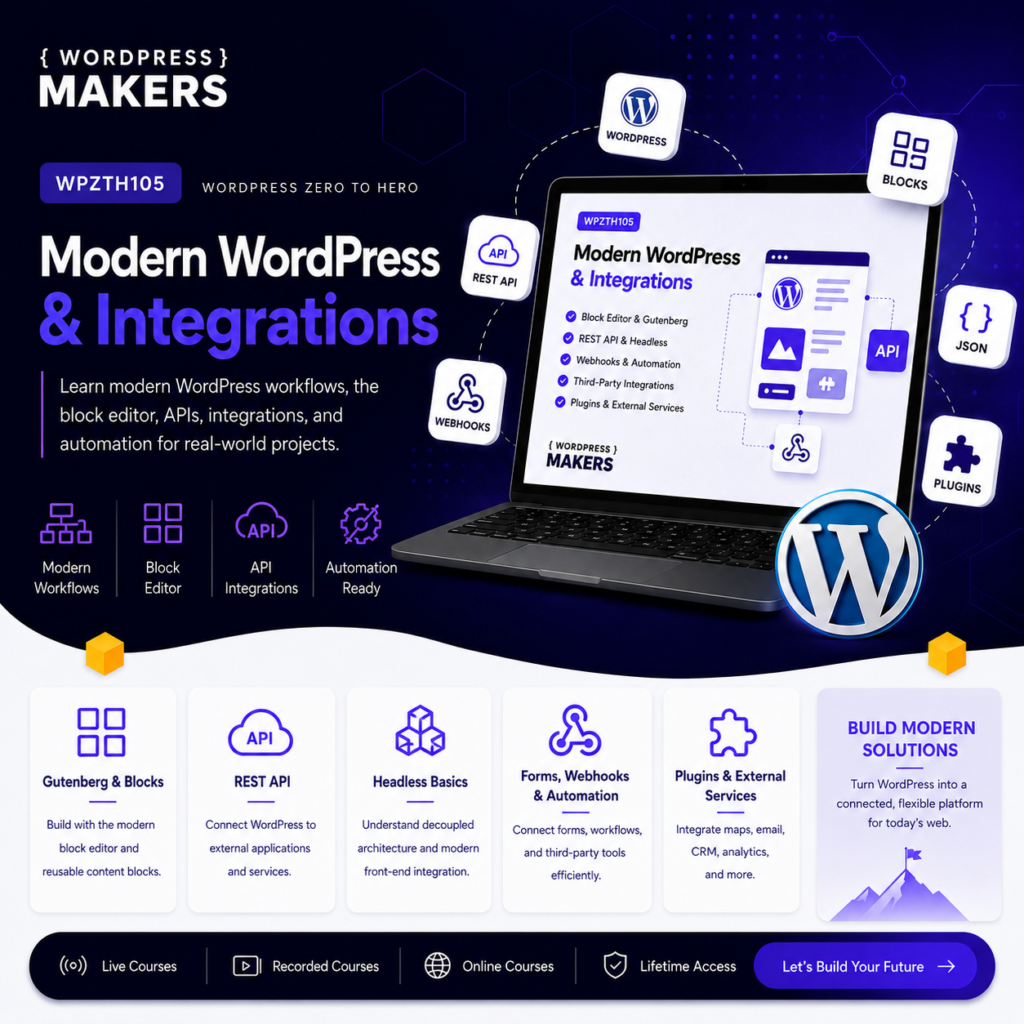
WPZTH105: WordPress Zero to Hero – Modern WordPress & Integrations
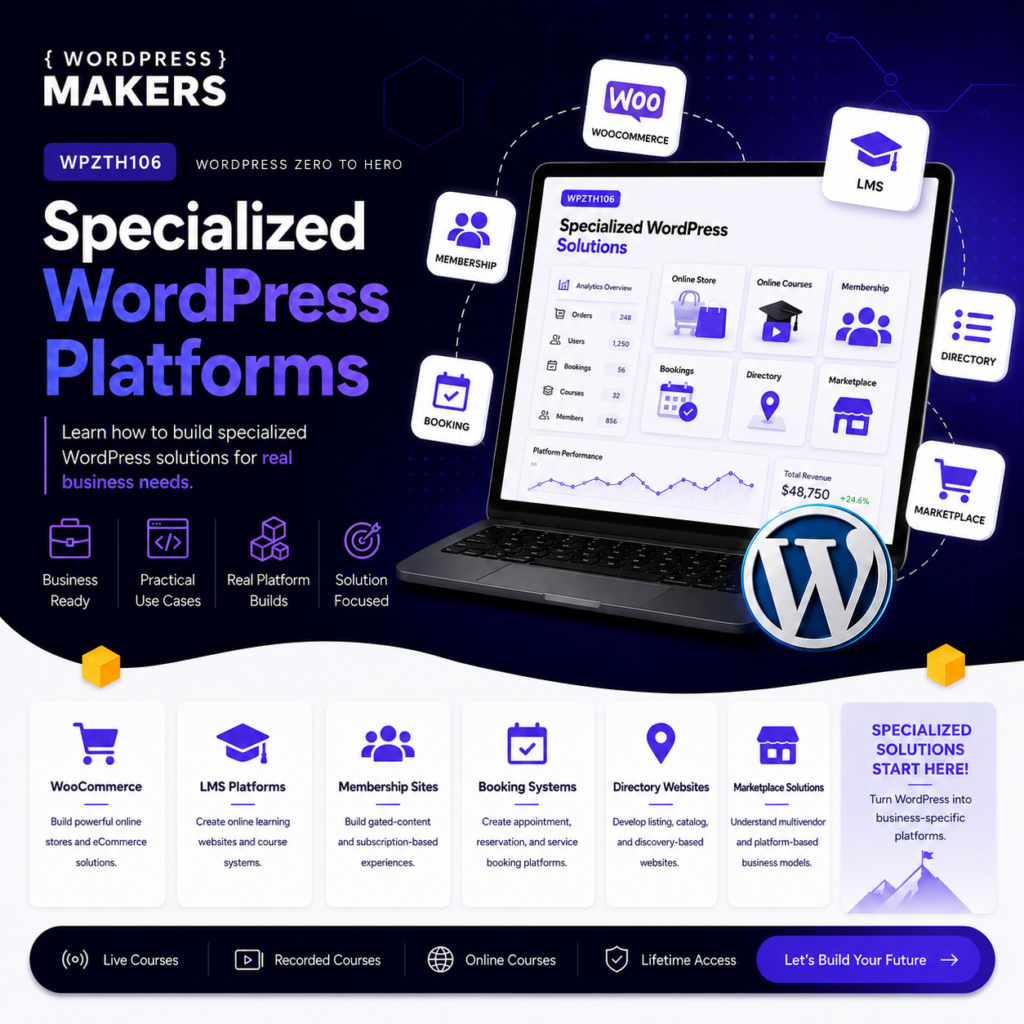
WPZTH106: WordPress Zero to Hero – Specialized WordPress Platforms
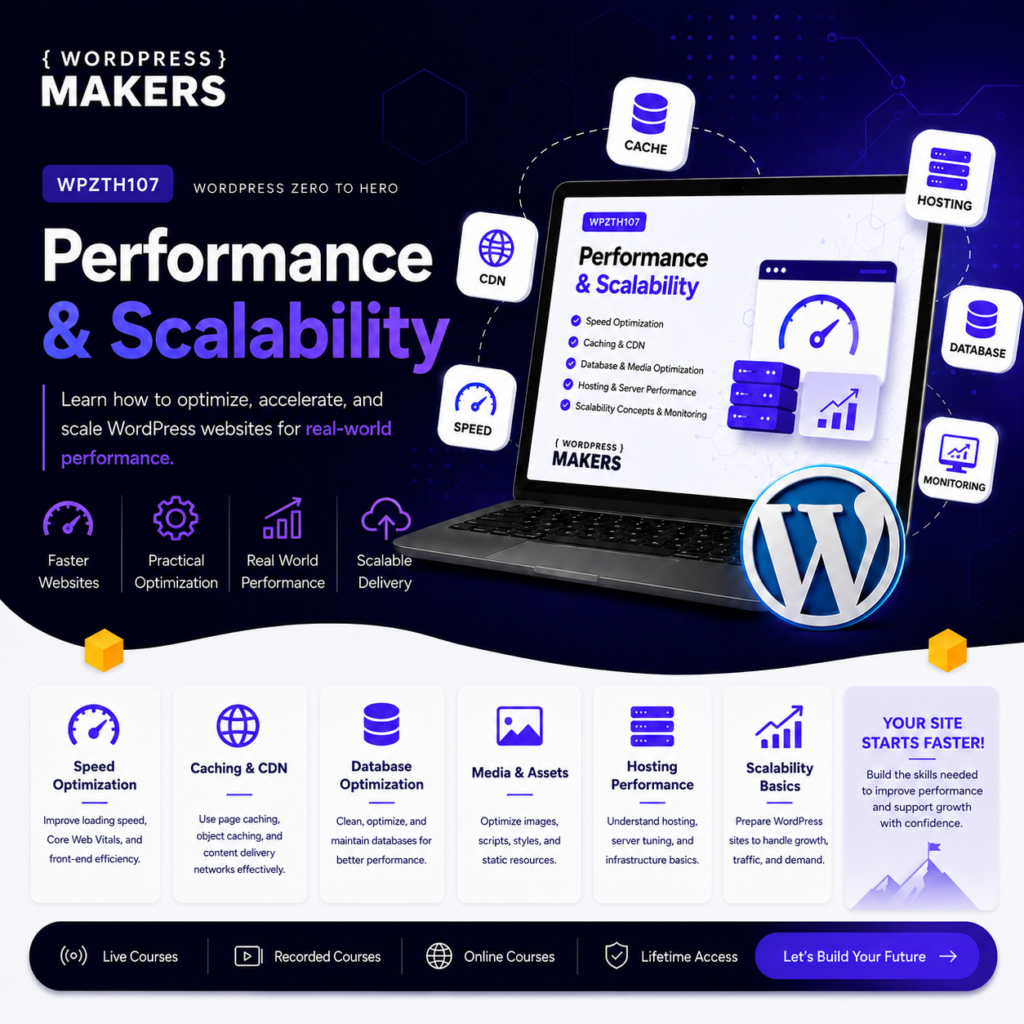
WPZTH107: WordPress Zero to Hero – Performance & Scalability
WPZTH108: WordPress Zero to Hero – Delivery & Maintenance
Reviews
There are no reviews yet.