
In this syllabus, you will find the course overview, course level, course goal, learning outcomes, requirements, target learner, modules, lessons, practical activities, final project, completion result, and the next course in the WordPress Zero to Hero program.
Course Overview
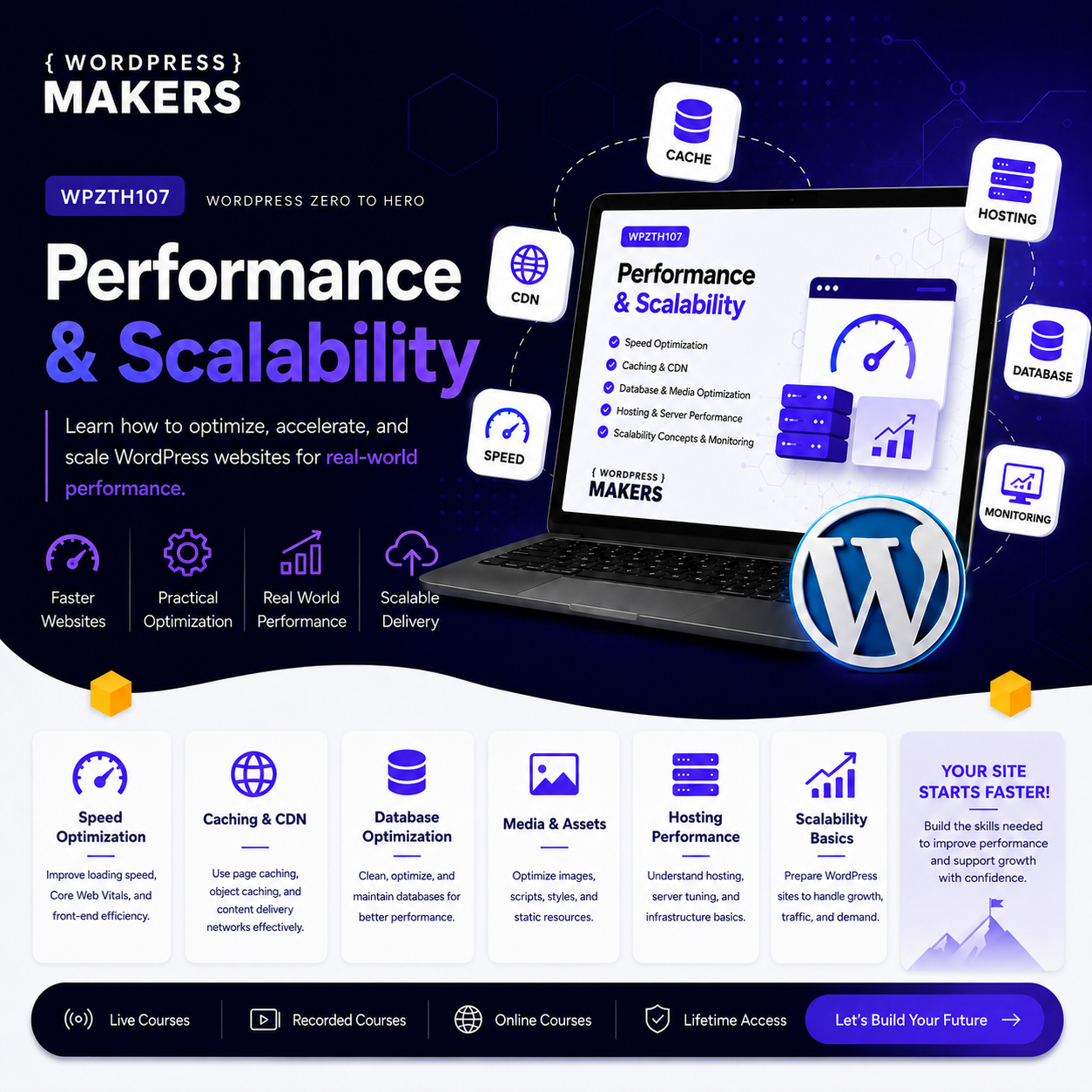
WordPress Zero to Hero – Performance & Scalability is the seventh course in the WordPress Zero to Hero program. This course focuses on making WordPress websites faster, more stable, more secure from a performance perspective, and ready to handle growth.
After learning foundations, WordPress fundamentals, theme development, plugin development, modern WordPress, integrations, WooCommerce, LMS, membership, booking, marketplace, and specialized platforms, you now need to understand how to make these websites perform professionally.
A website is not complete only because it looks good or has the required features. A professional WordPress website must load fast, handle traffic, use server resources wisely, avoid unnecessary bloat, stay stable under pressure, and provide a smooth experience for visitors.
In this course, you will learn the practical concepts behind performance optimization and scalability. You will understand caching, hosting, databases, images, assets, plugins, themes, server resources, CDN, Core Web Vitals, monitoring, debugging, bottlenecks, and optimization workflows.
The goal is not only to install a speed plugin and click buttons. The goal is to understand what affects performance and how to make better technical decisions when building, optimizing, and maintaining WordPress websites.
By the end of this course, you will be able to analyze a WordPress website, identify performance problems, apply optimization techniques, improve loading speed, reduce unnecessary resource usage, and prepare websites for higher traffic and professional delivery.
Course Level
Intermediate to advanced WordPress level
This course is suitable for you if you already understand WordPress basics, themes, plugins, hosting concepts, and how WordPress websites are built.
You do not need to be a server administrator before starting this course, but you should already understand how WordPress works, how themes and plugins affect websites, and how hosting connects to website performance.
Course Goal
The main goal of this course is to help you understand how to make WordPress websites faster, lighter, more stable, and more scalable.
You will learn how website performance works from the browser, WordPress, database, hosting, server, cache, CDN, and user experience perspectives.
This course prepares you to move from simply building WordPress websites to building WordPress websites that are ready for real users, real clients, real traffic, and professional expectations.
What You Will Learn
By the end of this course, you will understand:
● What website performance means in real WordPress projects ● The difference between speed, performance, optimization, and scalability ● How browsers load web pages ● How WordPress generates pages dynamically ● Why hosting quality affects performance ● How server resources affect WordPress websites ● How caching works in WordPress ● The difference between page cache, browser cache, object cache, database cache, and CDN cache ● How images affect website speed ● How to optimize media files professionally ● How CSS and JavaScript affect loading time ● How themes and plugins can create performance problems ● How databases affect WordPress performance ● How to clean and optimize WordPress databases safely ● How WooCommerce and dynamic websites need special performance handling ● What Core Web Vitals are and why they matter ● How to use performance testing tools ● How to identify bottlenecks ● How to build an optimization checklist ● How to prepare a WordPress website for higher traffic ● How to monitor performance after launch ● How to communicate performance improvements to clients professionally
Course Requirements
You do not need advanced DevOps or server administration experience before starting this course.
However, you should already have:
● Basic WordPress knowledge ● Ability to manage WordPress from the dashboard ● Basic understanding of themes and plugins ● Basic understanding of hosting, domains, DNS, and SSL ● Basic understanding of HTML, CSS, JavaScript, PHP, and MySQL concepts ● Ability to install and test WordPress plugins ● Ability to use browser developer tools at a basic level ● Willingness to test, compare, measure, and improve gradually
Recommended previous courses:
● WPZTH101: WordPress Zero to Hero – Pre-WordPress Foundations ● WPZTH102: WordPress Zero to Hero – WordPress Fundamentals ● WPZTH103: WordPress Zero to Hero – Theme & Front-End Development ● WPZTH104: WordPress Zero to Hero – Plugin & Custom Development ● WPZTH105: WordPress Zero to Hero – Modern WordPress & Integrations ● WPZTH106: WordPress Zero to Hero – Specialized WordPress Platforms
Target Learner
This course is for you if:
● You build WordPress websites and want them to load faster ● You want to understand performance beyond installing optimization plugins ● You want to optimize client websites professionally ● You want to reduce plugin, theme, database, and hosting bloat ● You want to understand caching and CDN concepts clearly ● You want to improve Core Web Vitals ● You want to prepare WordPress websites for more visitors ● You work with WooCommerce, LMS, membership, or content-heavy websites ● You want to offer performance optimization as a professional service ● You want to prepare for professional WordPress delivery and maintenancePractical Activities
Throughout the course, you will practice:
● Testing WordPress website speed ● Reading performance reports ● Using browser developer tools ● Comparing mobile and desktop performance ● Identifying slow-loading assets ● Reviewing Core Web Vitals ● Configuring caching basics ● Testing caching changes safely ● Optimizing images and media files ● Reviewing CSS and JavaScript loading ● Reducing unnecessary plugins ● Reviewing theme performance impact ● Cleaning database problems safely ● Understanding CDN usage ● Reviewing WooCommerce performance needs ● Creating a scalability checklist ● Preparing a performance report ● Documenting before-and-after optimization results
Final Learning Outcomes
After completing WPZTH107: WordPress Zero to Hero – Performance & Scalability, you will be able to:
● Explain what WordPress performance and scalability mean ● Understand how browsers load web pages ● Understand how WordPress generates pages dynamically ● Test website performance using common tools ● Read and understand basic performance reports ● Explain Core Web Vitals ● Identify hosting and server-related performance issues ● Understand different types of caching ● Configure basic WordPress caching options ● Optimize images and media files ● Improve CSS and JavaScript loading ● Evaluate themes and plugins from a performance perspective ● Identify plugin bloat and unnecessary loading ● Understand database performance problems ● Clean and optimize WordPress databases safely ● Understand CDN usage and global delivery ● Handle performance differently for WooCommerce and dynamic websites ● Plan for website growth and scalability ● Monitor performance after launch ● Create a professional optimization workflow ● Prepare a performance audit and report ● Prepare for professional WordPress delivery and maintenance
Course Completion Result
By the end of this course, you will not only know how to build WordPress websites. You will understand how to make them faster, lighter, more stable, and more prepared for real traffic.
You will be able to look at a WordPress website professionally and ask the right questions:
● Is the hosting suitable? ● Are the images optimized? ● Are there too many plugins? ● Is caching working correctly? ● Are CSS and JavaScript files slowing the website down? ● Is the database clean? ● Are dynamic pages handled correctly? ● Are Core Web Vitals acceptable? ● Can this website handle more users? ● What should be improved before professional delivery?
This course gives you the practical knowledge needed to improve WordPress websites and prepare them for real business use.
Next Course
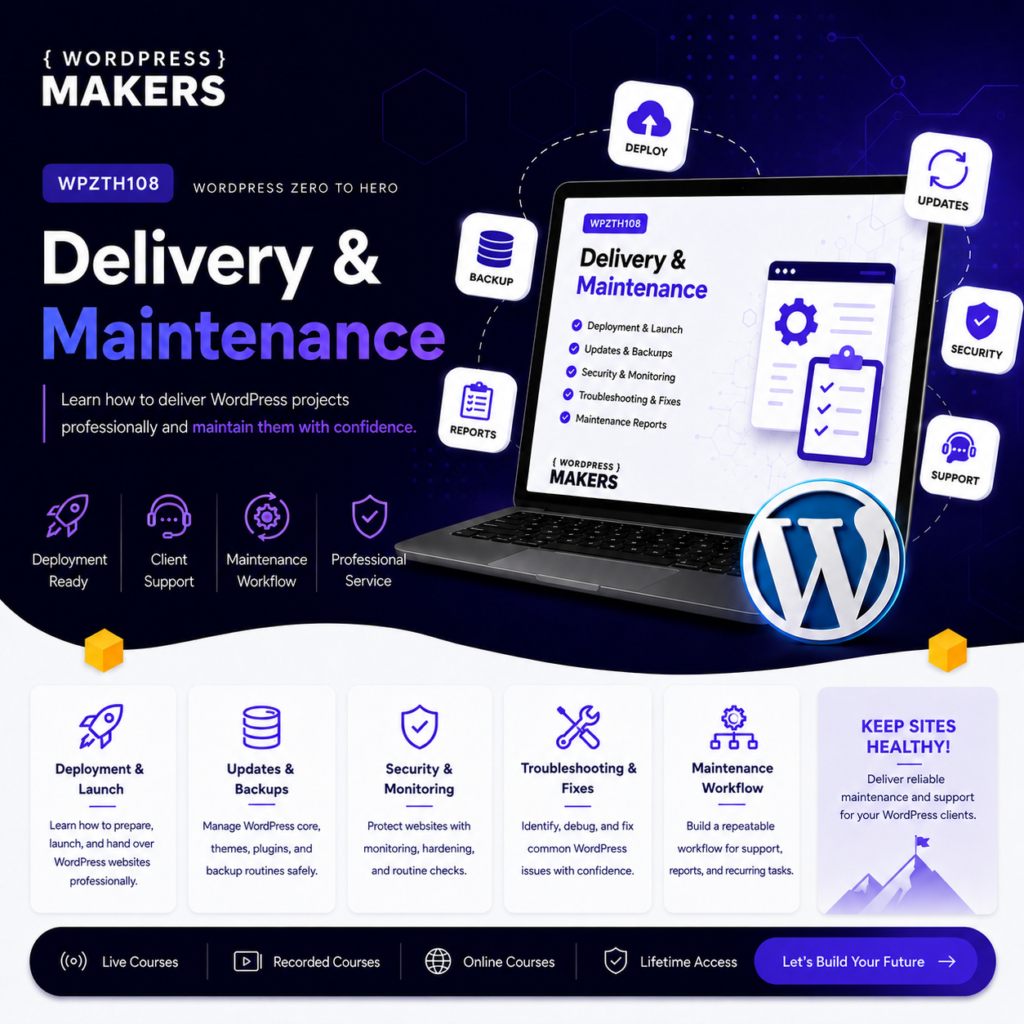
WPZTH108: WordPress Zero to Hero – Professional Delivery & Maintenance
In the next course, you will move from optimizing WordPress websites to delivering and maintaining them professionally. You will learn how to prepare websites for clients, manage backups, updates, security, reports, documentation, support, troubleshooting, and ongoing maintenance services.
Disclaimer
WordPressMakers is an independent educational brand. This course is not affiliated with, endorsed by, sponsored by, or certified by the WordPress Foundation, Automattic, WordPress.com, or WordPress.org.Module 1: Introduction to WordPress Performance & Scalability
Description
This module introduces the meaning of performance and scalability in WordPress projects. You will understand why speed matters, why performance is not only about page speed scores, and why scalability becomes important when a website grows.
You will also understand the difference between a website that works for a few visitors and a website that can handle real traffic, real users, and business operations.
Lessons
- Welcome to WordPress Performance & Scalability
- What does website performance mean?
- What does scalability mean?
- Speed vs performance vs optimization
- Why performance matters for users
- Why performance matters for SEO
- Why performance matters for conversions
- Common WordPress performance problems
- Performance mindset before using tools
- Overview of the full course roadmap
Learning Outcomes
By the end of this module, you will understand the purpose of the course and how performance and scalability affect the quality of WordPress websites.
Module 2: How Web Pages Load
Description
Before optimizing a website, you need to understand how web pages load. This module explains what happens when a visitor opens a WordPress page from the browser.
You will learn how requests, responses, HTML, CSS, JavaScript, images, fonts, APIs, and third-party scripts affect loading time.
Lessons
- What happens when a user visits a web page?
- Browser request and server response
- HTML loading process
- CSS loading process
- JavaScript loading process
- Image loading process
- Fonts and external assets
- Third-party scripts and tracking codes
- Render-blocking resources
- Waterfall loading explained simply
Learning Outcomes
By the end of this module, you will understand how browsers load web pages and why some pages feel slow even when the website is technically working.
Module 3: How WordPress Generates Pages
Description
WordPress is dynamic. It does not always serve simple static HTML files. This module explains how WordPress generates pages using PHP, themes, plugins, database queries, templates, hooks, and settings.
You will understand why WordPress performance depends on many layers working together.
Lessons
- Static pages vs dynamic WordPress pages
- How WordPress receives a request
- WordPress loading process overview
- Theme role in page generation
- Plugin role in page generation
- Database role in page generation
- Hooks, queries, and template loading
- Logged-in users vs public visitors
- Dynamic pages vs cached pages
- Why WordPress can become slow
Learning Outcomes
By the end of this module, you will understand how WordPress generates pages and why themes, plugins, database queries, and server resources can affect performance.
Module 4: Performance Testing and Measurement
Description
You cannot improve what you do not measure. This module teaches you how to test website performance correctly and avoid depending on one score only.
You will learn how to use performance testing tools, read reports, compare results, and understand the difference between lab data and real user experience.
Lessons
- Why performance testing matters
- The problem with chasing scores only
- PageSpeed Insights overview
- GTmetrix overview
- WebPageTest overview
- Lighthouse overview
- Browser developer tools performance basics
- Lab data vs field data
- Testing mobile vs desktop
- How to document before-and-after results
Learning Outcomes
By the end of this module, you will be able to test WordPress website performance, read basic performance reports, and identify areas that need improvement.
Module 5: Core Web Vitals
Description
Core Web Vitals are important performance metrics connected to user experience and search visibility. This module explains them in a simple and practical way.
You will learn what LCP, INP, and CLS mean, what causes poor scores, and how WordPress websites can be improved to provide a better user experience.
Lessons
- What are Core Web Vitals?
- Largest Contentful Paint
- Interaction to Next Paint
- Cumulative Layout Shift
- Other important performance metrics
- Common WordPress causes of poor LCP
- Common WordPress causes of poor INP
- Common WordPress causes of poor CLS
- Mobile performance considerations
- Practical Core Web Vitals improvement workflow
Learning Outcomes
By the end of this module, you will understand Core Web Vitals and how they connect to real user experience on WordPress websites.
Module 6: Hosting and Server Performance
Description
Hosting is one of the most important performance factors in any WordPress website. This module explains how hosting quality, server resources, PHP versions, memory, storage, and server configuration affect website speed and stability.
You will learn how to evaluate hosting from a WordPress performance perspective.
Lessons
- Why hosting affects WordPress performance
- Shared hosting vs VPS vs cloud hosting
- Managed WordPress hosting overview
- CPU, RAM, storage, and bandwidth explained
- PHP version and WordPress performance
- PHP memory limit
- Server location and latency
- Apache vs Nginx overview
- LiteSpeed overview
- When hosting becomes the bottleneck
Learning Outcomes
By the end of this module, you will understand how hosting affects WordPress performance and how to recognize when a website needs better server resources.
Module 7: WordPress Caching Fundamentals
Description
Caching is one of the most important concepts in WordPress performance. This module explains caching clearly without relying only on plugin settings.
You will understand why caching exists, how it reduces server work, and how different caching layers work together.
Lessons
- What is caching?
- Why WordPress needs caching
- Page cache
- Browser cache
- Object cache
- Database cache
- Opcode cache
- CDN cache
- Cache for logged-in users
- Cache clearing and common cache problems
Learning Outcomes
By the end of this module, you will understand caching layers and how caching improves WordPress performance.
Module 8: Working with WordPress Caching Plugins
Description
This module focuses on using caching and performance plugins carefully. You will learn what common plugin settings mean and how to test changes safely.
The goal is not to memorize one plugin only, but to understand the logic behind common optimization options.
Lessons
- Choosing a caching plugin
- Common caching plugin features
- Page cache settings
- Browser cache settings
- Minification settings
- CSS optimization settings
- JavaScript optimization settings
- Preload and cache warming
- Excluding pages from cache
- Testing after changing cache settings
Learning Outcomes
By the end of this module, you will be able to configure basic caching plugin settings and test their effect safely.
Module 9: Image and Media Optimization
Description
Images are one of the most common causes of slow WordPress websites. This module teaches you how to optimize images and media files without damaging design quality.
You will learn about image formats, dimensions, compression, lazy loading, responsive images, and media library management.
Lessons
- Why images slow down websites
- Image dimensions vs file size
- JPG, PNG, WebP, and SVG
- Image compression
- Responsive images in WordPress
- Lazy loading
- Featured images and thumbnails
- Background images and sliders
- Video performance considerations
- Media library cleanup and organization
Learning Outcomes
By the end of this module, you will be able to optimize images and media files for better WordPress performance.
Module 10: CSS, JavaScript, and Front-End Optimization
Description
Themes, plugins, builders, sliders, animations, tracking scripts, and external libraries can add too many CSS and JavaScript files. This module explains how front-end assets affect performance.
You will learn how to reduce unnecessary loading, delay scripts, handle render-blocking resources, and improve front-end efficiency.
Lessons
- How CSS affects page loading
- How JavaScript affects page loading
- Render-blocking CSS and JavaScript
- Minification explained
- Combining files: when it helps and when it hurts
- Defer and async explained
- Delaying JavaScript execution
- Removing unused CSS basics
- Reducing third-party scripts
- Testing layout and functionality after optimization
Learning Outcomes
By the end of this module, you will understand how CSS and JavaScript affect WordPress performance and how to optimize them safely.
Module 11: Theme and Plugin Performance
Description
Themes and plugins can make WordPress powerful, but they can also make websites heavy and slow. This module teaches you how to evaluate themes and plugins from a performance perspective.
You will learn how to reduce bloat, choose better tools, avoid unnecessary features, and understand when custom development may be better than installing another plugin.
Lessons
- How themes affect performance
- How plugins affect performance
- Plugin bloat explained
- Page builders and performance considerations
- Sliders, popups, forms, and tracking tools
- Choosing lightweight themes
- Choosing trusted plugins
- Replacing heavy plugins with simpler solutions
- Auditing active plugins
- Building a performance-friendly WordPress stack
Learning Outcomes
By the end of this module, you will be able to evaluate themes and plugins and make better performance decisions in WordPress projects.
Module 12: Database Performance and Optimization
Description
WordPress stores content, settings, users, comments, products, orders, metadata, and plugin data in the database. Over time, databases can become heavy and messy.
This module explains how the WordPress database affects performance and how to clean and optimize it safely.
Lessons
- How WordPress uses the database
- Posts, postmeta, options, users, and comments tables
- Why metadata can grow quickly
- Autoloaded options explained
- Revisions, drafts, and trash
- Transients explained
- WooCommerce database considerations
- Database cleanup basics
- Backup before database optimization
- Safe database optimization workflow
Learning Outcomes
By the end of this module, you will understand common WordPress database performance problems and how to optimize databases safely.
Module 13: CDN and Global Delivery
Description
A CDN helps deliver website assets faster to users from different locations. This module explains how CDN works and when it is useful for WordPress websites.
You will also learn how CDN, caching, image delivery, security, and DNS can connect together.
Lessons
- What is a CDN?
- Why location affects loading speed
- Static assets and CDN delivery
- CDN cache explained
- CDN for images
- CDN with WordPress caching plugins
- CDN and DNS basics
- CDN and SSL considerations
- Common CDN problems
- When a website needs a CDN
Learning Outcomes
By the end of this module, you will understand how CDN improves delivery speed and how it fits into WordPress performance architecture.
Module 14: WooCommerce and Dynamic Website Performance
Description
WooCommerce, LMS, membership, booking, and marketplace websites are more dynamic than simple brochure websites. They need special performance handling because many pages cannot be cached in the same simple way.
This module teaches you how to think about performance for dynamic and business-critical WordPress platforms.
Lessons
- Why dynamic websites are harder to optimize
- WooCommerce performance challenges
- Cart, checkout, and account pages
- Logged-in users and cache limitations
- Product pages and category pages
- Search and filtering performance
- Orders, sessions, and background processes
- LMS and membership performance considerations
- Booking and marketplace performance considerations
- Optimization priorities for dynamic websites
Learning Outcomes
By the end of this module, you will understand how to handle performance for WooCommerce and other dynamic WordPress platforms.
Module 15: Scalability Planning for WordPress
Description
Scalability means preparing a website to handle growth. This module explains how WordPress websites can grow from simple websites to larger platforms with more users, more traffic, more content, and more operations.
You will learn the difference between optimization and scalability, and how to plan for growth step by step.
Lessons
- What does scalability mean in WordPress?
- Traffic growth vs business growth
- Vertical scaling vs horizontal scaling
- Scaling hosting resources
- Scaling database usage
- Scaling media storage
- Scaling WooCommerce operations
- Background jobs and scheduled tasks
- When WordPress is enough and when architecture must change
- Practical scalability planning checklist
Learning Outcomes
By the end of this module, you will understand how to plan WordPress websites for future growth and when scaling decisions become necessary.
Module 16: Monitoring, Maintenance, and Performance Workflow
Description
Performance optimization is not a one-time task. Websites change when you add content, plugins, scripts, products, media, updates, and traffic.
This module teaches you how to monitor performance, maintain improvements, document changes, and create a professional optimization workflow.
Lessons
- Why performance needs continuous monitoring
- Uptime monitoring basics
- Speed monitoring basics
- Error monitoring basics
- Server resource monitoring basics
- WordPress health checks
- Plugin and theme update testing
- Creating a performance maintenance checklist
- Creating client performance reports
- Building your professional optimization workflow
Learning Outcomes
By the end of this module, you will be able to monitor website performance, maintain improvements, and communicate optimization work professionally.
Module 17: Performance & Scalability Final Project
Description
In the final module, you will apply what you learned by auditing and optimizing a WordPress website. You will test the website, identify problems, apply improvements, document changes, and prepare a professional performance report.
This project brings together the main topics of the course: testing, caching, hosting review, image optimization, asset optimization, database cleanup, plugin review, Core Web Vitals, CDN concepts, dynamic website considerations, scalability planning, and reporting.
Lessons
- Optimize a WordPress website and prepare a performance report that includes:
- Website performance audit
- Before optimization test results
- Hosting and server review
- Theme and plugin review
- Image and media optimization
- CSS and JavaScript optimization
- Caching configuration
- Database cleanup plan
- Core Web Vitals review
- CDN recommendation if needed
- Dynamic page caching considerations
- Scalability improvement suggestions
- After optimization test results
- Final performance checklist
- Client-friendly summary report
Learning Outcomes
By the end of this module, you will have a complete performance optimization project that demonstrates your ability to analyze, improve, and document WordPress website performance professionally.
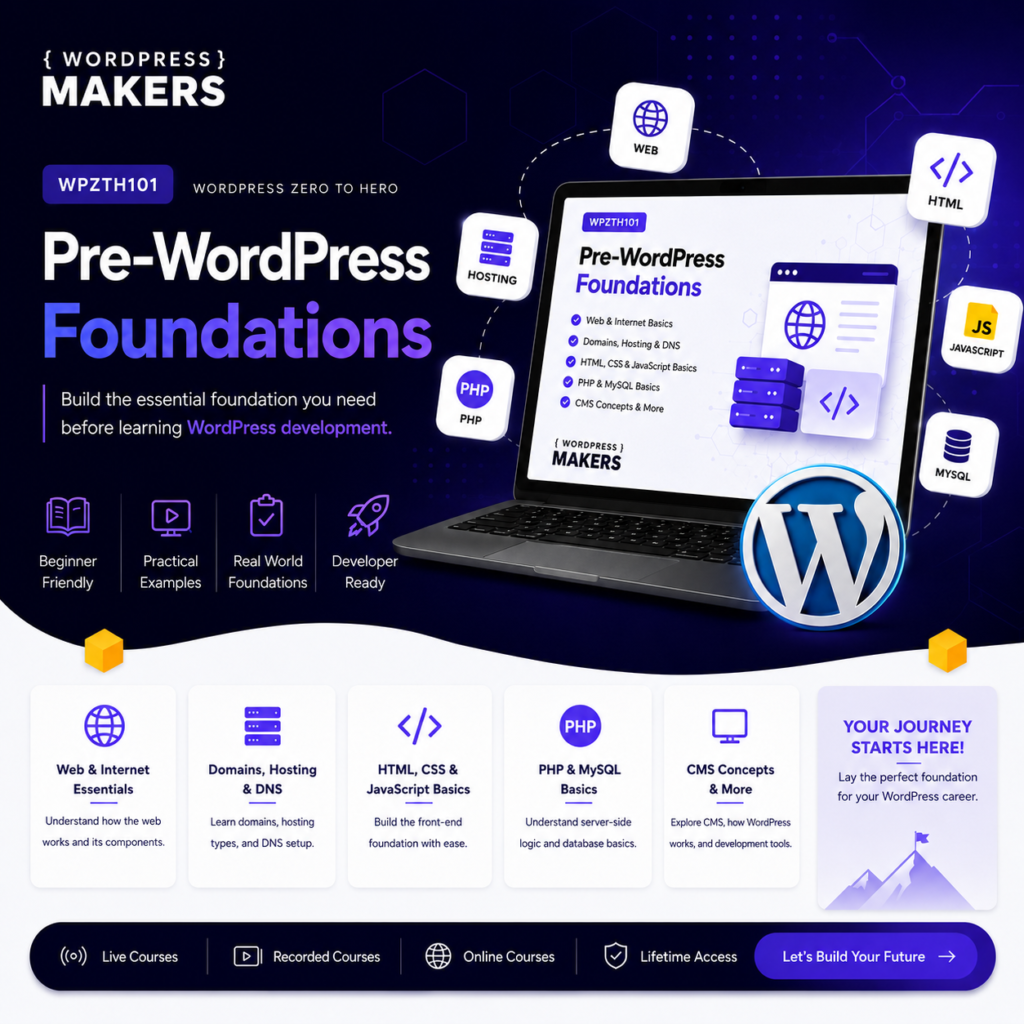
WPZTH101: WordPress Zero to Hero – Pre-WordPress Foundations
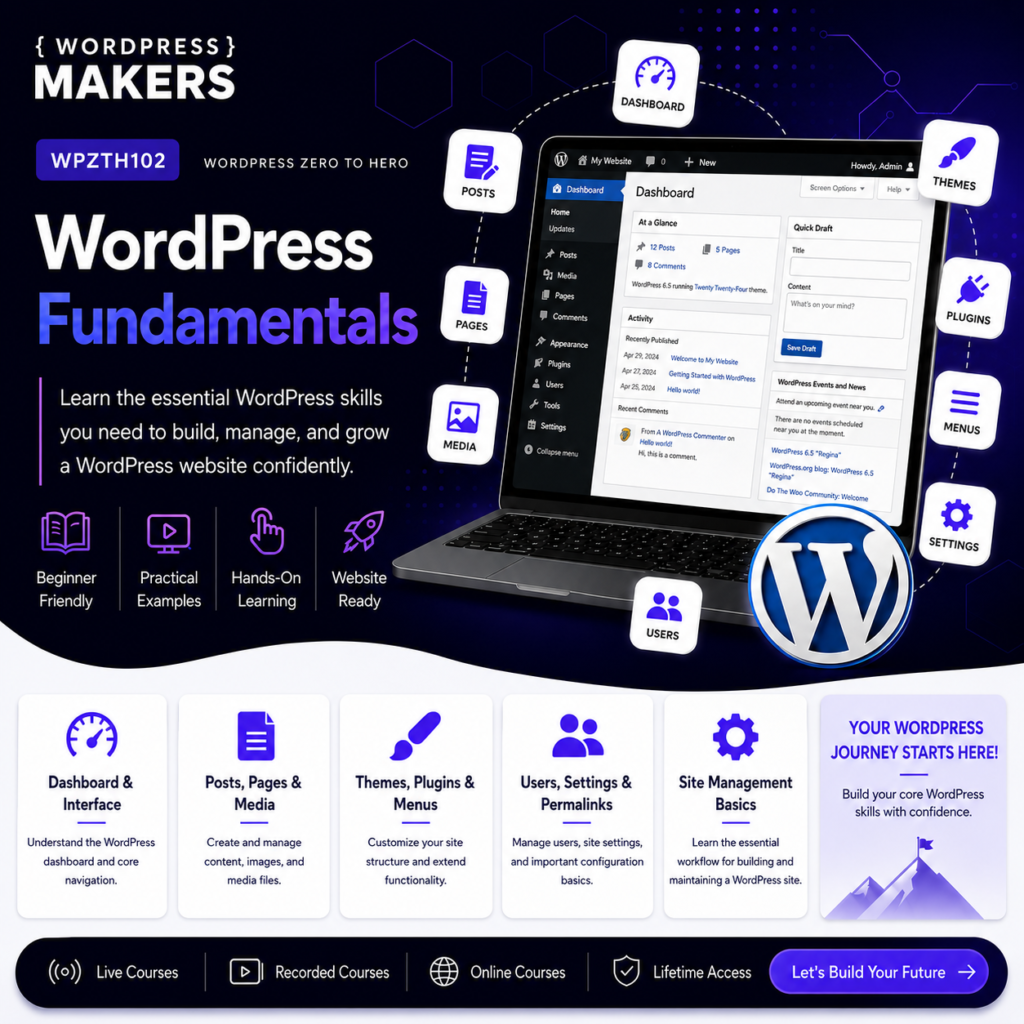
WPZTH102: WordPress Zero to Hero – WordPress Fundamentals
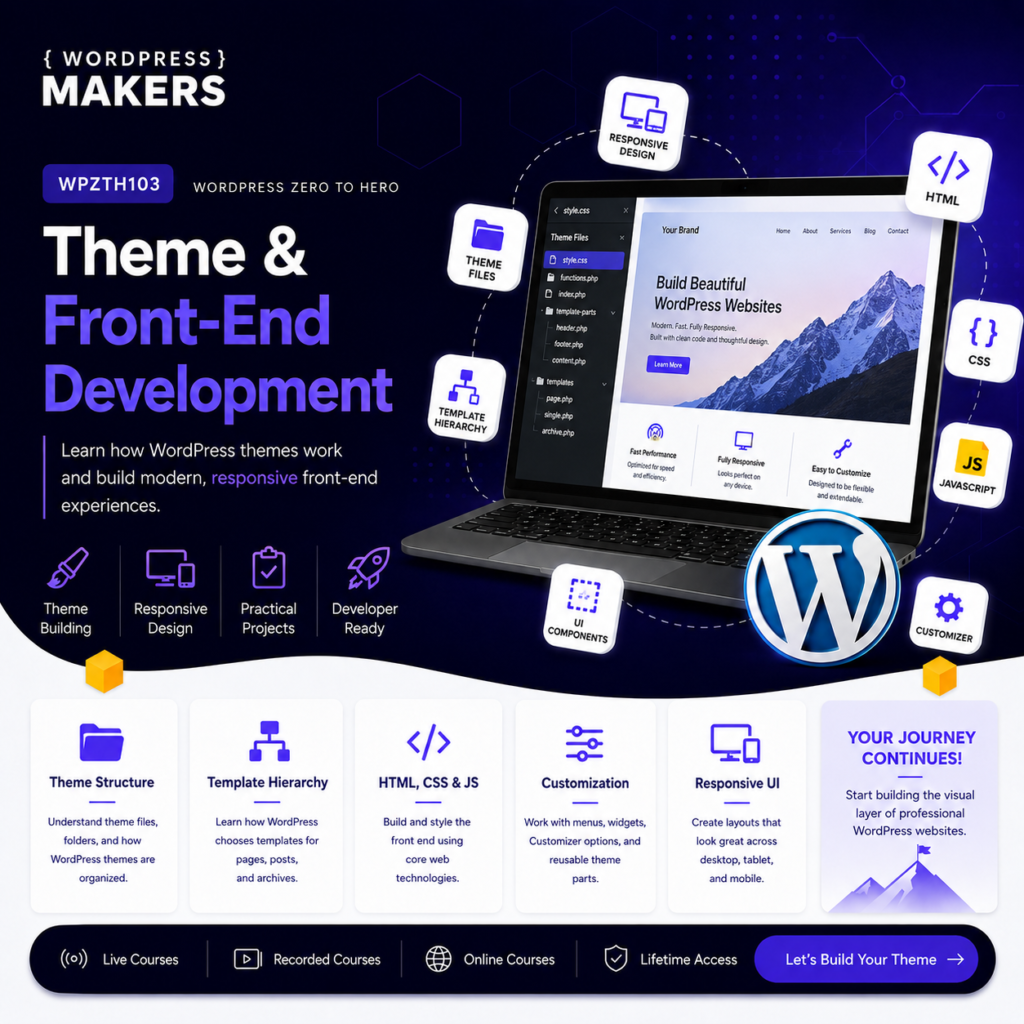
WPZTH103: WordPress Zero to Hero – Theme & Front-end Development
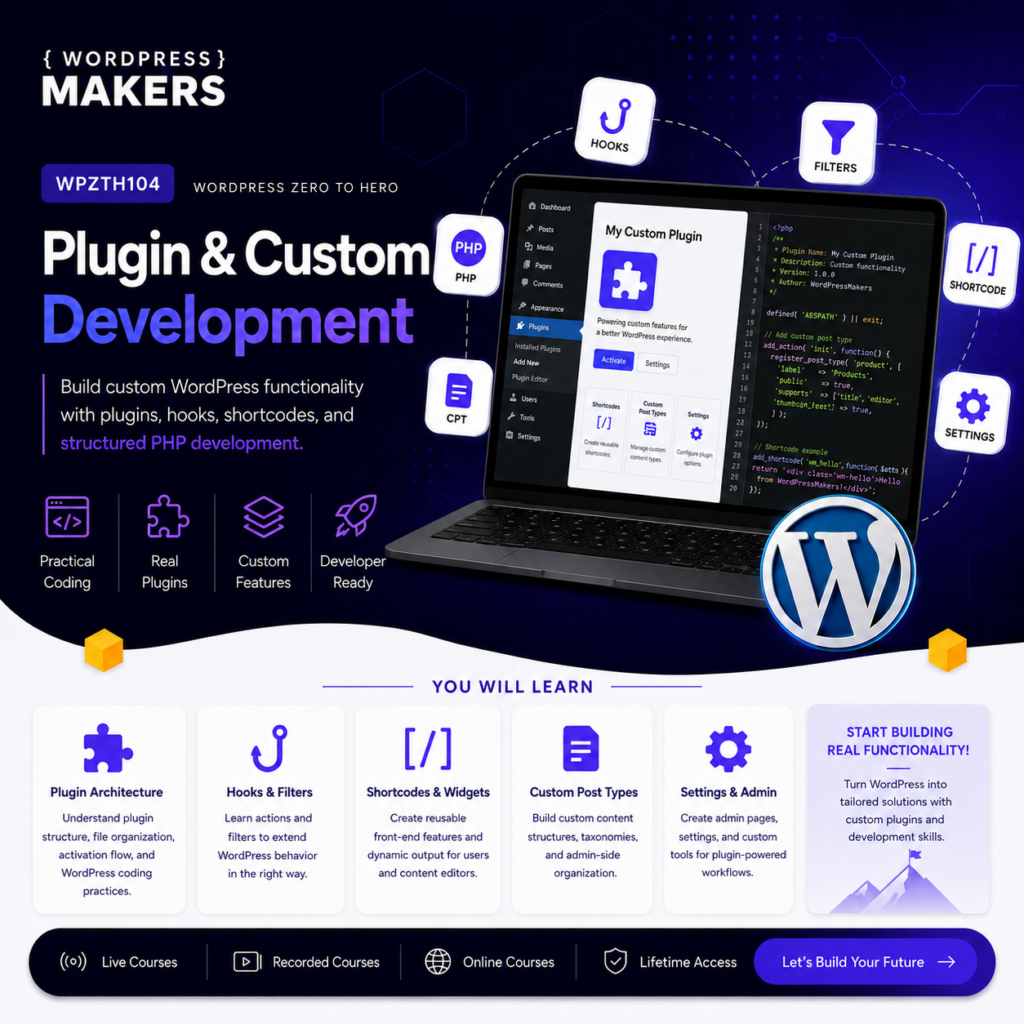
WPZTH104: WordPress Zero to Hero – Plugin & Custom Development
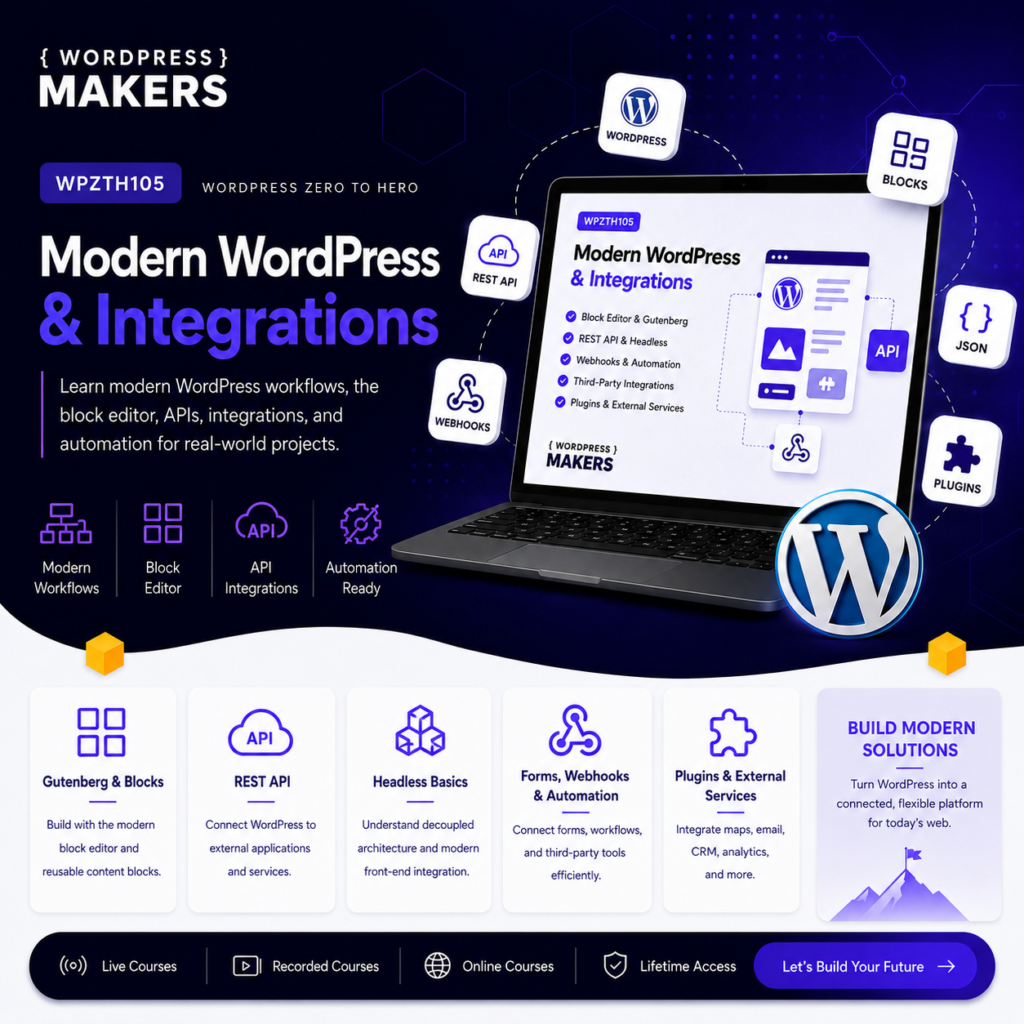
WPZTH105: WordPress Zero to Hero – Modern WordPress & Integrations
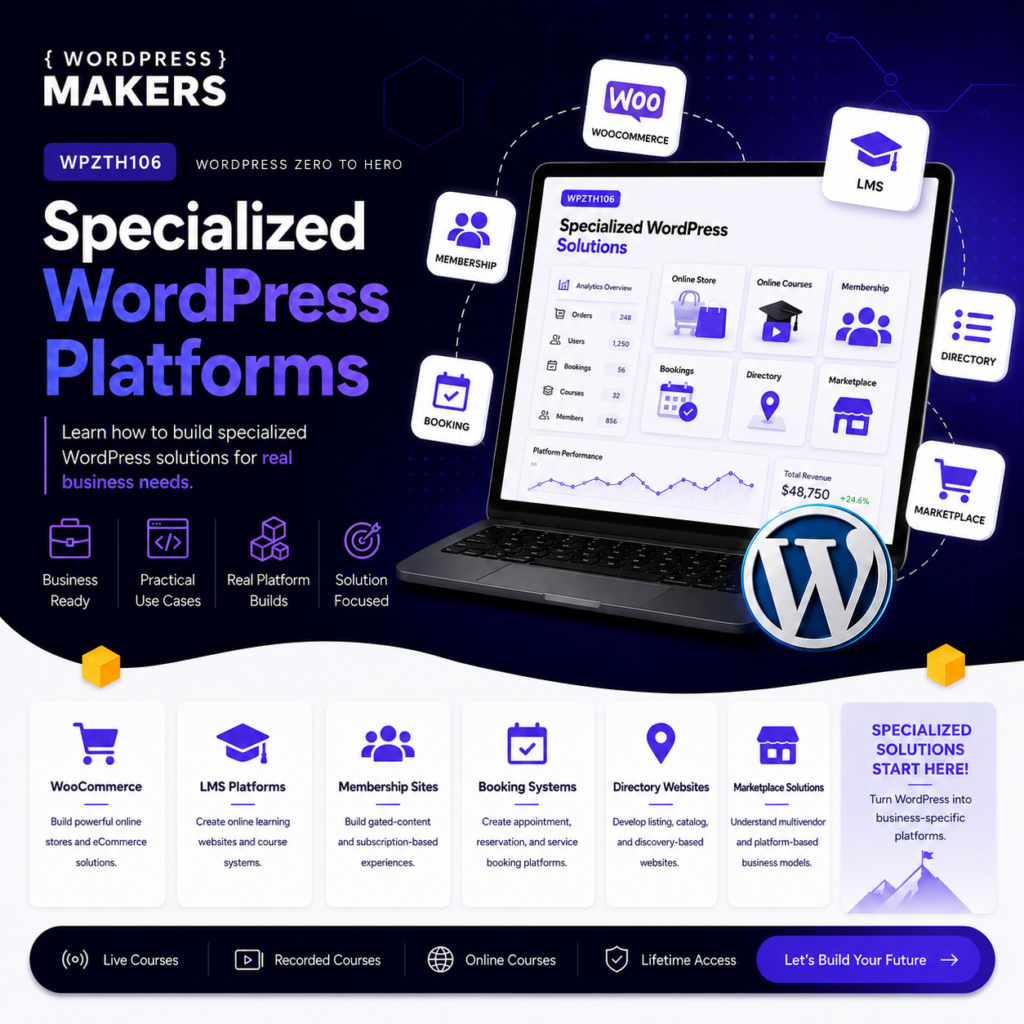
WPZTH106: WordPress Zero to Hero – Specialized WordPress Platforms
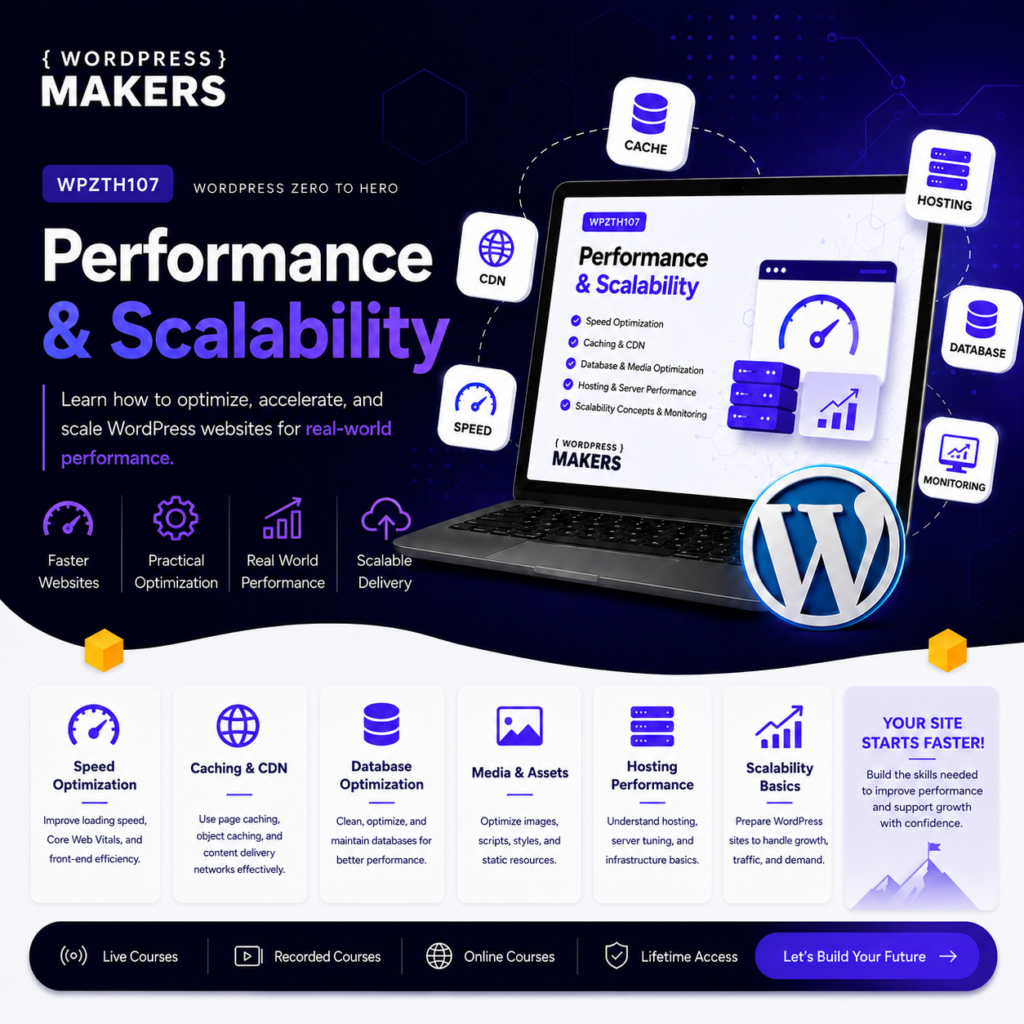
WPZTH107: WordPress Zero to Hero – Performance & Scalability
WPZTH108: WordPress Zero to Hero – Delivery & Maintenance
Reviews
There are no reviews yet.