
This syllabus is designed to help you understand how the Plugin & Custom Development course fits inside the WordPress Zero to Hero journey and how it prepares you to build custom WordPress functionality professionally.
Course Overview
WordPress Zero to Hero – Plugin & Custom Development is the fourth course in the WordPress Zero to Hero program.
After learning the foundations, WordPress fundamentals, and theme/front-end development, this course moves you into one of the most important areas of professional WordPress development: building custom functionality.
In this course, you will learn how WordPress plugins work, how to write custom PHP code safely, how to use hooks and filters, how to create shortcodes, custom post types, taxonomies, admin pages, settings, forms, database interactions, and reusable plugin structures.
The goal of this course is not only to help you create simple plugins, but to help you understand how WordPress can be extended professionally without editing WordPress core files or depending only on ready-made plugins.
By the end of this course, you will be able to plan, build, organize, test, and deliver custom WordPress functionality using plugin development best practices.
Course Level
Intermediate.
This course is suitable for you if you already understand WordPress basics, themes, templates, PHP fundamentals, HTML, CSS, JavaScript basics, and the WordPress file structure.
You do not need to be an advanced PHP developer before starting this course, but you should understand basic programming concepts such as variables, conditions, loops, functions, arrays, files, and simple debugging.
Course Goal
The main goal of this course is to help you move from using WordPress and customizing themes to creating custom functionality using plugins.
You will learn how to extend WordPress in a clean, organized, reusable, and maintainable way.
This course prepares you to build custom business features, improve existing websites, solve client requirements, and continue toward modern WordPress development, integrations, WooCommerce customization, performance, scalability, and professional project delivery.
What You Will Learn
By the end of this course, you will understand:
● What WordPress plugins are and why they exist ● The difference between themes and plugins ● When to use a plugin and when to use a theme ● How WordPress hooks, actions, and filters work ● How to create a custom plugin from scratch ● How to organize plugin files and folders ● How to create shortcodes ● How to register custom post types ● How to register custom taxonomies ● How to use custom fields and metadata ● How to create admin menu pages ● How to save and validate plugin settings ● How to create front-end forms ● How to handle form submissions safely ● How to use nonces for security ● How to sanitize, validate, and escape data ● How to work with the WordPress database safely ● How to use WP_Query for custom content retrieval ● How to enqueue CSS and JavaScript in plugins ● How to use AJAX basics in WordPress ● How to structure a plugin for real projects ● How to debug plugin errors ● How to prepare a custom plugin for delivery
Course Requirements
You should have:
● Basic WordPress dashboard experience ● Understanding of posts, pages, themes, plugins, menus, users, and settings ● Basic HTML and CSS knowledge ● Basic JavaScript awareness ● Basic PHP knowledge ● Understanding of WordPress theme structure ● Ability to use a local WordPress development environment ● Ability to access WordPress files and folders ● Basic Git and GitHub awareness ● Willingness to practice, test, debug, and improve your code
You do not need advanced object-oriented programming experience before starting this course. The course starts with practical plugin development and gradually introduces better organization and structure.
Target Learner
This course is for you if:
● You want to become a WordPress developer, not only a WordPress user ● You want to build custom WordPress features ● You want to understand how plugins work from the inside ● You want to stop depending only on ready-made plugins ● You want to solve client requirements with custom code ● You want to build reusable functionality ● You want to prepare yourself for WooCommerce, integrations, APIs, and advanced WordPress development ● You want to create portfolio-ready plugin projects ● You want to understand professional WordPress development workflowsPractical Activities
Throughout the course, you will practice:
● Creating custom plugins from scratch ● Writing plugin headers ● Activating and deactivating plugins ● Using actions and filters ● Creating shortcodes ● Enqueuing CSS and JavaScript ● Registering custom post types ● Registering custom taxonomies ● Working with metadata ● Creating admin pages ● Saving plugin settings ● Creating forms ● Handling form submissions ● Using nonces ● Sanitizing, validating, and escaping data ● Using WP_Query ● Reading WordPress database structure ● Creating simple AJAX features ● Debugging plugin errors ● Organizing plugin files ● Writing plugin documentation ● Preparing a final plugin project
Final Learning Outcomes
After completing WPZTH104: WordPress Zero to Hero – Plugin & Custom Development, you will be able to:
● Explain what WordPress plugins are and why they are used ● Understand the difference between theme development and plugin development ● Create a custom WordPress plugin from scratch ● Use actions and filters to extend WordPress behavior ● Create reusable shortcodes ● Load CSS and JavaScript correctly inside plugins ● Register custom post types ● Register custom taxonomies ● Store and retrieve metadata ● Create admin pages and plugin settings ● Build and process forms safely ● Use sanitization, validation, escaping, and nonces ● Understand WordPress database structure ● Use WP_Query to display custom content ● Build simple AJAX-powered plugin features ● Organize plugin code professionally ● Debug and troubleshoot plugin errors ● Prepare a plugin for delivery and portfolio use ● Build a complete custom plugin as a final project
Course Completion Result
By the end of this course, you will not only understand how plugins work. You will be able to build your own custom WordPress functionality and structure it in a professional way.
You will move from using ready-made plugins to understanding how to create custom solutions for real needs.
This course gives you the practical development base needed to continue into modern WordPress, integrations, advanced customization, WooCommerce development, performance, scalability, and professional project delivery.
Previous Course
WordPress Zero to Hero – Theme & Front-End Development
In the previous course, you learned how WordPress themes control layout, templates, front-end structure, and visual presentation.
Current Course
WordPress Zero to Hero – Plugin & Custom Development
In this course, you move from controlling design and templates to building custom functionality and extending WordPress behavior.
Next Course
WordPress Zero to Hero – Modern WordPress & Integrations
In the next course, you will continue into modern WordPress development, Gutenberg, blocks, REST API, external integrations, automation, and advanced workflows.
Disclaimer
WordPressMakers is an independent educational brand. This course is not affiliated with, endorsed by, sponsored by, or certified by the WordPress Foundation, Automattic, WordPress.com, or WordPress.org.Module 1: Introduction to Plugin & Custom Development
Description
This module introduces the role of plugin development inside the WordPress Zero to Hero journey. You will understand why plugins are important, how they extend WordPress, and how custom development helps you solve real website requirements. You will also learn the difference between changing design through themes and changing functionality through plugins.
Lessons
- Welcome to Plugin & Custom Development
- Where this course fits in the WordPress Zero to Hero roadmap
- What does “custom development” mean in WordPress?
- What is a WordPress plugin?
- Theme vs plugin: design vs functionality
- When should you build a plugin?
- When should you avoid custom code?
- Examples of real plugin development use cases
- How professional WordPress developers think about custom features
- Course project overview
Learning Outcomes
By the end of this module, you will understand the purpose of plugin development and how it connects to real WordPress projects.
Module 2: WordPress Plugin Architecture Basics
Description
This module explains how plugins are loaded by WordPress and how a basic plugin file is structured. You will learn the minimum requirements needed to create a working plugin and how WordPress recognizes plugin metadata.
Lessons
- How WordPress loads plugins
- WordPress plugins folder overview
- Creating your first plugin folder
- Creating the main plugin file
- Plugin header comments
- Activating and deactivating a plugin
- Understanding plugin execution flow
- Plugin file paths and URLs
- Avoiding direct file access
- Common beginner plugin mistakes
Learning Outcomes
By the end of this module, you will be able to create, activate, and understand a basic custom WordPress plugin.
Module 3: PHP Essentials for WordPress Plugins
Description
This module reviews the PHP concepts you need for plugin development. The goal is not to teach PHP from zero, but to connect PHP basics directly to WordPress plugin work.
Lessons
- PHP files inside WordPress
- Variables and constants
- Conditions
- Loops
- Functions
- Arrays
- Associative arrays
- Including files
- Names and naming conventions
- Reading PHP errors
- Connecting PHP logic to WordPress features
Learning Outcomes
By the end of this module, you will be able to read and write the PHP logic needed for beginner and intermediate plugin development.
Module 4: WordPress Hooks: Actions and Filters
Description
Hooks are one of the most important concepts in WordPress development. This module explains actions and filters, how they work, and why WordPress uses them to allow developers to extend functionality without editing core files.
Lessons
- What are WordPress hooks?
- Why hooks are important
- Actions explained simply
- Filters explained simply
- Difference between actions and filters
- Using add_action()
- Using add_filter()
- Callback functions
- Hook priority
- Hook arguments
- Common WordPress hooks
- Practical hook examples
Learning Outcomes
By the end of this module, you will understand how actions and filters work and how to use them to modify WordPress behavior.
Module 5: Building Your First Practical Plugin
Description
In this module, you will build your first practical plugin step by step. You will learn how to create a small but useful feature and organize it properly inside a plugin.
Lessons
- Planning a simple plugin feature
- Creating the plugin folder and main file
- Adding plugin metadata
- Writing the first function
- Connecting the function to a hook
- Testing the plugin
- Handling errors
- Improving code readability
- Adding comments
- Preparing the plugin for future expansion
Learning Outcomes
By the end of this module, you will have created your first working WordPress plugin and understood the basic development workflow.
Module 6: Shortcodes and Reusable Front-End Output
Description
Shortcodes allow you to display custom content inside posts, pages, widgets, and builder areas. In this module, you will learn how to create shortcodes and use them to output dynamic content.
Lessons
- What is a shortcode?
- Why WordPress uses shortcodes
- Creating a basic shortcode
- Returning output correctly
- Shortcodes with attributes
- Default shortcode attributes
- Shortcodes with HTML output
- Shortcodes with dynamic data
- Shortcodes and security considerations
- Common shortcode use cases
Learning Outcomes
By the end of this module, you will be able to create reusable shortcodes for displaying custom content on WordPress websites.
Module 7: Enqueuing CSS and JavaScript in Plugins
Description
Plugins often need their own CSS and JavaScript files. This module teaches you how to load front-end and admin assets correctly using WordPress enqueue functions.
Lessons
- Why you should not hardcode CSS and JS links
- wp_enqueue_style() explained
- wp_enqueue_script() explained
- Loading front-end plugin assets
- Loading admin plugin assets
- Dependencies and versions
- Loading scripts in the footer
- Conditional asset loading
- Avoiding conflicts with themes and plugins
- Organizing assets inside plugin folders
Learning Outcomes
By the end of this module, you will be able to load CSS and JavaScript files correctly inside custom plugins.
Module 8: Custom Post Types
Description
Custom post types allow you to create new content structures beyond posts and pages. In this module, you will learn how to register and manage custom post types for real project needs.
Lessons
- What is a custom post type?
- When to use custom post types
- Posts, pages, and custom post types
- register_post_type() explained
- Labels and arguments
- Public and admin visibility
- Menu icons and menu position
- Supports: title, editor, thumbnail, excerpt, and more
- Rewrite slugs
- Custom post type archive
- Practical examples: portfolio, services, testimonials, projects
Learning Outcomes
By the end of this module, you will be able to create custom post types and use them to structure custom website content.
Module 9: Custom Taxonomies
Description
Custom taxonomies help organize custom content. This module explains how to create taxonomies and connect them to custom post types.
Lessons
- What is a taxonomy?
- Categories and tags explained
- Custom taxonomy use cases
- Hierarchical vs non-hierarchical taxonomies
- register_taxonomy() explained
- Connecting taxonomies to post types
- Labels and arguments
- Rewrite slugs
- Admin display options
- Practical examples: project type, service category, product brand, location
Learning Outcomes
By the end of this module, you will be able to create custom taxonomies and organize custom post types professionally.
Module 10: Custom Fields and Metadata
Description
WordPress metadata allows you to store extra information for posts, users, terms, and other objects. In this module, you will learn the concept of custom fields and how metadata helps you build flexible WordPress features.
Lessons
- What is metadata?
- Post meta explained
- User meta overview
- Term meta overview
- Custom fields in WordPress
- add_post_meta(), get_post_meta(), update_post_meta(), delete_post_meta()
- Storing simple values
- Displaying metadata on the front end
- Metadata use cases
- Security and validation when saving metadata
Learning Outcomes
By the end of this module, you will understand how to store and retrieve extra data using WordPress metadata.
Module 11: Admin Pages and Plugin Settings
Description
Many plugins need admin pages where website owners can control options. This module teaches you how to create plugin admin pages and save settings properly.
Lessons
- Why plugins need admin pages
- WordPress admin menu overview
- add_menu_page()
- add_submenu_page()
- Creating a plugin settings page
- Building a simple settings form
- Options API overview
- Saving plugin options
- Reading plugin options
- Showing admin notices
- Organizing admin code
Learning Outcomes
By the end of this module, you will be able to create basic plugin admin pages and manage plugin settings.
Module 12: Forms, Validation, and Security
Description
Forms are common in custom WordPress functionality. This module explains how to create forms, receive submitted data, validate input, sanitize data, escape output, and protect forms using nonces.
Lessons
- Front-end forms vs admin forms
- Creating a basic form
- Handling form submissions
- GET vs POST
- Sanitization explained
- Validation explained
- Escaping explained
- WordPress nonce security
- Checking user capabilities
- Preventing common form security mistakes
- Safe form processing workflow
Learning Outcomes
By the end of this module, you will be able to create safer WordPress forms and handle submitted data correctly.
Module 13: Working with the WordPress Database
Description
WordPress already provides many APIs for storing and retrieving data, but sometimes you need to understand the database more deeply. This module introduces safe database interaction in WordPress.
Lessons
- WordPress database overview
- Core WordPress tables
- Posts table
- Postmeta table
- Users and usermeta tables
- Options table
- Terms and taxonomy tables
- Introduction to $wpdb
- Safe database queries
- Preparing SQL statements
- When not to create custom tables
- When custom tables may be needed
Learning Outcomes
By the end of this module, you will understand how WordPress stores data and how to interact with the database safely when needed.
Module 14: WP_Query and Custom Content Display
Description
WP_Query is one of the most important tools for retrieving and displaying custom content. In this module, you will learn how to query posts, custom post types, taxonomy terms, and metadata.
Lessons
- What is WP_Query?
- Default WordPress query vs custom query
- Querying posts
- Querying custom post types
- Querying by category or taxonomy
- Querying by metadata
- Pagination basics
- Resetting post data
- Displaying query results in plugin output
- Common WP_Query mistakes
Learning Outcomes
By the end of this module, you will be able to retrieve and display custom WordPress content using WP_Query.
Module 15: AJAX Basics in WordPress Plugins
Description
AJAX allows parts of a page to update without refreshing the whole page. This module introduces WordPress AJAX basics and shows how plugins can use AJAX for interactive features.
Lessons
- What is AJAX?
- Why AJAX is useful in WordPress
- Admin AJAX overview
- Creating an AJAX action
- Sending data with JavaScript
- Handling AJAX requests in PHP
- Returning JSON responses
- Using nonces with AJAX
- Logged-in vs public AJAX requests
- Practical AJAX examples
Learning Outcomes
By the end of this module, you will understand the basics of AJAX in WordPress and how to use it in simple plugin features.
Module 16: Plugin Organization and Code Structure
Description
As plugins grow, code organization becomes important. This module teaches you how to structure plugin files, separate responsibilities, and prepare your plugin for future maintenance.
Lessons
- Why plugin organization matters
- Simple plugin structure
- Separating admin code
- Separating front-end code
- Separating assets
- Includes folder
- Templates folder
- Functions vs classes overview
- Naming conventions
- Avoiding messy plugin files
- Preparing for larger plugin architecture
Learning Outcomes
By the end of this module, you will be able to organize your plugin code in a cleaner and more maintainable way.
Module 17: Debugging, Testing, and Troubleshooting Plugins
Description
Plugin development requires testing and debugging. This module helps you understand common errors and how to troubleshoot plugin problems step by step.
Lessons
- Common plugin errors
- White screen of death
- PHP syntax errors
- Function name conflicts
- Plugin activation errors
- Debug mode in WordPress
- Reading debug.log
- Browser console errors
- Network errors
- Testing with different themes
- Testing with other plugins
- Safe troubleshooting workflow
Learning Outcomes
By the end of this module, you will be able to debug common plugin development issues and test your plugin more confidently.
Module 18: Plugin Delivery, Documentation, and Best Practices
Description
Professional plugin development does not end when the code works. This module teaches you how to prepare a plugin for delivery, document its usage, and follow practical best practices.
Lessons
- Preparing a plugin for handoff
- Writing plugin documentation
- Creating a README file
- Explaining installation steps
- Explaining settings and usage
- Versioning basics
- Plugin update considerations
- Security checklist
- Performance checklist
- Client delivery checklist
- What to include in your portfolio
Learning Outcomes
By the end of this module, you will be able to prepare a custom plugin for professional delivery and portfolio presentation.
Module 19: Plugin & Custom Development Final Project
Description
In the final module, you will apply what you have learned by building a complete custom WordPress plugin. This project connects the main topics of the course: plugin structure, hooks, shortcodes, custom post types, taxonomies, metadata, admin settings, forms, security, custom queries, and documentation.
Lessons
- Build a custom WordPress plugin that includes:
- Plugin folder and main plugin file
- Clean plugin metadata
- Proper file organization
- Custom post type
- Custom taxonomy
- Custom fields or metadata
- Shortcode for front-end display
- Custom CSS and JavaScript enqueued properly
- Admin settings page
- Secure form handling
- Sanitization, validation, and escaping
- Nonce protection
- WP_Query output
- Basic documentation
- GitHub repository
- Final testing checklist
- Suggested Project Ideas:
- You may build one of the following:
- Portfolio Projects Manager Plugin
- Testimonials Manager Plugin
- Services Directory Plugin
- Simple Booking Request Plugin
- Course Lessons Manager Plugin
- Business Listings Plugin
- Client Case Studies Plugin
- Custom FAQs Plugin
Learning Outcomes
By the end of this module, you will have a complete custom plugin project that demonstrates your ability to build real WordPress functionality.
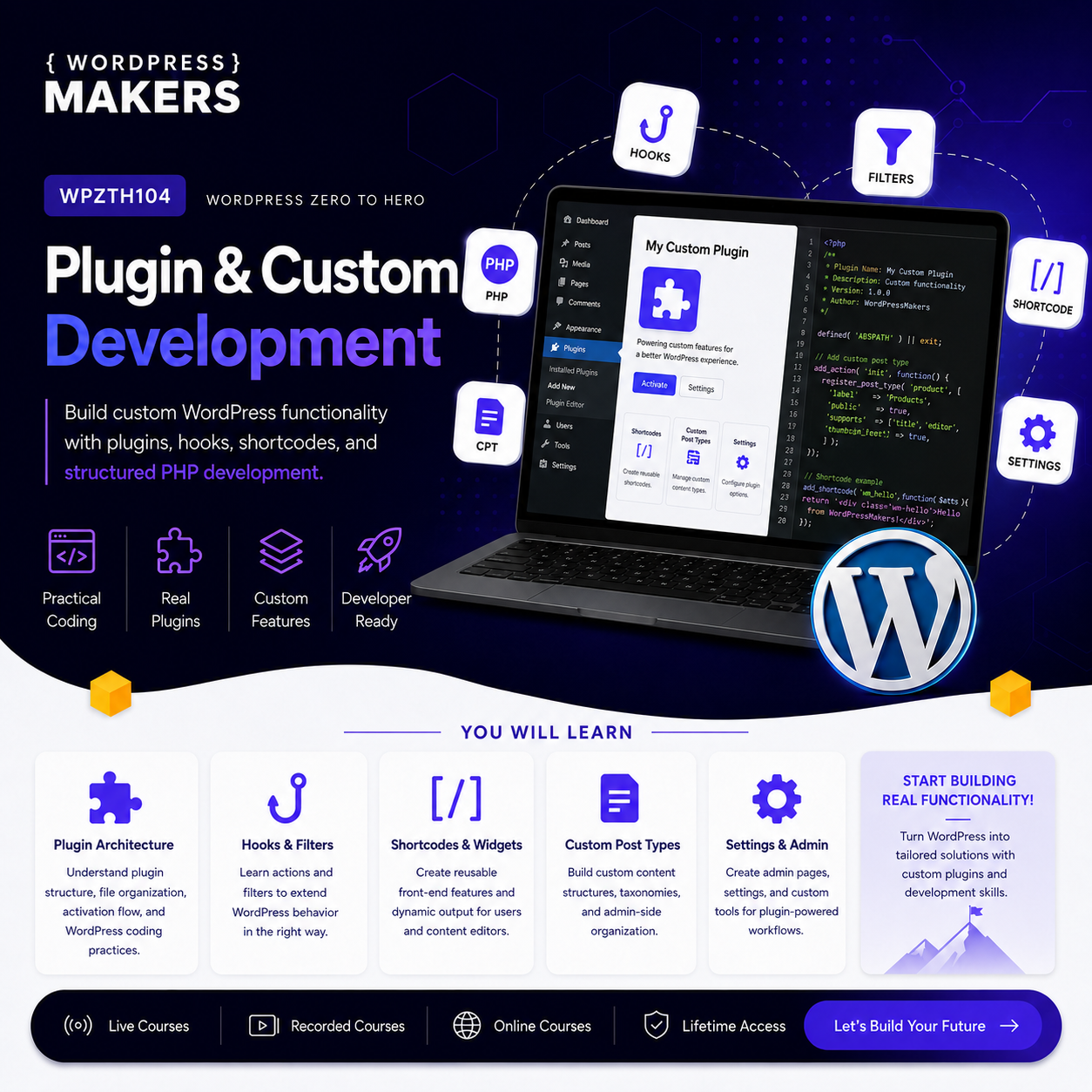
Learn how to extend WordPress by building plugins and adding custom features beyond theme customization.
WPZTH101: WordPress Zero to Hero – Pre-WordPress Foundations
WPZTH102: WordPress Zero to Hero – WordPress Fundamentals
WPZTH103: WordPress Zero to Hero – Theme & Front-end Development
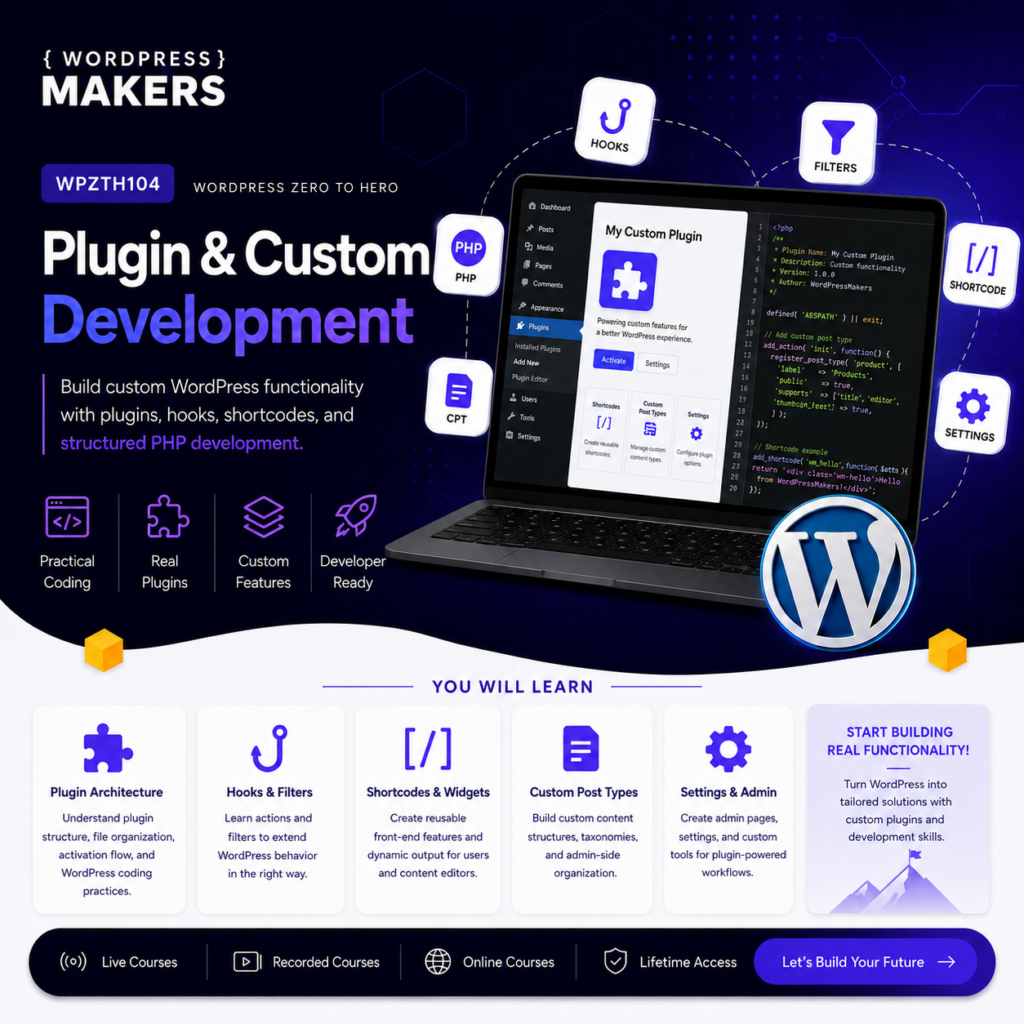
WPZTH104: WordPress Zero to Hero – Plugin & Custom Development
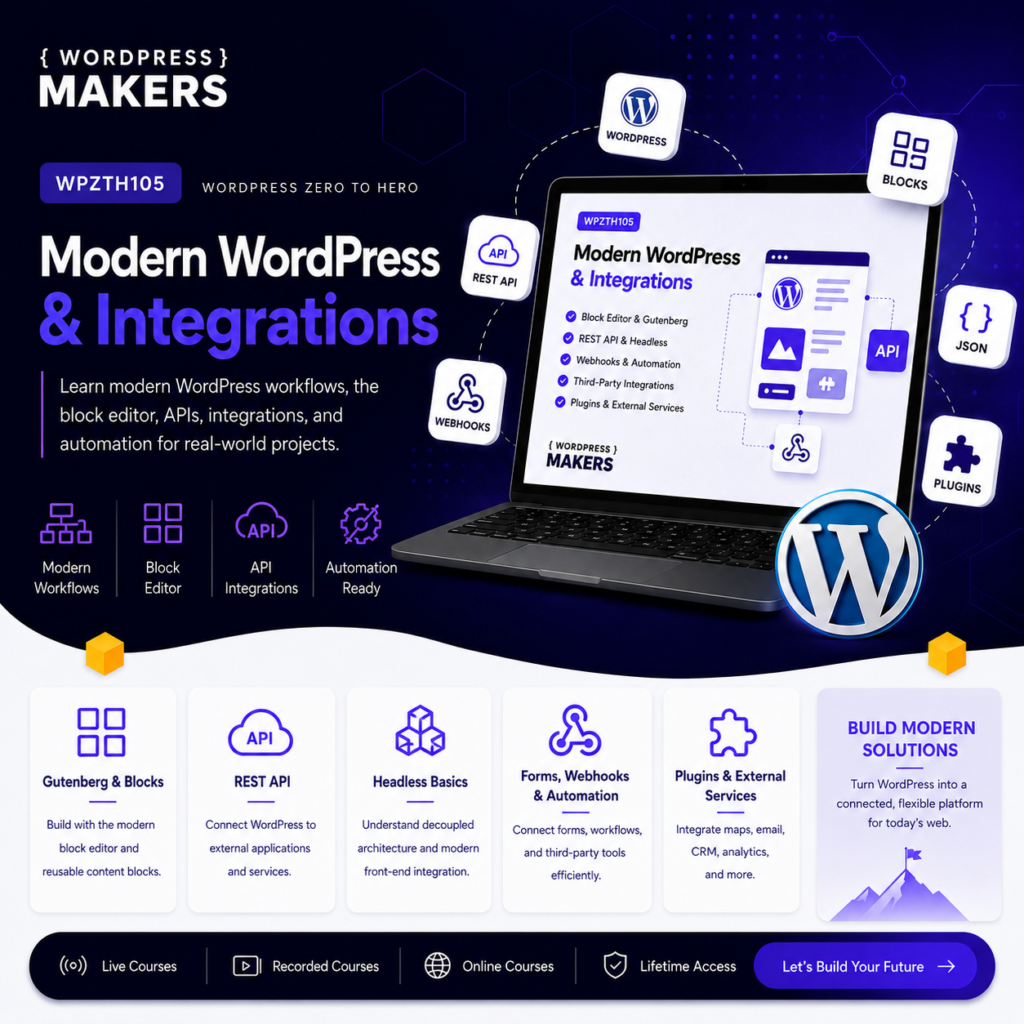
WPZTH105: WordPress Zero to Hero – Modern WordPress & Integrations
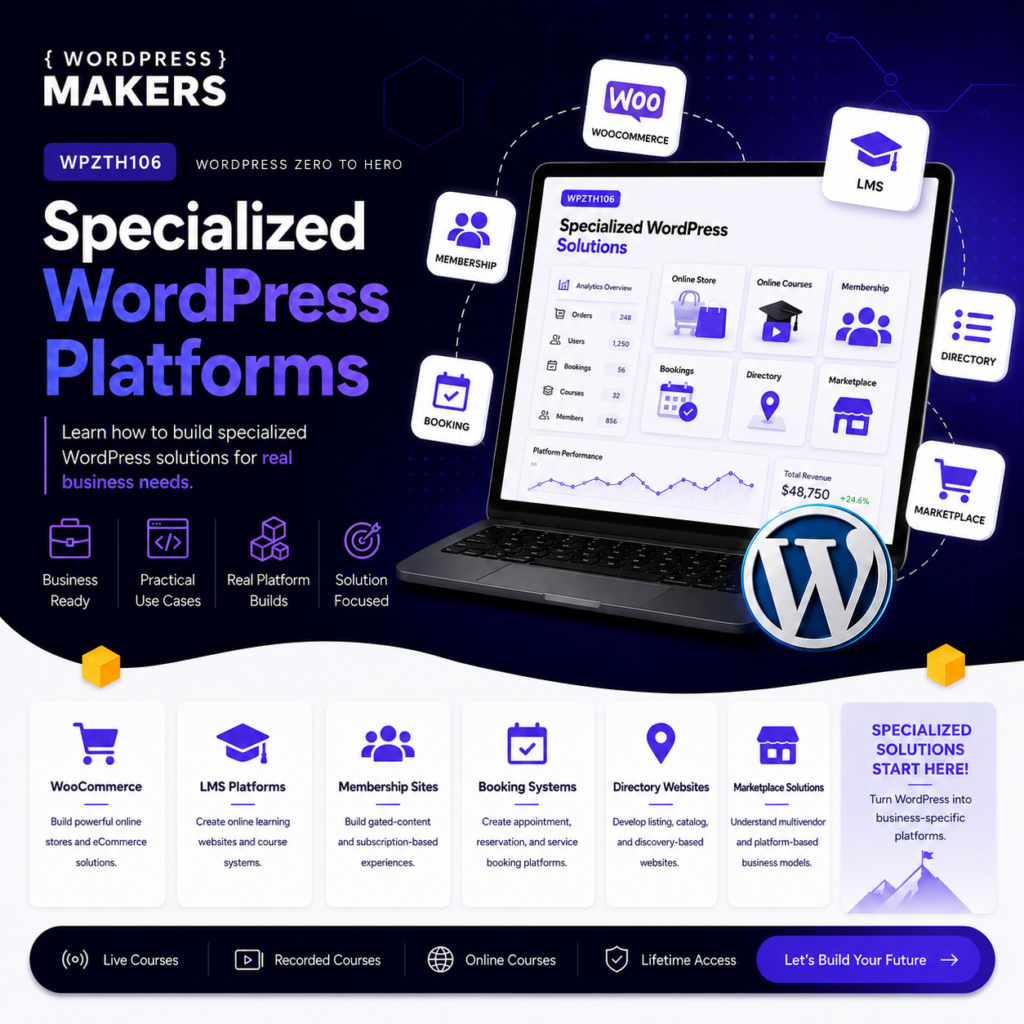
WPZTH106: WordPress Zero to Hero – Specialized WordPress Platforms
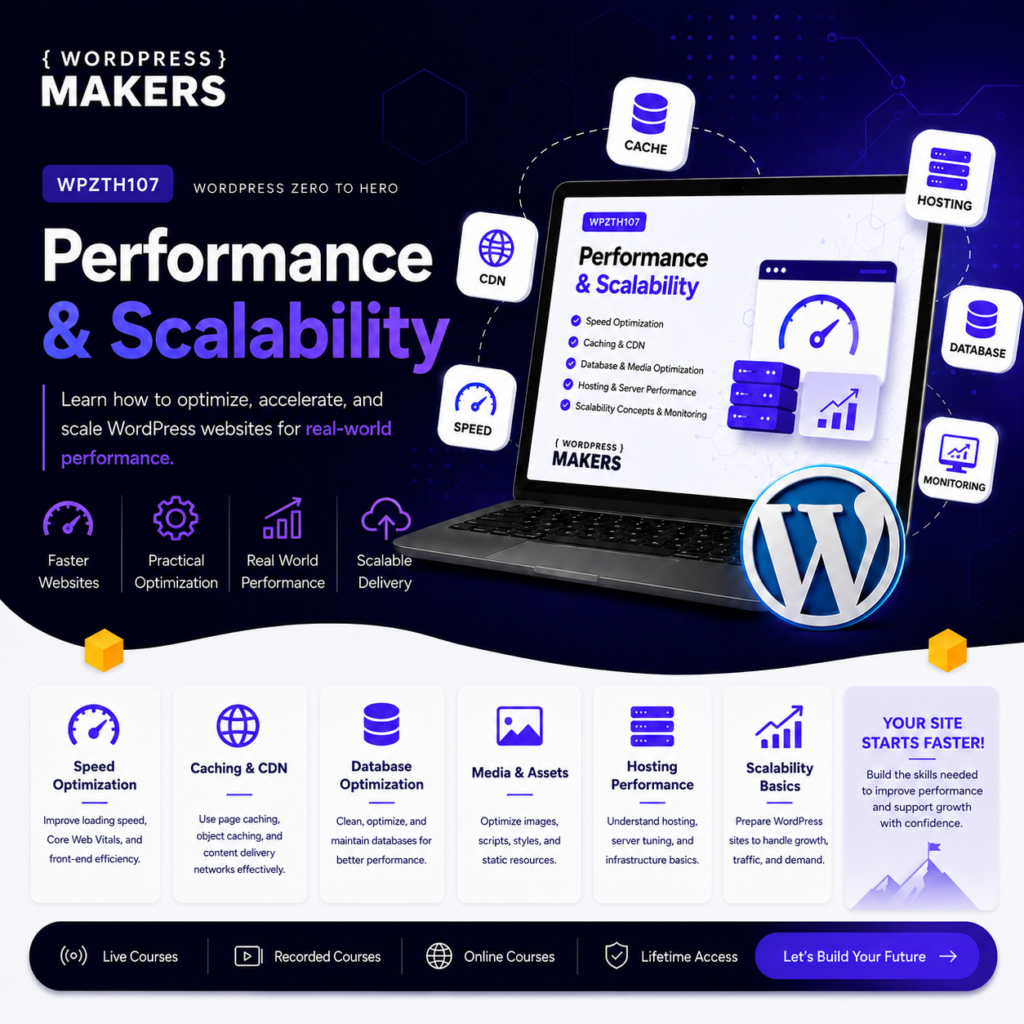
WPZTH107: WordPress Zero to Hero – Performance & Scalability
WPZTH108: WordPress Zero to Hero – Delivery & Maintenance
Reviews
There are no reviews yet.