
Course Overview
WordPress Zero to Hero – Theme & Front-End Development is the third course in the WordPress Zero to Hero program. This course moves the learner from understanding WordPress basics into controlling the visual structure, layout, and front-end presentation of WordPress websites.
In the previous courses, the student learned the foundations behind websites, WordPress, hosting, domains, web technologies, the WordPress dashboard, and basic WordPress site management. In this course, the student begins the real development journey by learning how WordPress themes work and how to customize the front-end of a WordPress website professionally.
The goal of this course is not only to teach the student how to edit a theme, but to help them understand how WordPress generates pages, how templates are selected, how theme files are organized, how HTML, CSS, JavaScript, PHP, and WordPress functions work together, and how to build clean, responsive, maintainable front-end structures.
By the end of this course, the learner will be able to understand the WordPress theme system, work with template files, customize layouts, create theme parts, use the WordPress template hierarchy, enqueue styles and scripts, build responsive designs, and prepare for deeper WordPress development in plugins and custom functionality.Course Level
Beginner to Intermediate
This course is suitable for learners who already understand WordPress basics and want to start learning how WordPress themes and front-end development work.
The course does not require advanced programming experience, but the learner should already understand basic HTML, CSS, JavaScript, PHP, WordPress dashboard usage, and the general structure of WordPress websites.Course Goal
The main goal of this course is to help students move from using ready-made themes to understanding, customizing, and building WordPress themes professionally.
Students will learn how WordPress controls the front-end output of a website through themes, templates, template parts, stylesheets, JavaScript files, PHP functions, hooks, and the WordPress template hierarchy.
This course prepares students to become confident WordPress theme developers who can customize designs, build layouts, understand theme files, and prepare for custom plugin and functionality development.
What You Will Learn
By the end of this course, you will understand:
- What a WordPress theme is and how it controls website design.
- The difference between themes, templates, template parts, and layouts.
- How WordPress chooses template files using the template hierarchy.
- How theme files are structured inside the
wp-content/themesfolder. - How to create and organize a custom WordPress theme.
- How to use HTML, CSS, JavaScript, PHP, and WordPress functions inside themes.
- How to enqueue CSS and JavaScript correctly.
- How to create
header.php,footer.php,index.php,functions.php, and other theme files. - How to create templates for posts, pages, archives, categories, search results, and 404 pages.
- How to use The Loop to display WordPress content.
- How to work with menus, sidebars, widgets, featured images, excerpts, and post metadata.
- How to build responsive layouts for different screen sizes.
- How to use browser developer tools for theme debugging.
- How to apply clean front-end development practices.
- How to prepare a custom theme project for portfolio use.
Course Requirements
You do not need to be an advanced WordPress developer before starting this course.
However, you should have:
- Basic understanding of WordPress.
- Ability to install and use WordPress locally.
- Basic knowledge of HTML.
- Basic knowledge of CSS.
- Basic knowledge of JavaScript.
- Basic understanding of PHP syntax.
- Basic understanding of the WordPress dashboard.
- Ability to use a code editor such as VS Code.
- Willingness to practice, inspect, test, debug, and build projects.
Recommended previous courses:
- WPZTH101: WordPress Zero to Hero – Pre-WordPress Foundations
- WPZTH102: WordPress Zero to Hero – WordPress Fundamentals
Target Learner
This course is for you if:
- You already know how to use WordPress from the dashboard.
- You want to move from WordPress user to WordPress developer.
- You want to understand how WordPress themes work.
- You want to customize WordPress websites beyond ready-made settings.
- You want to learn theme files, templates, and the template hierarchy.
- You want to build custom WordPress themes.
- You want to improve your front-end skills inside WordPress.
- You want to prepare for plugin development and advanced WordPress customization.
- You want to build real WordPress projects for your portfolio.
Practical Activities
Throughout the course, you will practice:
- Creating a custom WordPress theme folder.
- Building required theme files.
- Activating and testing a custom theme.
- Writing theme metadata.
- Loading CSS and JavaScript correctly.
- Creating header and footer files.
- Creating post, page, archive, search, and 404 templates.
- Using The Loop to display content.
- Creating reusable template parts.
- Registering menus.
- Displaying navigation menus.
- Registering sidebars and widget areas.
- Adding featured image support.
- Styling layouts with CSS.
- Creating responsive designs.
- Adding simple JavaScript interactions.
- Debugging layout and theme issues.
- Organizing theme files professionally.
- Documenting the final theme project.
Final Learning Outcomes
After completing WPZTH103: WordPress Zero to Hero – Theme & Front-End Development, you will be able to:
- Explain how WordPress themes control website design and front-end output.
- Understand the structure of a WordPress theme.
- Create and activate a custom WordPress theme.
- Use
style.css,index.php,functions.php,header.php, andfooter.php. - Load CSS and JavaScript using WordPress enqueue functions.
- Understand and apply the WordPress template hierarchy.
- Build templates for posts, pages, archives, search results, and 404 pages.
- Use The Loop to display WordPress content.
- Create reusable template parts.
- Register and display navigation menus.
- Register and display widget areas.
- Add theme support for featured images, custom logos, and other WordPress features.
- Build responsive layouts for desktop, tablet, and mobile screens.
- Style WordPress themes professionally.
- Add simple JavaScript interactions.
- Debug theme and front-end issues using browser developer tools.
- Understand the difference between classic themes and block themes.
- Apply basic theme development best practices.
- Build a complete custom WordPress theme as a portfolio project.
- Prepare for the next course: Plugin & Custom Development.
Course Completion Result
By the end of this course, you will not only know how to use WordPress themes from the dashboard. You will understand how themes work from the inside and how WordPress generates front-end layouts using template files, PHP, HTML, CSS, JavaScript, and WordPress functions.
You will be able to build a custom WordPress theme, organize theme files, create templates, style layouts, make responsive pages, and prepare your work as a real portfolio project.
This course gives you the practical front-end and theme development skills needed to continue the WordPress Zero to Hero path with confidence.
Next Course
WPZTH104: WordPress Zero to Hero – Plugin & Custom Development
In the next course, you will move from controlling the design and front-end structure of WordPress websites to building custom functionality using plugins, hooks, filters, shortcodes, custom post types, custom fields, and WordPress development practices.
Disclaimer
WordPressMakers is an independent educational brand. This course is not affiliated with, endorsed by, sponsored by, or certified by the WordPress Foundation, Automattic, WordPress.com, or WordPress.org.Module 1: Introduction to WordPress Theme Development
Description
This module introduces the role of themes in WordPress and explains how theme development fits inside the WordPress Zero to Hero roadmap. You will understand the difference between using a theme, customizing a theme, and developing a custom theme. You will also learn how theme development connects to front-end development, PHP, WordPress functions, and professional project delivery.
Lessons
- Welcome to Theme & Front-End Development.
- Where this course fits in the WordPress Zero to Hero program.
- What is a WordPress theme?
- Theme usage vs theme customization vs theme development.
- Front-end development inside WordPress.
- How WordPress generates the visible website.
- Classic themes vs block themes overview.
- What you will build during this course.
Learning Outcomes
By the end of this module, you will understand what WordPress themes are, why they matter, and how theme development helps you control the design and front-end structure of WordPress websites.
Module 2: WordPress Theme Structure
Description
This module explains the file and folder structure of a WordPress theme. You will learn where themes are stored, what files are required, and how WordPress recognizes a theme. You will also understand the purpose of important theme files such as style.css, index.php, functions.php, screenshot.png, and optional template files.
Lessons
- Where WordPress themes are stored.
- Understanding the wp-content/themes directory.
- Required theme files.
- The role of style.css.
- The role of index.php.
- The role of functions.php.
- Theme screenshot and theme metadata.
- Common theme folders: assets, css, js, images, template-parts.
- Organizing a clean theme structure.
- Common mistakes in theme file organization.
Learning Outcomes
By the end of this module, you will be able to identify the main parts of a WordPress theme and create the basic structure of a custom theme.
Module 3: Creating Your First Custom WordPress Theme
Description
This module guides you through creating your first custom WordPress theme from scratch. You will create the required files, activate the theme, add theme metadata, connect CSS, and understand how WordPress loads your custom theme.
Lessons
- Creating a new theme folder.
- Creating style.css.
- Adding theme information.
- Creating index.php.
- Creating functions.php.
- Adding screenshot.png.
- Activating the theme from the dashboard.
- Testing the theme on the front end.
- Understanding common first-theme errors.
- Organizing your theme project.
Learning Outcomes
By the end of this module, you will be able to create, activate, and test a simple custom WordPress theme.
Module 4: HTML, CSS, and JavaScript in WordPress Themes
Description
This module connects front-end development concepts with WordPress theme development. You will learn how HTML creates structure, CSS controls design, JavaScript adds interactivity, and PHP helps WordPress generate dynamic content.
Lessons
- How HTML appears inside WordPress themes.
- How CSS controls theme design.
- How JavaScript adds front-end interaction.
- Static HTML vs dynamic WordPress output.
- Adding basic HTML structure to a theme.
- Styling theme elements with CSS.
- Adding JavaScript behavior.
- Understanding browser output.
- Inspecting theme HTML with developer tools.
- Avoiding messy front-end structure.
Learning Outcomes
By the end of this module, you will understand how front-end technologies work inside WordPress themes and how to use them in a clean and organized way.
Module 5: Enqueuing Styles and Scripts
Description
This module teaches the correct WordPress way to load CSS and JavaScript files. Instead of adding files manually in the HTML, you will learn how to use WordPress functions to enqueue styles and scripts properly.
Lessons
- Why enqueuing matters.
- Problems with manually linking CSS and JavaScript.
- Introduction to wp_enqueue_style.
- Introduction to wp_enqueue_script.
- Using functions.php to load assets.
- Loading local CSS files.
- Loading local JavaScript files.
- Loading external assets carefully.
- Dependencies and versioning.
- Common enqueue mistakes.
Learning Outcomes
By the end of this module, you will be able to load CSS and JavaScript files correctly using WordPress enqueue functions.
Module 6: Header, Footer, and Theme Layout Structure
Description
This module explains how to divide a WordPress theme into reusable layout parts. You will learn how to create header.php, footer.php, and main content areas, then connect them using WordPress template functions.
Lessons
- Why layout parts matter.
- Creating header.php.
- Creating footer.php.
- Using get_header.
- Using get_footer.
- Adding the HTML document structure.
- Adding wp_head.
- Adding wp_footer.
- Creating a clean page wrapper.
- Common header and footer mistakes.
Learning Outcomes
By the end of this module, you will be able to create reusable header and footer files and understand how WordPress themes organize page layouts.
Module 7: The WordPress Template Hierarchy
Description
The template hierarchy is one of the most important concepts in WordPress theme development. This module explains how WordPress decides which template file to use for different types of pages, including the homepage, single posts, pages, archives, categories, search results, and 404 pages.
Lessons
- What is the WordPress template hierarchy?
- Why the template hierarchy matters.
- How WordPress chooses template files.
- index.php as the fallback template.
- Homepage templates.
- Single post templates.
- Page templates.
- Archive templates.
- Category and tag templates.
- Search and 404 templates.
- Reading template hierarchy diagrams.
- Common template hierarchy problems.
Learning Outcomes
By the end of this module, you will understand how WordPress chooses template files and how to create the right template for each type of page.
Module 8: The Loop and Displaying Content
Description
The Loop is the core mechanism WordPress uses to display posts and content. This module teaches how WordPress retrieves and displays posts, pages, titles, content, excerpts, dates, authors, categories, tags, and featured images.
Lessons
- What is The Loop?
- Why WordPress uses The Loop.
- Understanding have_posts.
- Understanding the_post.
- Displaying the title.
- Displaying the content.
- Displaying excerpts.
- Displaying post dates and authors.
- Displaying categories and tags.
- Displaying featured images.
- Handling empty results.
- Common Loop mistakes.
Learning Outcomes
By the end of this module, you will be able to use The Loop to display WordPress content dynamically inside theme templates.
Module 9: Building Post and Page Templates
Description
This module focuses on creating templates for individual posts and pages. You will learn the difference between posts and pages from a theme development perspective and how to control the layout of each.
Lessons
- Understanding single post templates.
- Creating single.php.
- Displaying post title and content.
- Displaying post metadata.
- Displaying featured images.
- Displaying categories and tags.
- Creating page.php.
- Displaying page content.
- Page layout differences.
- Creating custom page templates.
- Assigning page templates from the dashboard.
- Testing post and page templates.
Learning Outcomes
By the end of this module, you will be able to create and customize templates for single posts and pages.
Module 10: Building Archive, Category, Tag, and Search Templates
Description
This module teaches how to build templates for content lists and dynamic content collections. You will learn how WordPress displays archives, categories, tags, search results, and blog listing pages.
Lessons
- What are archive pages?
- Creating archive.php.
- Creating category.php.
- Creating tag.php.
- Creating search.php.
- Displaying archive titles.
- Displaying post lists.
- Displaying excerpts in listings.
- Adding pagination.
- Handling no search results.
- Improving archive page structure.
- Common archive template mistakes.
Learning Outcomes
By the end of this module, you will be able to create templates for archives, categories, tags, and search results.
Module 11: Template Parts and Reusable Components
Description
Professional themes avoid repeating the same code in many files. This module introduces reusable template parts and component-based theme organization. You will learn how to create reusable files for post cards, content sections, page parts, and layout blocks.
Lessons
- Why reusable template parts matter.
- Understanding template-parts.
- Using get_template_part.
- Creating reusable post cards.
- Creating reusable content sections.
- Reusing layout components.
- Organizing component files.
- Avoiding repeated code.
- Improving theme maintainability.
- Template parts best practices.
Learning Outcomes
By the end of this module, you will be able to organize theme code into reusable template parts and build cleaner theme structures.
Module 12: Menus, Navigation, and Site Structure
Description
This module teaches how WordPress menus work inside themes. You will learn how to register menu locations, display menus in templates, style navigation, and create a clean site structure.
Lessons
- Understanding WordPress menus.
- Registering menu locations.
- Displaying menus with wp_nav_menu.
- Creating header navigation.
- Creating footer navigation.
- Styling menus with CSS.
- Building responsive navigation basics.
- Dropdown menu basics.
- Accessibility considerations for navigation.
- Common menu problems.
Learning Outcomes
By the end of this module, you will be able to register, display, and style WordPress navigation menus inside a custom theme.
Module 13: Sidebars, Widgets, and Dynamic Theme Areas
Description
This module explains how themes can include dynamic areas controlled from the WordPress dashboard. You will learn how to register sidebars and widget areas, display them in templates, and use them for flexible website sections.
Lessons
- What are sidebars and widget areas?
- Registering a sidebar.
- Displaying a sidebar in a theme.
- Creating footer widget areas.
- Creating blog sidebar layouts.
- Styling widget areas.
- Understanding dynamic content areas.
- Widgets in classic themes.
- Block-based widget areas overview.
- Common sidebar and widget mistakes.
Learning Outcomes
By the end of this module, you will be able to create and display dynamic widget areas inside WordPress themes.
Module 14: Featured Images, Media, and Theme Support
Description
This module explains how to add theme support for WordPress features such as featured images, title tags, custom logos, menus, and thumbnails. You will learn how to make your theme more integrated with WordPress dashboard features.
Lessons
- What is theme support?
- Adding featured image support.
- Displaying featured images.
- Adding title tag support.
- Adding custom logo support.
- Adding menu support.
- Adding post thumbnail sizes.
- Working with media in templates.
- Image sizes and performance basics.
- Common media display problems.
Learning Outcomes
By the end of this module, you will be able to add theme support for important WordPress features and display media professionally.
Module 15: Responsive Design for WordPress Themes
Description
Modern websites must work across desktops, tablets, and mobile phones. This module teaches responsive design concepts and how to apply them inside WordPress themes using CSS, flexible layouts, and browser testing tools.
Lessons
- What is responsive design?
- Mobile-first design concept.
- Flexible containers.
- CSS media queries.
- Responsive typography.
- Responsive images.
- Responsive navigation.
- Testing with browser developer tools.
- Common mobile layout problems.
- Improving user experience across devices.
Learning Outcomes
By the end of this module, you will be able to create responsive WordPress theme layouts that work across different screen sizes.
Module 16: Styling WordPress Themes Professionally
Description
This module focuses on writing cleaner CSS and creating consistent visual design. You will learn how to style theme elements such as headers, footers, buttons, sections, cards, blog lists, single posts, pages, forms, and navigation menus.
Lessons
- Organizing CSS files.
- Global styles and design consistency.
- Styling typography.
- Styling buttons and links.
- Styling headers and footers.
- Styling post cards.
- Styling single post pages.
- Styling page sections.
- Styling forms.
- Creating spacing systems.
- Avoiding CSS conflicts.
- CSS debugging with browser tools.
Learning Outcomes
By the end of this module, you will be able to style WordPress themes in a clean, consistent, and professional way.
Module 17: JavaScript Interactions in WordPress Themes
Description
This module introduces simple JavaScript interactions commonly used in WordPress themes. You will learn how to add interactive front-end behavior such as menus, toggles, sliders, tabs, accordions, and scroll effects in a controlled and organized way.
Lessons
- JavaScript role in WordPress themes.
- Loading JavaScript properly.
- DOM selection basics.
- Mobile menu toggle.
- Accordion sections.
- Tabs and content switching.
- Simple slider concept.
- Scroll effects basics.
- Avoiding JavaScript conflicts.
- Debugging JavaScript errors.
Learning Outcomes
By the end of this module, you will be able to add simple JavaScript interactions to WordPress themes safely and professionally.
Module 18: Theme Debugging and Browser Developer Tools
Description
Theme development requires testing and debugging. This module teaches how to inspect HTML, CSS, JavaScript, PHP output, loaded files, and layout problems. You will learn how to use browser developer tools and WordPress debugging practices to identify and fix front-end issues.
Lessons
- Debugging mindset for theme development.
- Inspecting HTML output.
- Testing CSS changes in the browser.
- Debugging responsive layouts.
- Checking console errors.
- Checking loaded CSS and JavaScript files.
- Understanding missing asset problems.
- Common PHP display issues.
- WordPress debug mode overview.
- Fixing common theme errors.
Learning Outcomes
By the end of this module, you will be able to inspect and troubleshoot common theme and front-end development problems.
Module 19: Classic Themes vs Block Themes Overview
Description
WordPress has evolved from classic PHP-based themes to modern block themes and full site editing. This module gives an overview of the difference between classic themes and block themes, helping students understand the current WordPress theme landscape.
Lessons
- What are classic themes?
- What are block themes?
- Template files in classic themes.
- Templates in block themes.
- Introduction to Full Site Editing.
- Understanding theme.json.
- When to use classic themes.
- When to use block themes.
- How modern WordPress affects theme development.
- Preparing for modern WordPress learning.
Learning Outcomes
By the end of this module, you will understand the difference between classic themes and block themes and how theme development is evolving in modern WordPress.
Module 20: Theme Development Best Practices
Description
This module introduces professional practices for building cleaner, safer, and more maintainable WordPress themes. You will learn naming conventions, file organization, code readability, security basics, performance awareness, accessibility basics, and documentation habits.
Lessons
- Clean theme structure.
- Naming files and functions clearly.
- Avoiding repeated code.
- Separating structure, style, and behavior.
- Escaping output basics.
- Sanitization concept overview.
- Accessibility basics.
- Performance-aware theme development.
- Avoiding heavy and unnecessary assets.
- Writing theme documentation.
- Preparing a theme for portfolio use.
Learning Outcomes
By the end of this module, you will understand the basic professional standards needed to build cleaner and more maintainable WordPress themes.
Module 21: Theme & Front-End Final Project
Description
In the final module, you will apply what you learned by building a complete custom WordPress theme project. This project brings together theme structure, templates, layout parts, The Loop, menus, archive pages, single pages, responsive design, styling, JavaScript interactions, debugging, and documentation.
Lessons
- Build a custom WordPress theme that includes:
- Homepage layout.
- Header and footer.
- Navigation menu.
- Blog listing page.
- Single post template.
- Page template.
- Archive template.
- Category or tag template.
- Search results template.
- 404 page.
- Reusable template parts.
- Featured image support.
- Custom logo support.
- Responsive layout.
- Styled buttons, cards, sections, and typography.
- Basic JavaScript interaction.
- Clean file organization.
- Project documentation.
Learning Outcomes
By the end of this module, you will have a complete custom WordPress theme project that demonstrates your ability to build and customize WordPress front-end structures professionally.
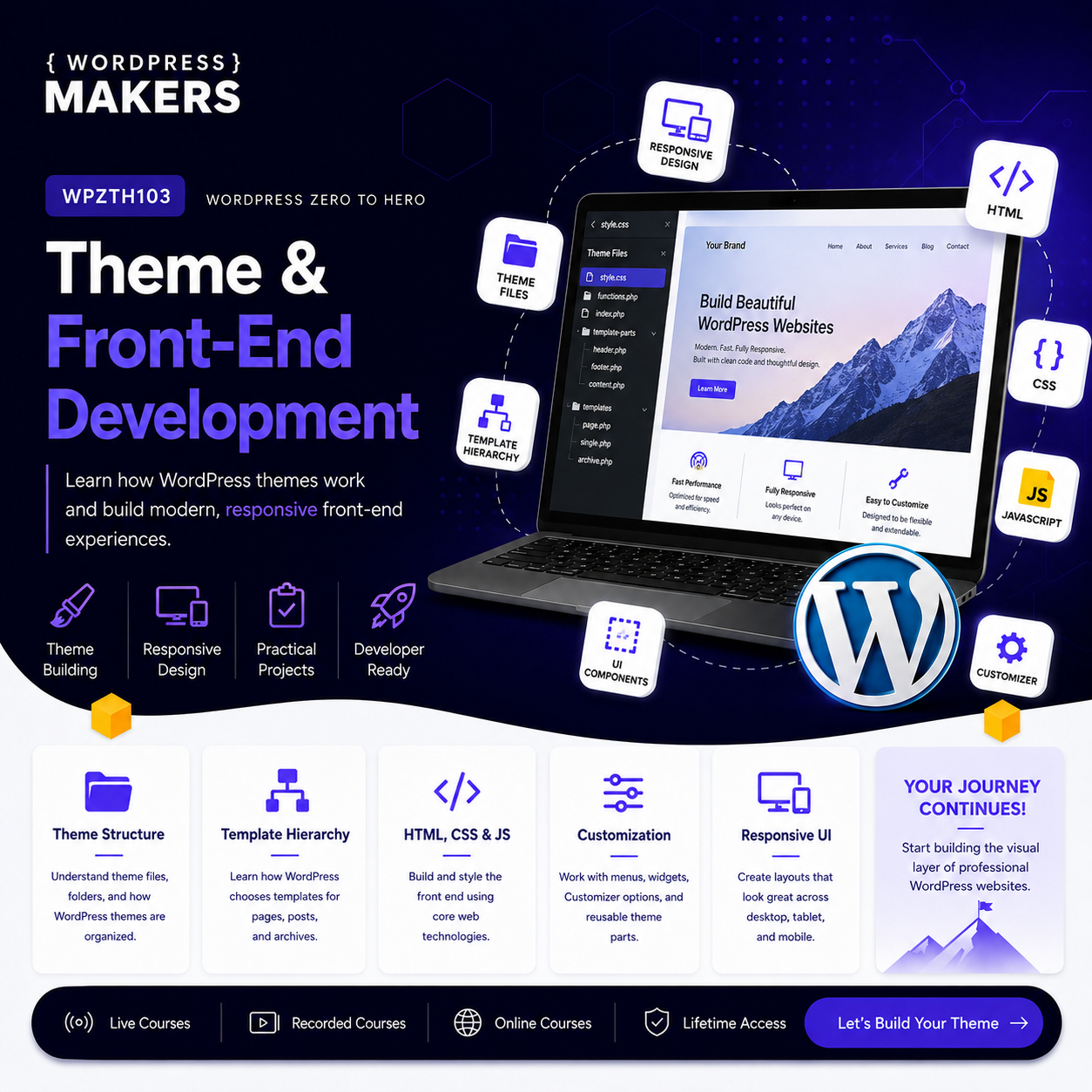
Learn how to build, customize, and structure WordPress themes using professional front-end development practices.
WPZTH101: WordPress Zero to Hero – Pre-WordPress Foundations
WPZTH102: WordPress Zero to Hero – WordPress Fundamentals
WPZTH103: WordPress Zero to Hero – Theme & Front-end Development
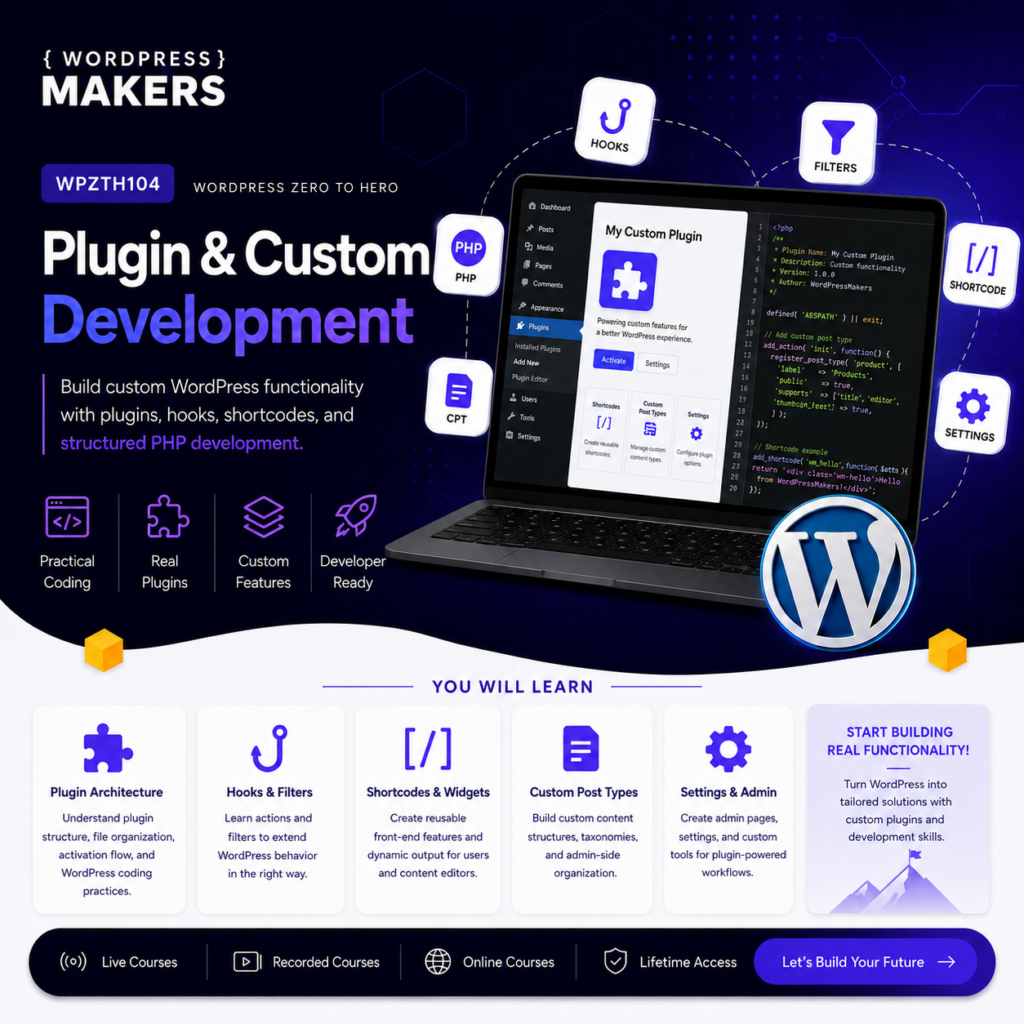
WPZTH104: WordPress Zero to Hero – Plugin & Custom Development
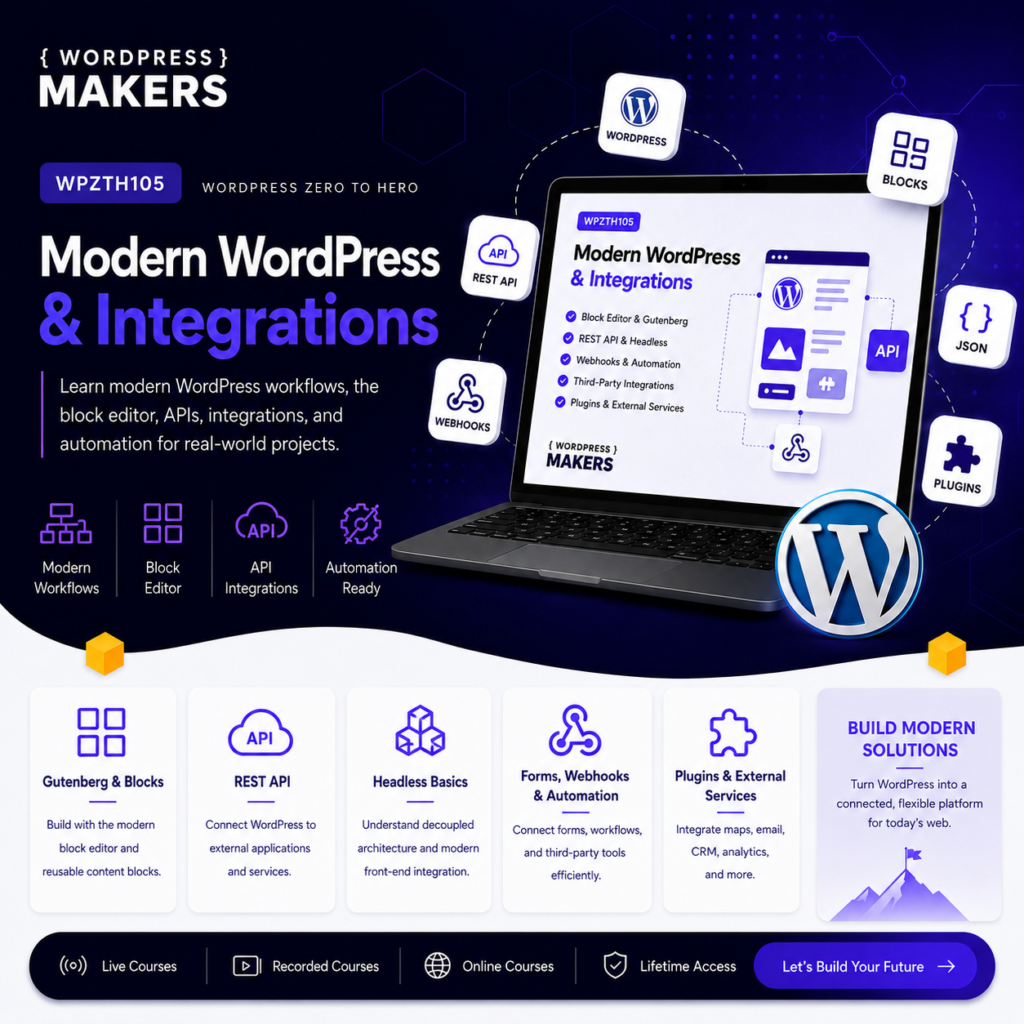
WPZTH105: WordPress Zero to Hero – Modern WordPress & Integrations
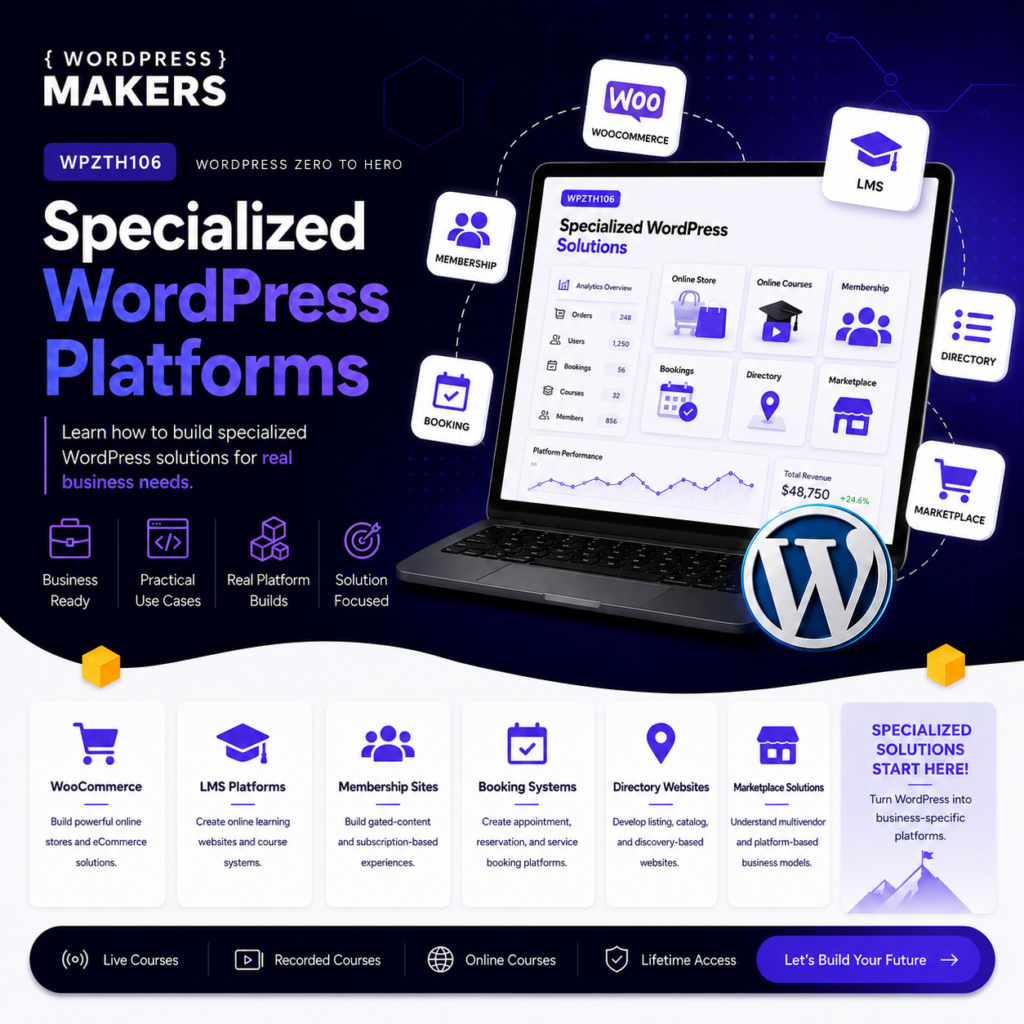
WPZTH106: WordPress Zero to Hero – Specialized WordPress Platforms
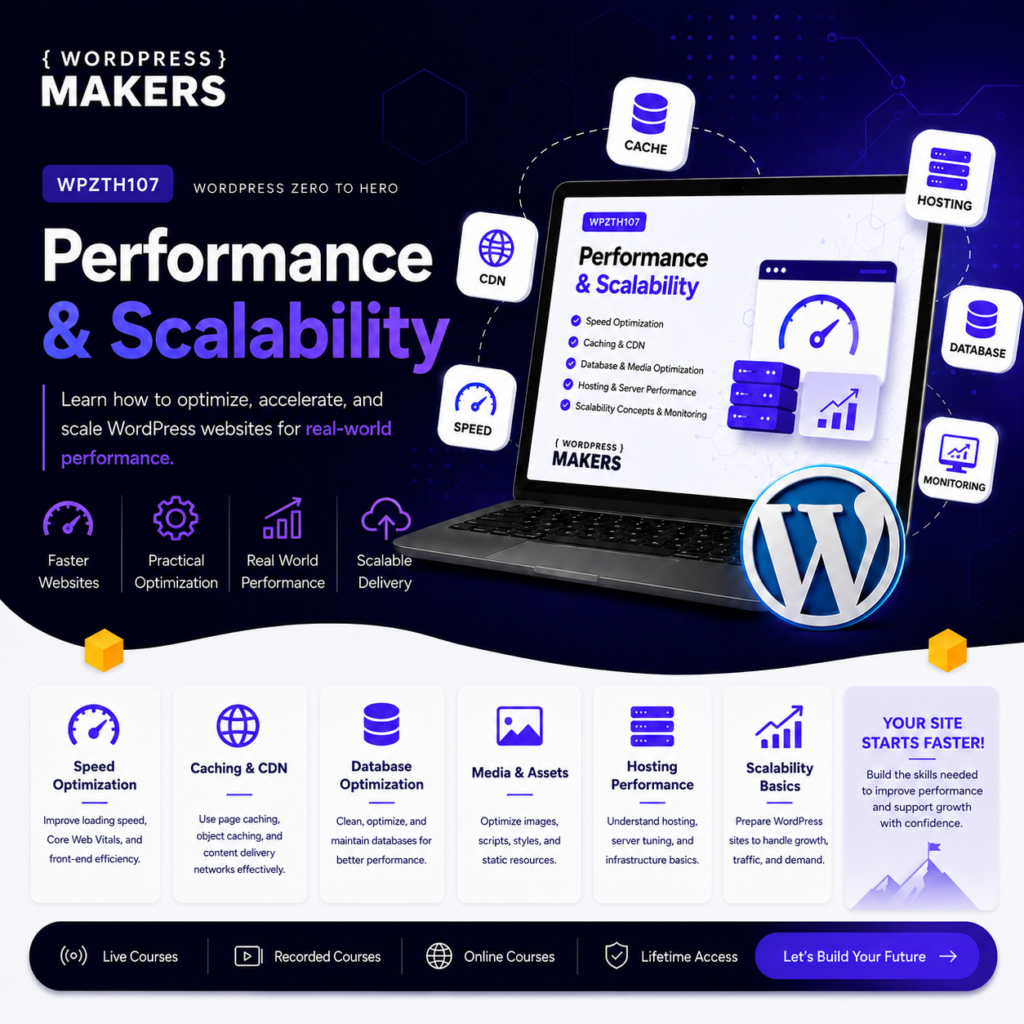
WPZTH107: WordPress Zero to Hero – Performance & Scalability
WPZTH108: WordPress Zero to Hero – Delivery & Maintenance
Reviews
There are no reviews yet.